Wow! Build your WhatsApp integration. Start free. Register Now
Go beyond Cloud API: groups, channels, communities, statuses

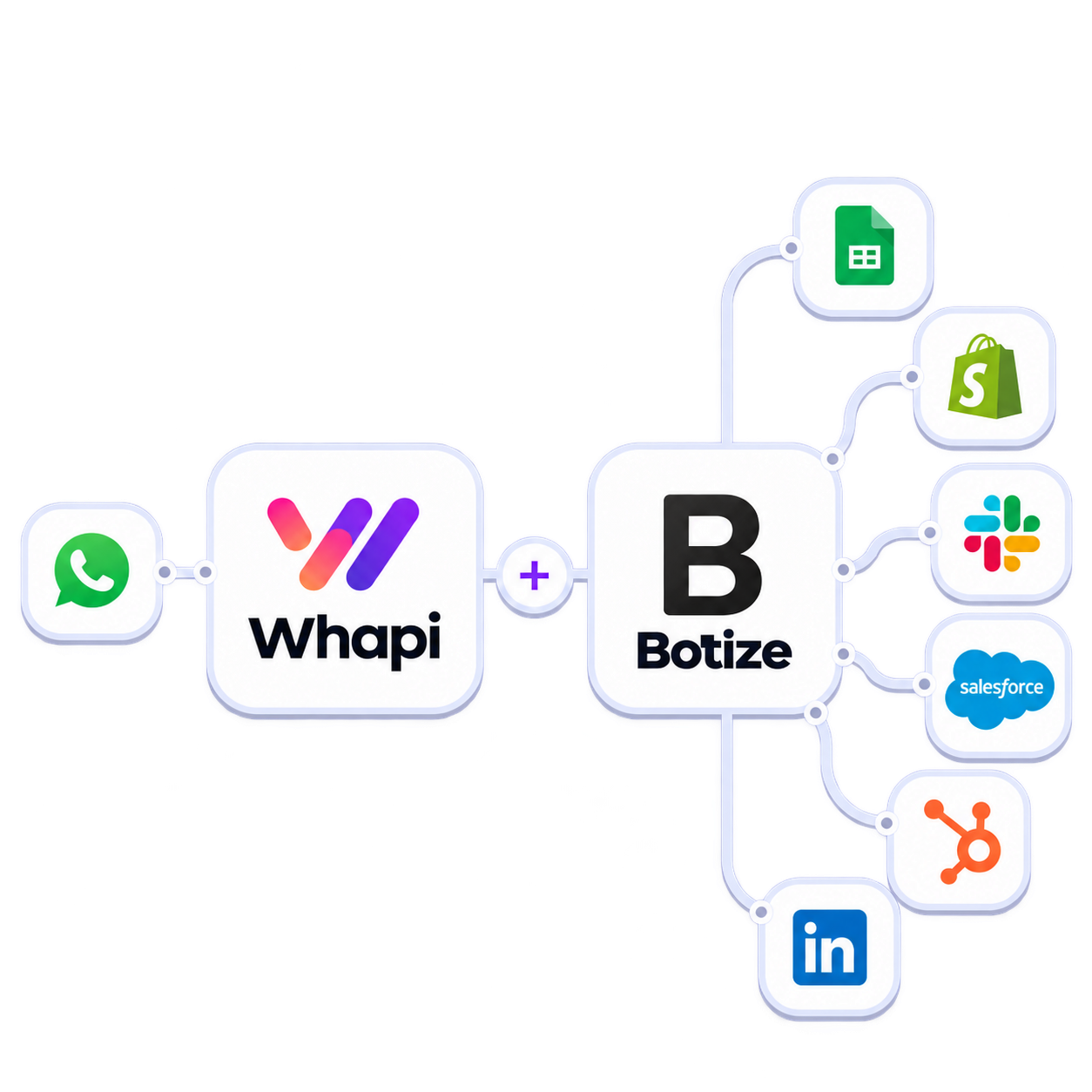
Integrate WhatsApp with Botize

Describe the task in plain language—Botize finds or builds a tested automation for you, without wiring a flow from scratch. Whapi powers groups, channels, contacts, and stories on your own number.

No code required Human support on Botize
Botize WhatsApp Integration
Decorartive bubble
No number migration — use any WhatsApp you already have.

Get started in 3 steps

Icon

Pair your number via QR

Link any personal or Business WhatsApp — like WhatsApp Web. Start in the free sandbox to connect and test.

Icon

Send your first API request

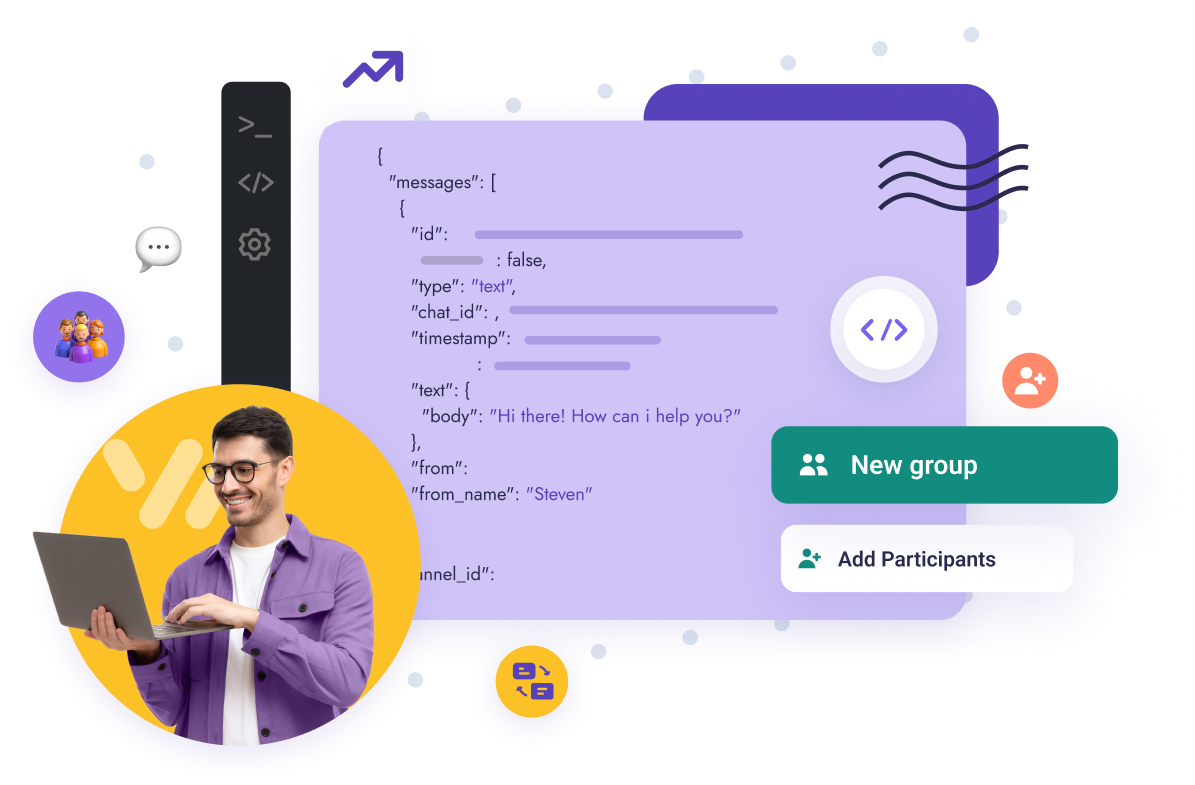
Use your token in the sandbox, curl, or Postman. One REST API for messages, groups, channels, and more.

Icon

Add webhooks when you need events

Receive messages and WhatsApp events in real time — configure only the events your app uses.

Outcome-first

Say what you need, get it running

Built for creators, affiliates, and small teams who want WhatsApp results—not a blank automation canvas.

Describe the outcome

Example: "Post new YouTube videos to my WhatsApp channel." One sentence is enough to start.

Pick a ready task and connect

Botize suggests maintained automations that match. Add your Whapi profile, link WhatsApp by QR, and choose channels or groups from the list.

Turn it on and adjust in words

Run the task, then tweak steps by describing changes. MCP lets ChatGPT, Claude, or Cursor create or fix tasks in your Botize account.

Unlock advanced WhatsApp features in Botize

Manage WhatsApp the way you need. With Whapi and Botize you work with chats, groups, channels, statuses, and communities—using your own number, without Meta developer signup for this path. Triggers include new messages in channels or groups and instant events for text, images, or voice. Actions cover sending to contacts, groups, or channels, stories, ask-user flows, and deleting messages by ID.

  • Groups: welcome flows and moderation

  • Channels: scheduled posts at scale

  • Your WhatsApp number—fixed monthly fee, unlimited messages per channel

Set up in minutes, no code

Add a Whapi profile in Botize, pick triggers and actions, and turn on a ready-made task—or describe a new one. Connect Whapi from the panel with QR, then select channels and groups from the dropdown. Edit steps in plain language; use MCP from ChatGPT, Claude, or Cursor when you want help building or fixing a task.

  • 200+ apps beside WhatsApp

  • Maintained templates—not abandoned one-offs

  • MCP: create and fix tasks from your AI assistant

WhatsApp API for Botize
Supported WhatsApp Features

Everything you need to build WhatsApp automation

Whapi.Cloud gives you access to a complete set of WhatsApp features — messaging, media, groups, channels, webhooks and more. Build bots, automations and integrations without feature limitations.

Ready-made examples

Maintained Botize formulas you open, connect, and tune. Whapi is typically the last step—send to a WhatsApp channel or group from your linked number.

On a schedule, fetch the next deal from Botize’s Amazon deals feed (add your affiliate ID) and post it to your WhatsApp channel—without the official Amazon API.

Extract product rows from a catalog URL with the Chrome helper, structure fields with ChatGPT, filter out items you already posted, then publish each new product to your WhatsApp channel—and optionally to Telegram in the same task.

When your Telegram bot gets a new message, image, or file in a group or channel, forward the content to a WhatsApp group through Whapi.

Monitor your Facebook Page on a schedule; when a new post appears, publish it to your WhatsApp channel so followers see updates in chat.

Check your Clash of Clans clan on a schedule; on a new war victory, send your custom message to the WhatsApp group you pick.

Support that matches your level

Botize offers human support in English and Spanish inside the platform. Whapi.Cloud adds live help for API keys, channels, and sending limits.

New to automation? Use Botize step-by-step guides and video tutorials on the Whapi app page, then connect your profile in minutes.

Already running tasks? Follow Whapi rate guidance, use Filters in Botize for sending windows, and contact Whapi support if you hit 429 or channel destination issues.
line
WhatsApp API Usage
line

See What Our Clients Built
with Whapi.Cloud

“Every morning ops gets today’s Guesty check-ins as one WhatsApp message — VIP tags, late arrivals, room notes. Nobody opens the PMS dashboard first.”

Guesty-to-WhatsApp room alerts

Muhammad Hisham Akram
“We watch RSS feeds, summarize each article, generate a vertical image, and post it as a WhatsApp Story. Open rates beat email because the story is already in the app.”

RSS feed to daily WhatsApp Stories

Hamza Irshad
“Patients book, look up, and reschedule on WhatsApp 24/7. Pricing and sensitive questions never stay with the agent — they escalate to a human.”

Clinic bookings with human handoff

Thelma Ekeli Ekomboni Ekema
“Field staff log a visit in under a minute. Twice a day the WhatsApp group shows who visited, who is active, and who didn’t — problems surface in hours, not at week’s end.”

Twice-daily field-team summaries

Kenny Kwanto
“The bot answers routine WhatsApp messages, then stops the moment an emergency intent appears and routes to a person. It does not pretend to handle life-critical cases.”

Emergency detection and human escalation

Akhil Devarapu
“Exam reminders go out to thousands of students because sends are paced and content varies. A raw blast would trip WhatsApp spam limits.”

Rate-limited student reminders

Gurkirat Singh
“Gmail, WhatsApp, and web forms land in one CRM agent. Escalation stays under 25%, and WhatsApp cost stays a flat per-number fee.”

Multi-channel AI customer-success agent

Ahsen Adil
“Managing multiple WhatsApp groups is simple with Whapi.Cloud. I can oversee group activity, manage admins, and post updates effortlessly. It’s a perfect way to generate leads directly from WhatsApp groups.”

Group Management and Lead Generation from WhatsApp Groups

Carlos da Silva
“Our hotel uses WhatsApp to send guests essential check-in details like door codes. This ensures they always have the info they need. We can even process photos guests send, such as proof of checkout.”

Smart Hotel Communication for Check-In and Guest Support

Ana-Maria Ionescu
“We manage a WhatsApp Channel and use Whapi.Cloud to monitor similar channels and competitors, scraping the best deals and posting them for our audience.”

Automated Discount Channel Management

Katrin Schneider
“We use Whapi.Cloud to verify which numbers in our database are on WhatsApp by sending cascading broadcasts. This way, we filter our contacts, reduce marketing costs, and know our messages reach active users-maximizing campaign efficiency.”

WhatsApp Number Verification and Audience Filtering

Sergio Navarro
“Our hospital’s bot, powered by Whapi.Cloud, lets patients see available appointment slots for specific doctors and notifies them when test results are ready. It keeps everyone informed and reduces the time our team spends on manual updates.”

Hospital Bot for Appointment Scheduling and Notifications

Fernanda Oliveira
“We use personalized promotional offers to engage customers weeks after their purchase, sending out exclusive discount vouchers via WhatsApp. We also send a special offer for each customer’s birthday, which boosts loyalty and keeps them coming back.”

Customer Loyalty and Retention

Lukas Wagner
“As soon as an order ships, our customers get tracking details and delivery updates directly on WhatsApp. This real-time communication builds trust and reduces the number of inquiries we receive after purchase.”

Order Tracking and Delivery Updates

Matei Popescu
“If a customer leaves items in their cart on our site, WhatsApp Bot automatically sends a friendly reminder. This gentle nudge has significantly increased our checkout rate, helping us convert more sales.”

Abandoned Cart Reminders

Hans Müller
Inhouse Developed & Managed

What is Whapi.Cloud?

Straightforward and powerful! Whapi.Cloud is an intuitive API that enables you to seamlessly connect your business with WhatsApp.
With Whapi.Cloud, you can focus on what really matters – growing your business.
Enjoy endless integration possibilities, such as building support bots, scheduling appointments, sending WhatsApp notifications, and so much more.
Plus, monitor everything effortlessly with webhooks. Getting started has never been easier!

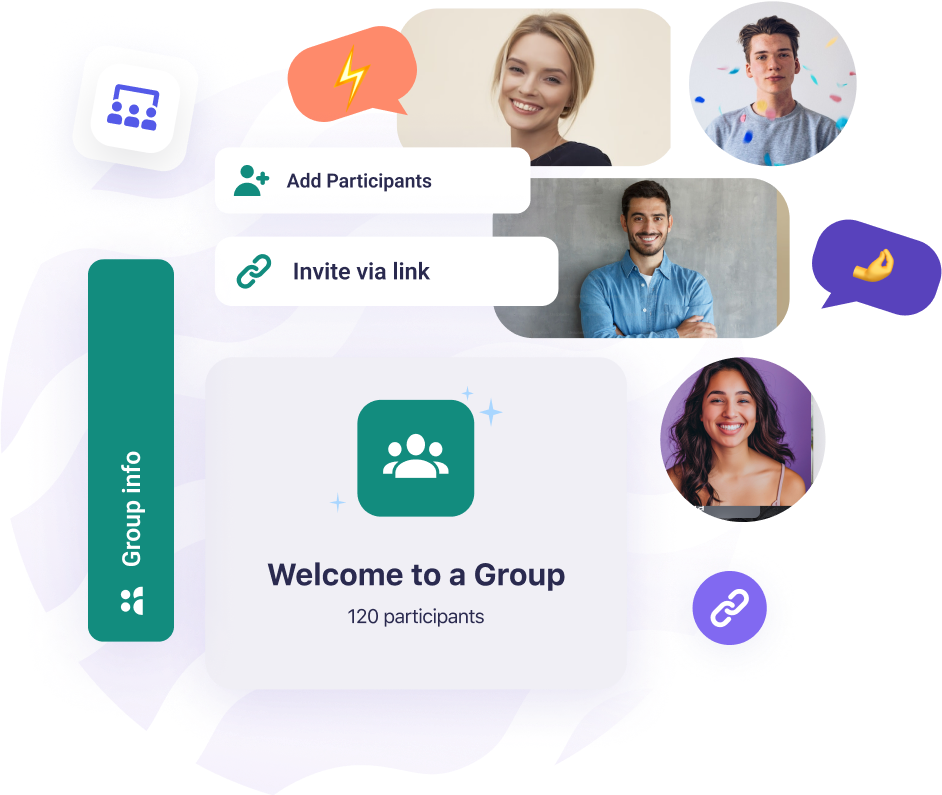
Our service provides full control and management of WhatsApp groups, communities and channels.

Add dynamics and new features: media, buttons, reactions, stories, orders and products. All of these are available to you for customer interaction.

Our care team will respond quickly and help you with any questions you may have!
Account screenshot
Account screenshot
Decorartive bubble

Why Botize + Whapi (speed for non-coders)

Botize turns sentences into maintained tasks; Whapi adds channels, groups, and flexible messaging on your number. You get tested templates, human support in English and Spanish, and an optional one-time payment on Botize—plus Whapi pricing with no per-message fee on paid plans. The focus is a working outcome: if something breaks, Botize updates integrations when apps change APIs and helps you get the task running again.
Outcome-first: describe the job, not every wire in a flowchart.
Post to channels and groups—not only 1:1 template blasts.
Maintained automations when connected apps change.
AI via MCP plus real people when you need help.
Whapi.Cloud - Get started for free!

WhatsApp API Pricing

Billed monthly

Billed annually

Developer Sandbox

Free for Development

Full API functionality for testing and development, with usage limits applied

  • Up to 5 active conversations per month

  • Up to 150 messages per day

  • Up to 30 WhatsApp number checks per day

  • Up to 1,000 API requests per month

  • Periodic activity required

  • Standard support (non-priority)

Start Free Trial
Developer Premium

$29 / month

$40
33% off

A stable and reliable service for production workloads with priority support

  • Unlimited messaging & media

  • Full access to Groups, Channels & Webhooks

  • No per-message charges

  • Priority live support & faster incident handling

  • Automatic number warming module

  • Built-in tools and automation integrations

  • Suitable for long-term, stable production workflows

Price per WhatsApp number. Discounts for multiple numbers.

Selected: 1

1

Price For Number

Start Free Trial
5-day
trial
FAQ

Botize + Whapi: common questions

Botize is a no-code automation platform: you describe a task in plain language or start from a ready-made formula in the catalog. Whapi.Cloud is the WhatsApp API behind the Botize integration—it connects your number by QR (like WhatsApp Web) so tasks can send and receive in chats, groups, channels, and stories. Typical formulas end with send to channel or send to group on Whapi. Together they suit affiliates, creators, and teams who want WhatsApp automations without writing code.
Whapi is an unofficial third-party gateway: you link WhatsApp with a QR code and Whapi acts as another device on your account. Meta's Cloud API is the official route for business messaging with approved templates to customer phone numbers. Whapi is built for posting and automating in channels, groups, and direct chats with flexible content—not for Meta template-only outbound campaigns. Unusual sending patterns can put your number at risk; the official API has lower block risk for compliant template use.
No. Open a formula from the Botize catalog (for example Amazon deals to a channel or Telegram to a WhatsApp group), add your Whapi profile from the panel, link WhatsApp by QR, and choose the channel or group from the dropdown—not the invite link. Adjust steps in the visual editor or in plain language. Guides and videos on the Whapi app page walk through the connect flow; Whapi support can help with keys and destinations.
You describe the outcome—post Amazon deals to my channel, mirror Telegram into WhatsApp, push Facebook posts to subscribers—and Botize points you to a maintained formula. Whapi handles QR connect, picking channels and groups, and the actual send. Botize adds human support in English and Spanish when a step needs a small change.
Triggers are often on a schedule (Amazon deals, Facebook Page checks, game clan status) or instant when another app fires—for example a Telegram bot receiving a message. Whapi actions include send to channel (deal feeds, new Facebook posts, filtered product drops) and send to group (Telegram forward, clan victory alerts). You can also send to a contact, publish a story, ask the user and wait, or delete by message ID, chained with Amazon, ChatGPT, Telegram, Facebook Pages, and 200+ apps.
Open the task execution log and see which step stopped. If it stops on Whapi, the channel destination is usually wrong: use the dropdown in Botize and pick the channel from your Whapi account—not the channel name or invite link. If it stops before Whapi, fix the upstream step (often there was nothing to send). A 429 error means a temporary send limit on your number; pause automations and let the number rest.
You automate with your real WhatsApp number. Start slowly: avoid bursts, vary timing, and mix automated sends with normal use. Whapi recommends limits such as roughly 2 messages per minute, up to about 6 hours of sending per day, and not more than 3 consecutive days at full volume—scale up as the account ages. In Botize you can add a Filters step before Whapi to send only during chosen hours. If you see 429, stop sending for 24–48 hours.
Botize states that catalog automations are tested and maintained, and that they update integrations when an app changes its API. Use a channel when you broadcast (Amazon deals, Facebook posts, new product drops). Use a group when the audience should reply (Telegram sync, clan victory cheers). The last Whapi step names channel or group—you can change it later without rebuilding the whole formula.