Wow! Emoji of happy man Full-featured sandbox for developers — free forever! Register Now
Developer docs · HTTP API

WhatsApp API Documentation

Everything you need to send and receive WhatsApp messages, automate groups and build integrations using simple HTTP requests.
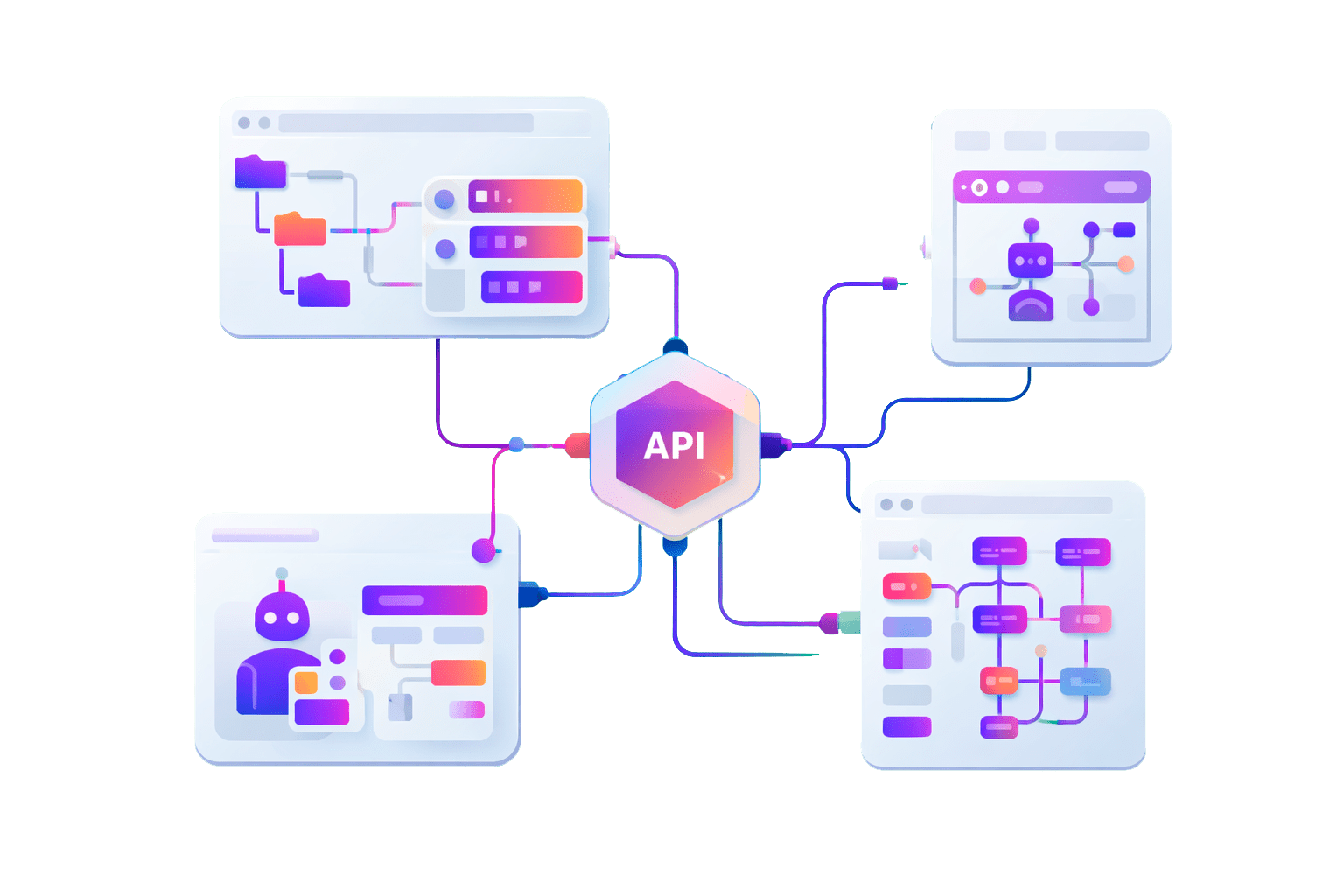
The API supports messages, media, files, statuses, groups, communities and channels. You can receive incoming chats, send products, process orders, validate numbers and build custom automations.

Start sending WhatsApp messages in minutes

Get started in 3 simple steps

Icon

Create an account & Pair a number

Create a Whapi.Cloud account and link your WhatsApp number via QR code.

Icon

Get your API token

Copy your API token from the dashboard and authorize your requests.

Icon

Send your first message

Make your first API call and receive messages via webhooks.

Developer-first experience

Test API with your favorite tools

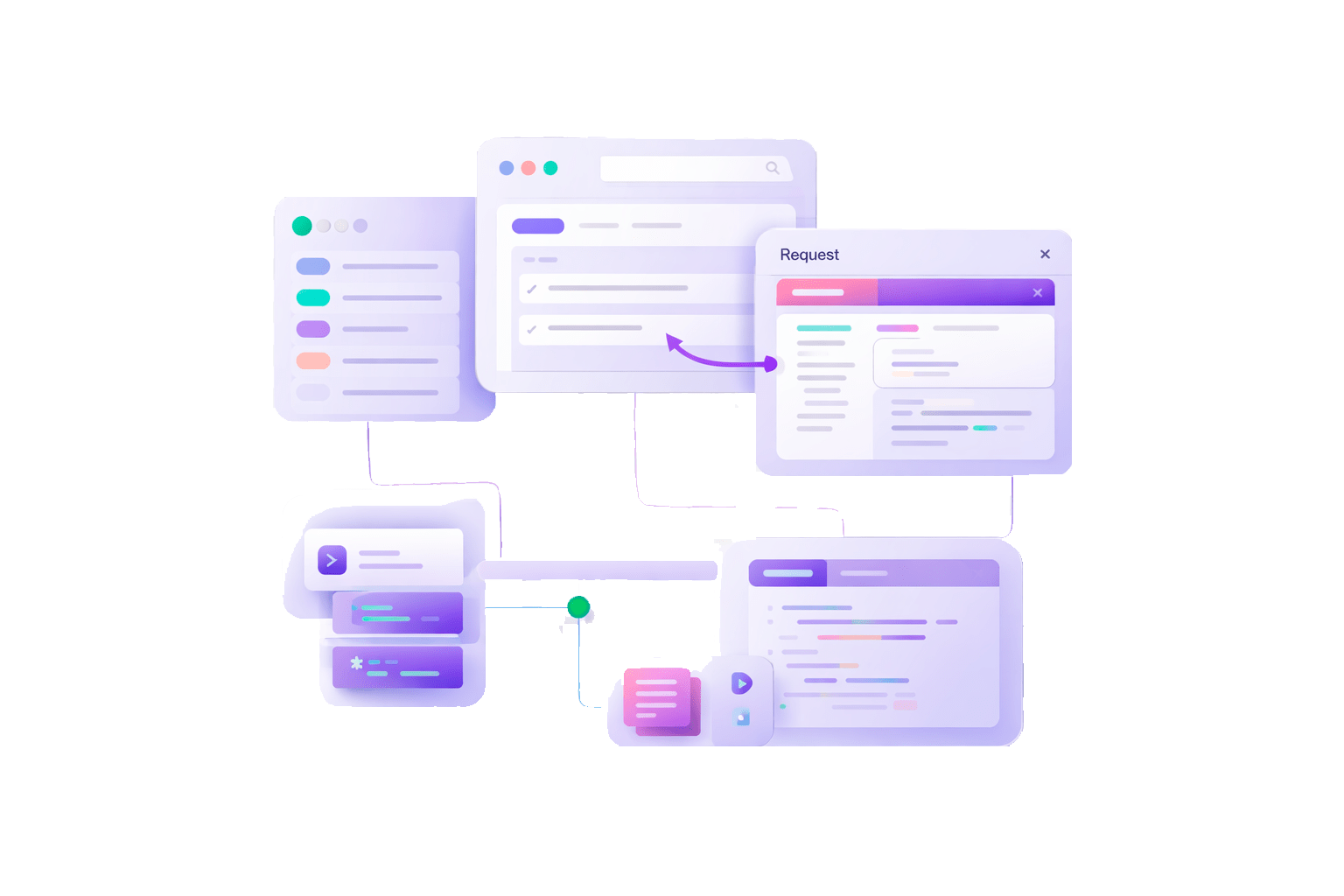
Once you have an API token, you can explore and test all endpoints using Swagger or Postman. Use the API token as a Bearer authorization header.

Try at Swagger

/

Test API with your <span>favorite tools</span>
Decorartive bubble
Start <span>faster</span> with ready-made projects <span>on GitHub</span>
Open-source examples

Start faster with ready-made projects on GitHub

Explore real-world examples and starter projects built on top of the Whapi.Cloud API. Our GitHub repositories include working bots, utilities, and automation scripts in multiple languages — designed to help you understand the API faster and launch with confidence.

  • Node.js WhatsApp bot: A production-ready example for building bots and automations using JavaScript.
  • PHP bots (2 levels): Beginner-friendly example (minimal setup, clear structure) and Advanced bot — richer logic, message handling, groups and webhooks.
  • Python bots (2 levels): Simple starter bot for quick experiments and Advanced implementation with extended features and event handling.
  • Java bot: Simple and straightforward chatbot implementation for accelerated development start.
  • WhatsApp Number Checker: A practical example of checking WhatsApp number availability with safe pacing and batching.
View GitHub repositories
Decorartive bubble
Common operational questions

Frequently asked questions

Whapi.Cloud connects to WhatsApp using a linked-device session. Your WhatsApp account is paired to a channel via QR code or pairing code, similar to WhatsApp Web, but the connection is maintained through backend sockets. The API then acts as a secure gateway that sends and receives events (messages, statuses, group updates) in real time and exposes them through HTTP endpoints and webhooks.
No. After the number is linked, your phone does not need to stay constantly online. However, WhatsApp may require occasional activity on the primary device to keep the linked session valid. In practice, opening WhatsApp on the phone once every couple of weeks is usually sufficient.
Yes. You can continue using WhatsApp normally on your phone and in WhatsApp Web while the API is connected. The API runs in parallel as an additional linked device and does not block or replace your regular usage.
In some cases, WhatsApp may invalidate linked-device sessions automatically. If this happens, the channel will require re-authorization by scanning a new QR code or using a pairing code. No data is lost, and once re-linked, the API resumes normal operation immediately.
Yes. Although the API itself does not enforce strict sending limits on paid plans, WhatsApp actively monitors account behavior. Safe usage depends on how messages are sent rather than on the API alone. Gradual warm-up, reasonable pacing, relevant content, and recipient engagement all play a key role. Aggressive or unnatural sending patterns can trigger restrictions regardless of the tool being used, so production workflows should always include delays, batching, and basic rate control.
Webhooks are real-time HTTP callbacks sent from Whapi.Cloud to your server whenever relevant events occur. They are triggered when messages are received, delivery or read statuses change, group or channel events happen, or other WhatsApp-related updates are detected. This allows your system to react instantly without polling the API, making webhooks the primary mechanism for building event-driven automations and bots.
Yes. The API is designed to support continuous operation and long-running workflows such as chatbots, notification services, CRM integrations, and monitoring systems. Once a number is linked and properly authorized, the API can operate indefinitely, provided that WhatsApp does not reset the linked-device session. For stable, uninterrupted usage in production environments, a paid plan is recommended.
Using the API itself does not automatically increase the risk of blocking. Restrictions are primarily caused by how the WhatsApp account is used. Sending behavior that looks spammy, poor number reputation, low recipient interaction, or negative feedback can all lead to limitations, with or without an API. Following recommended practices such as gradual warm-up, controlled sending speed, and meaningful content significantly reduces risk.
Whapi.Cloud does not permanently store your message content. Messages are processed in real time to deliver them, trigger webhooks, and generate delivery events. While a channel is active, message data may be temporarily held in short-lived technical caches strictly for processing, routing, and event handling purposes. Once a channel is disconnected or becomes inactive, no message content is retained on the Whapi.Cloud side. The API is not designed to act as a message storage system or archive. Any long-term storage, analytics, or message history should be implemented on your own infrastructure using webhooks and API responses.