WhatsApp Groups API
Create groups, add members directly, manage admins, and sync events through a simple API. Link your WhatsApp number once — the same way as WhatsApp Web — and start automating in about 2 minutes.
Pair your number via QR
Connect your standard personal or business WhatsApp number via QR code (like WhatsApp Web) in 30 seconds, with no Meta reviews or approvals.
Test group API methods
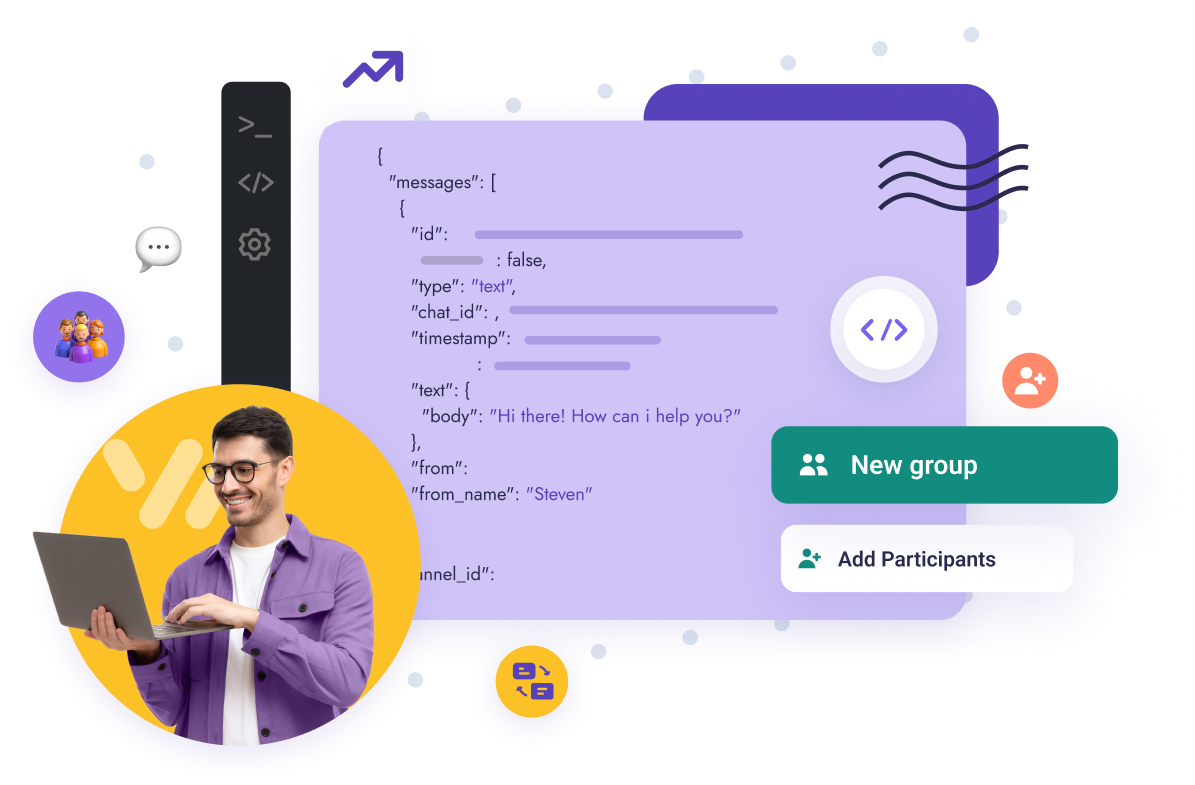
Create test groups, add participants programmatically, and send text or rich media messages instantly.
Configure group webhooks
Configure live-stream webhooks for group events (new messages, additions, removals, admin status) to trigger backend actions.
curl --request POST \
--url https://gate.whapi.cloud/groups \
--header 'accept: application/json' \
--header 'authorization: Bearer YOUR_API_TOKEN' \
--header 'content-type: application/json' \
--data '
{
"subject": "New Project Team",
"participants": [
"15056482143",
"15056482144"
]
}
'
// composer require guzzlehttp/guzzle
require_once('vendor/autoload.php');
$client = new \GuzzleHttp\Client();
$response = $client->request('POST', 'https://gate.whapi.cloud/groups', [
'body' => '{"subject":"New Project Team","participants":["15056482143","15056482144"]}',
'headers' => [
'accept' => 'application/json',
'authorization' => 'Bearer YOUR_API_TOKEN',
'content-type' => 'application/json',
],
]);
echo $response->getBody();
# python -m pip install requests
import requests
url = "https://gate.whapi.cloud/groups"
payload = {
"subject": "New Project Team",
"participants": ["15056482143", "15056482144"]
}
headers = {
"accept": "application/json",
"content-type": "application/json",
"authorization": "Bearer YOUR_API_TOKEN"
}
response = requests.post(url, json=payload, headers=headers)
print(response.text)
// npm install axios --save
import axios from 'axios';
const options = {
method: 'POST',
url: 'https://gate.whapi.cloud/groups',
headers: {
accept: 'application/json',
'content-type': 'application/json',
authorization: 'Bearer YOUR_API_TOKEN'
},
data: {
subject: 'New Project Team',
participants: ['15056482143', '15056482144']
}
};
axios.request(options)
.then(res => console.log(res.data))
.catch(err => console.error(err));
OkHttpClient client = new OkHttpClient();
MediaType mediaType = MediaType.parse("application/json");
RequestBody body = RequestBody.create(mediaType, "{\"subject\":\"New Project Team\",\"participants\":[\"15056482143\",\"15056482144\"]}");
Request request = new Request.Builder()
.url("https://gate.whapi.cloud/groups")
.post(body)
.addHeader("accept", "application/json")
.addHeader("content-type", "application/json")
.addHeader("authorization", "Bearer YOUR_API_TOKEN")
.build();
Response response = client.newCall(request).execute();
using RestSharp;
var options = new RestClientOptions("https://gate.whapi.cloud/groups");
var client = new RestClient(options);
var request = new RestRequest("");
request.AddHeader("accept", "application/json");
request.AddHeader("authorization", "Bearer YOUR_API_TOKEN");
request.AddJsonBody("{\"subject\":\"New Project Team\",\"participants\":[\"15056482143\",\"15056482144\"]}", false);
var response = await client.PostAsync(request);
Console.WriteLine("{0}", response.Content);
curl --request POST \
--url https://gate.whapi.cloud/messages/text \
--header 'accept: application/json' \
--header 'authorization: Bearer YOUR_API_TOKEN' \
--header 'content-type: application/json' \
--data '
{
"to": "[email protected]",
"body": "Hello Group! This is an automated update."
}
'
// composer require guzzlehttp/guzzle
require_once('vendor/autoload.php');
$client = new \GuzzleHttp\Client();
$response = $client->request('POST', 'https://gate.whapi.cloud/messages/text', [
'body' => '{"to":"[email protected]","body":"Hello Group! This is an automated update."}',
'headers' => [
'accept' => 'application/json',
'authorization' => 'Bearer YOUR_API_TOKEN',
'content-type' => 'application/json',
],
]);
echo $response->getBody();
# python -m pip install requests
import requests
url = "https://gate.whapi.cloud/messages/text"
payload = {
"to": "[email protected]",
"body": "Hello Group! This is an automated update."
}
headers = {
"accept": "application/json",
"content-type": "application/json",
"authorization": "Bearer YOUR_API_TOKEN"
}
response = requests.post(url, json=payload, headers=headers)
print(response.text)
// npm install axios --save
import axios from 'axios';
const options = {
method: 'POST',
url: 'https://gate.whapi.cloud/messages/text',
headers: {
accept: 'application/json',
'content-type': 'application/json',
authorization: 'Bearer YOUR_API_TOKEN'
},
data: {
to: '[email protected]',
body: 'Hello Group! This is an automated update.'
}
};
axios.request(options)
.then(res => console.log(res.data))
.catch(err => console.error(err));
OkHttpClient client = new OkHttpClient();
MediaType mediaType = MediaType.parse("application/json");
RequestBody body = RequestBody.create(mediaType, "{\"to\":\"[email protected]\",\"body\":\"Hello Group! This is an automated update.\"}");
Request request = new Request.Builder()
.url("https://gate.whapi.cloud/messages/text")
.post(body)
.addHeader("accept", "application/json")
.addHeader("content-type", "application/json")
.addHeader("authorization", "Bearer YOUR_API_TOKEN")
.build();
Response response = client.newCall(request).execute();
using RestSharp;
var options = new RestClientOptions("https://gate.whapi.cloud/messages/text");
var client = new RestClient(options);
var request = new RestRequest("");
request.AddHeader("accept", "application/json");
request.AddHeader("authorization", "Bearer YOUR_API_TOKEN");
request.AddJsonBody("{\"to\":\"[email protected]\",\"body\":\"Hello Group! This is an automated update.\"}", false);
var response = await client.PostAsync(request);
Console.WriteLine("{0}", response.Content);

curl --request GET \
--url https://gate.whapi.cloud/groups/[email protected]/participants \
--header 'accept: application/json' \
--header 'authorization: Bearer YOUR_API_TOKEN'
require_once('vendor/autoload.php');
$client = new \GuzzleHttp\Client();
$response = $client->request('GET', 'https://gate.whapi.cloud/groups/[email protected]/participants', [
'headers' => [
'accept' => 'application/json',
'authorization' => 'Bearer YOUR_API_TOKEN',
],
]);
echo $response->getBody();
import requests
url = "https://gate.whapi.cloud/groups/[email protected]/participants"
headers = {
"accept": "application/json",
"authorization": "Bearer YOUR_API_TOKEN"
}
response = requests.get(url, headers=headers)
print(response.text)
import axios from 'axios';
const options = {
method: 'GET',
url: 'https://gate.whapi.cloud/groups/[email protected]/participants',
headers: {
accept: 'application/json',
authorization: 'Bearer YOUR_API_TOKEN'
}
};
axios.request(options)
.then(res => console.log(res.data))
.catch(err => console.error(err));
OkHttpClient client = new OkHttpClient();
Request request = new Request.Builder()
.url("https://gate.whapi.cloud/groups/[email protected]/participants")
.get()
.addHeader("accept", "application/json")
.addHeader("authorization", "Bearer YOUR_API_TOKEN")
.build();
Response response = client.newCall(request).execute();
using RestSharp;
var options = new RestClientOptions("https://gate.whapi.cloud/groups/[email protected]/participants");
var client = new RestClient(options);
var request = new RestRequest("");
request.AddHeader("accept", "application/json");
request.AddHeader("authorization", "Bearer YOUR_API_TOKEN");
var response = await client.GetAsync(request);
Console.WriteLine("{0}", response.Content);
curl --request POST \
--url https://gate.whapi.cloud/groups/[email protected]/participants/add \
--header 'accept: application/json' \
--header 'authorization: Bearer YOUR_API_TOKEN' \
--header 'content-type: application/json' \
--data '
{
"participants": [
"15056482145"
]
}
'
require_once('vendor/autoload.php');
$client = new \GuzzleHttp\Client();
$response = $client->request('POST', 'https://gate.whapi.cloud/groups/[email protected]/participants/add', [
'body' => '{"participants":["15056482145"]}',
'headers' => [
'accept' => 'application/json',
'authorization' => 'Bearer YOUR_API_TOKEN',
'content-type' => 'application/json',
],
]);
echo $response->getBody();
import requests
url = "https://gate.whapi.cloud/groups/[email protected]/participants/add"
payload = {
"participants": ["15056482145"]
}
headers = {
"accept": "application/json",
"content-type": "application/json",
"authorization": "Bearer YOUR_API_TOKEN"
}
response = requests.post(url, json=payload, headers=headers)
print(response.text)
import axios from 'axios';
const options = {
method: 'POST',
url: 'https://gate.whapi.cloud/groups/[email protected]/participants/add',
headers: {
accept: 'application/json',
'content-type': 'application/json',
authorization: 'Bearer YOUR_API_TOKEN'
},
data: {
participants: ['15056482145']
}
};
axios.request(options)
.then(res => console.log(res.data))
.catch(err => console.error(err));
OkHttpClient client = new OkHttpClient();
MediaType mediaType = MediaType.parse("application/json");
RequestBody body = RequestBody.create(mediaType, "{\"participants\":[\"15056482145\"]}");
Request request = new Request.Builder()
.url("https://gate.whapi.cloud/groups/[email protected]/participants/add")
.post(body)
.addHeader("accept", "application/json")
.addHeader("content-type", "application/json")
.addHeader("authorization", "Bearer YOUR_API_TOKEN")
.build();
Response response = client.newCall(request).execute();
using RestSharp;
var options = new RestClientOptions("https://gate.whapi.cloud/groups/[email protected]/participants/add");
var client = new RestClient(options);
var request = new RestRequest("");
request.AddHeader("accept", "application/json");
request.AddHeader("authorization", "Bearer YOUR_API_TOKEN");
request.AddJsonBody("{\"participants\":[\"15056482145\"]}", false);
var response = await client.PostAsync(request);
Console.WriteLine("{0}", response.Content);
{
"event": "group_participant_add",
"channel_id": "YOUR_CHANNEL_ID",
"timestamp": 1785981240,
"data": {
"group_id": "[email protected]",
"actor": "[email protected]",
"participants": [
"[email protected]"
],
"action": "add"
}
}
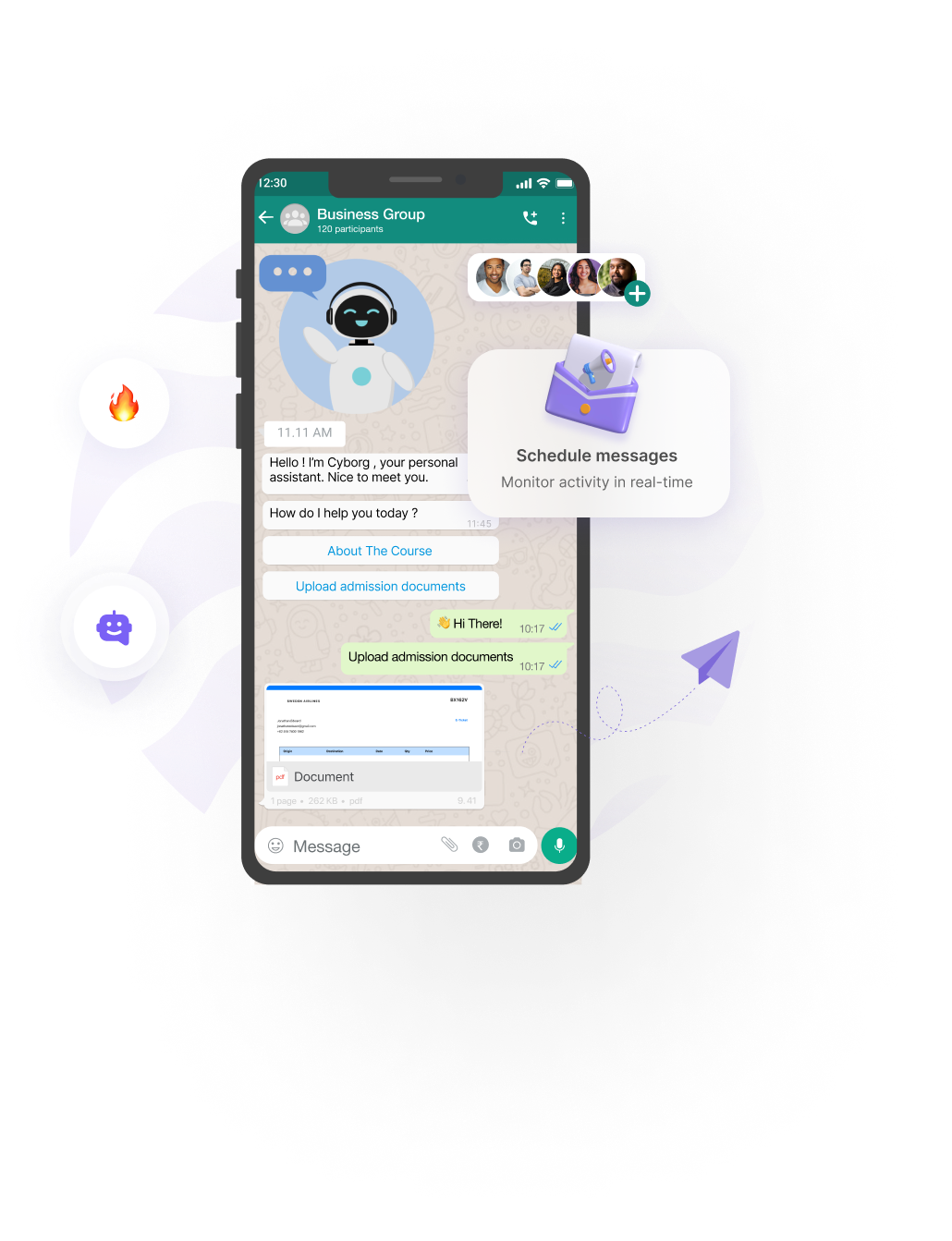
Easily send any message type to WhatsApp groups — with no Meta template approvals and no per-message fees. If your number can post in the group, the API can send it.
Parse groups your number has joined — members, posts, polls, and message history. Join groups via API, get live changes over webhooks, and resolve anonymized @lid IDs to real phone numbers when WhatsApp hides them.
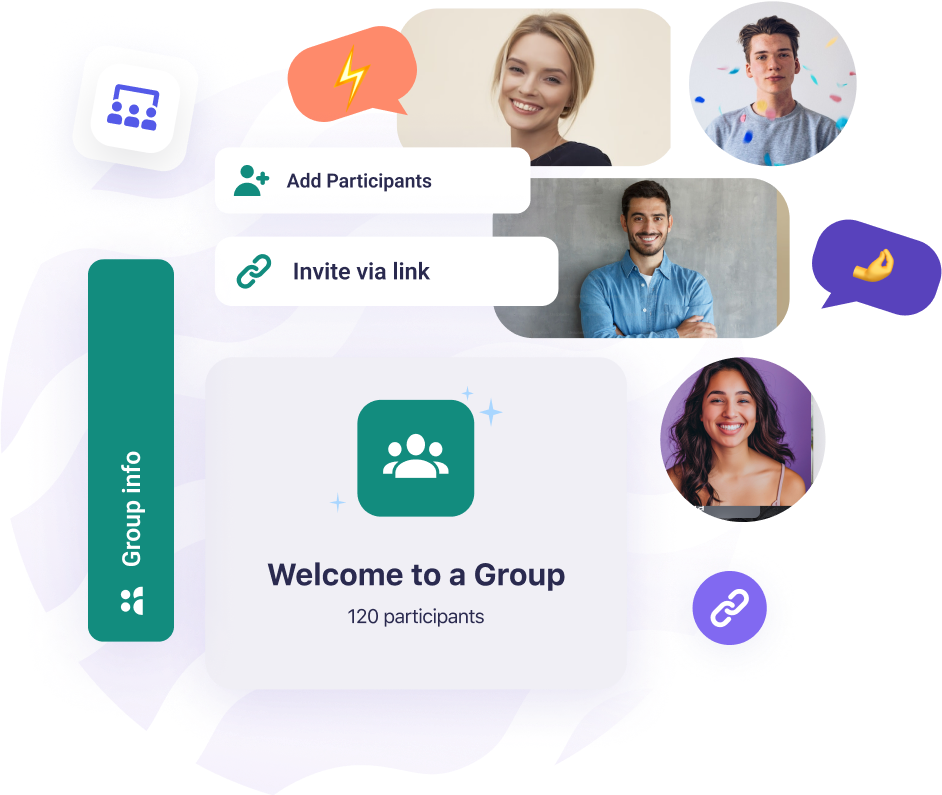
Onboard members programmatically: add people by phone — up to 1,024 per group versus Meta Cloud API's 8. Always promote a secondary admin via API so a bot disconnect never leaves you without group control.
Trigger WhatsApp group workflows from your stack — a payment, CRM stage change, or new signup can create a group, add the customer and your manager, and send a welcome message. Monitor it all through live webhooks.
Straightforward and powerful! Whapi.Cloud is an intuitive API that enables you to seamlessly connect your business with WhatsApp.
With Whapi.Cloud, you can focus on what really matters – growing your business.
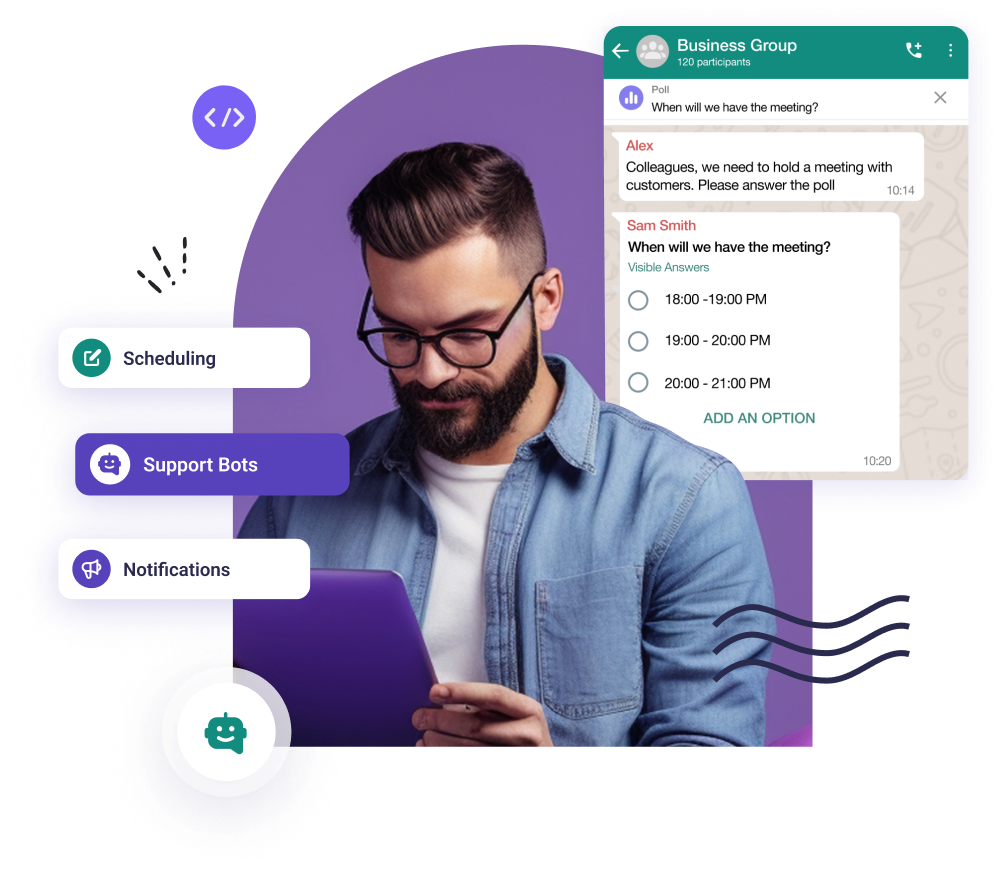
Enjoy endless integration possibilities, such as building support bots, scheduling appointments, sending WhatsApp notifications, and so much more.
Plus, monitor everything effortlessly with webhooks. Getting started has never been easier!
Whapi.Cloud gives you access to a complete set of WhatsApp features — messaging, media, groups, channels, webhooks and more. Build bots, automations and integrations without feature limitations.
Billed monthly
Billed annually
Full API functionality for testing and development, with usage limits applied
Up to 5 active conversations per month
Up to 150 messages per day
Up to 30 WhatsApp number checks per day
Up to 1,000 API requests per month
Periodic activity required
Standard support (non-priority)
A stable and reliable service for production workloads with priority support
Unlimited messaging & media
Full access to Groups, Channels & Webhooks
No per-message charges
Priority live support & faster incident handling
Automatic number warming module
Built-in tools and automation integrations
Suitable for long-term, stable production workflows
Price per WhatsApp number. Discounts for multiple numbers.
Meta's Cloud API charges per 24-hour conversation and imposes strict limits on group creations and automated participants. With Whapi.Cloud, you pay a flat monthly subscription with no per-message fees or limits on creating groups. Integrate in minutes with any phone number.
Detailed WABA vs Whapi.Cloud Comparison