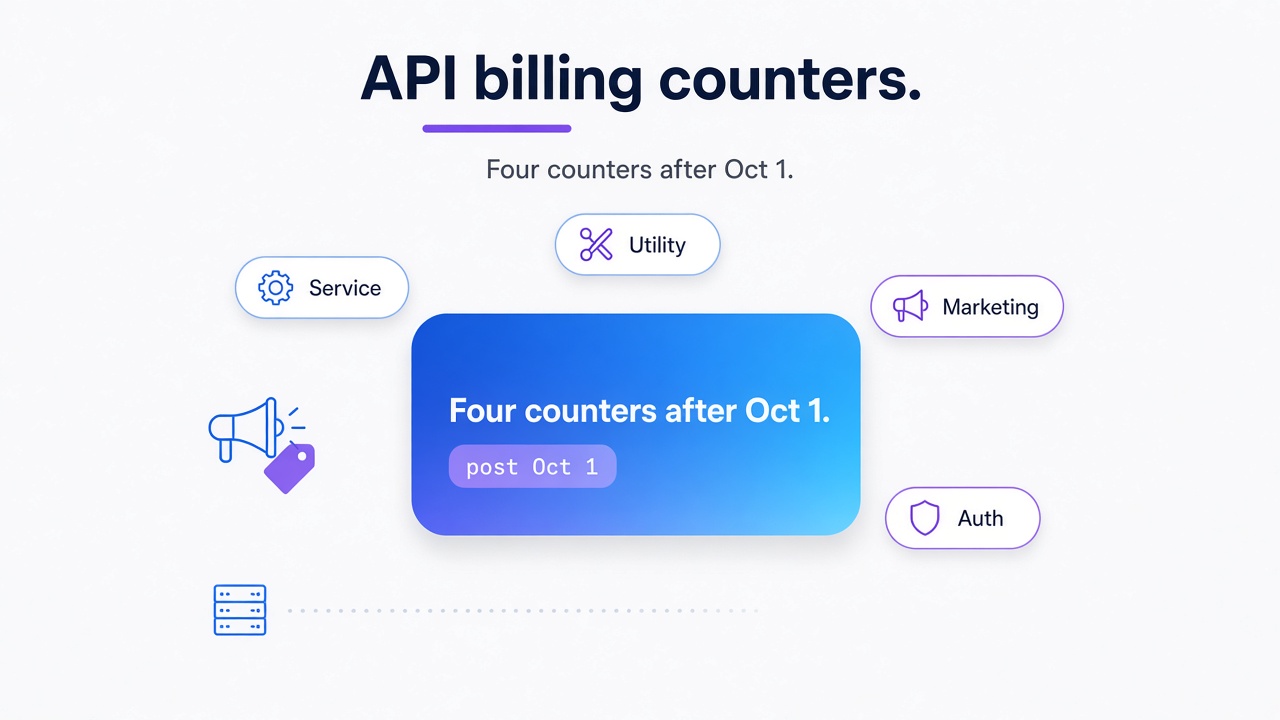
TL;DR: Your October 2026 WhatsApp Business API invoice is the sum of four counters: Marketing, Utility, Authentication, and paid Service messages beyond the 1,000 free messages per business phone number. Add your provider fees last. For support-heavy or OTP-heavy workloads, a flat per-number subscription like Whapi.Cloud often undercuts per-message billing; marketing-heavy campaigns usually stay on Cloud API.
This guide from Whapi.Cloud, a WhatsApp API provider, is written for developers and finance analysts who maintain a WhatsApp Business API setup and need to forecast the October 1, 2026 pricing change. It focuses on reconstructing a concrete Cloud API invoice while steering clear of provider-selection advice. All dates and structural rules are taken from Meta's published WhatsApp Business Platform pricing documentation; example rates are clearly labeled and must be replaced with your current rate card.
Your October 1, 2026 bill is four counters, not one average rate
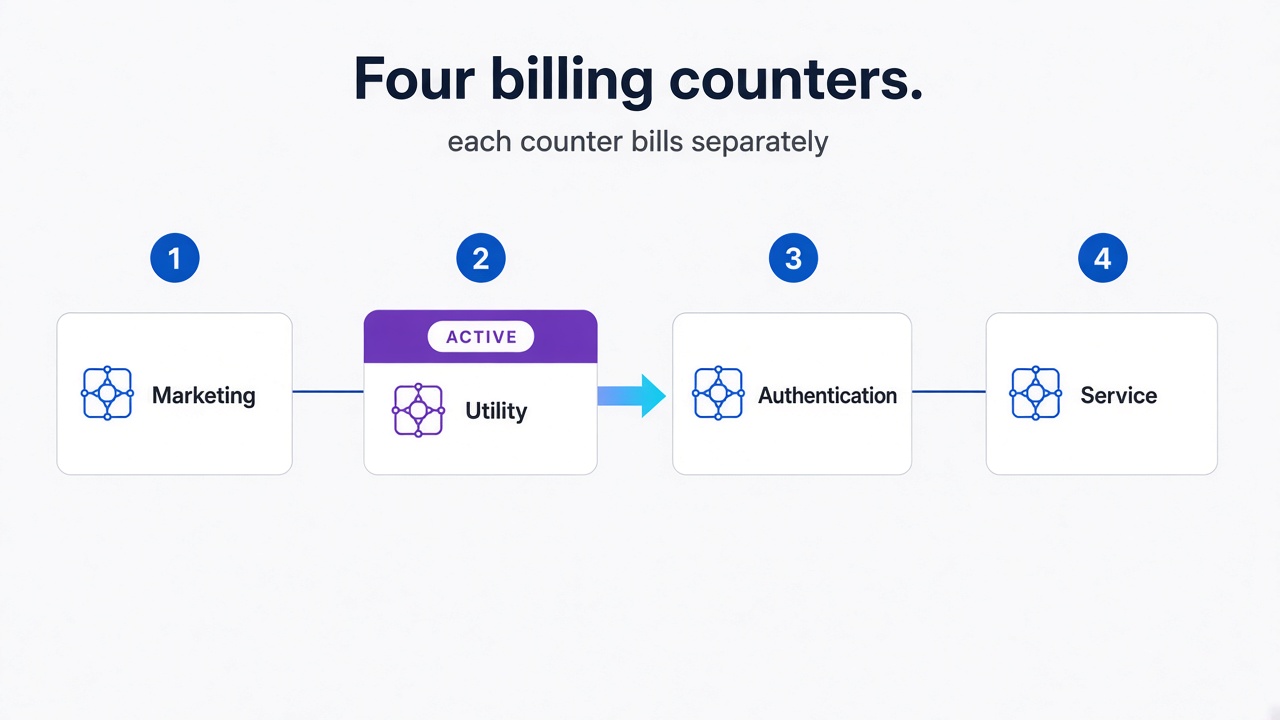
Stop multiplying total message volume by one average rate. Your October 2026 invoice is a sum of four counters that reset and accrue independently.
We have seen finance teams build a forecast by taking last month's message count and multiplying it by one blended rate. That model collapses on October 1 because the four counters reset and accrue differently. The table below is the minimum map you need before any arithmetic.
| Counter | What it is | Free tier | Volume tiers |
| Marketing | Promotional or outbound template messages sent at any time. | None | No |
| Utility | Transactional templates: order updates, reminders, shipping alerts. | None | Yes |
| Authentication | OTP, login, and verification templates. | None | Yes |
| Service | Non-template replies inside the 24-hour customer service window. | 1,000 per number per month | No |
A single conversation can produce charges on several counters at once, each at a different effective rate. Service messages also carry a free monthly allowance per number. A blended rate hides the threshold effects that drive real invoices.
September 30 payment-method deadline: In the official WhatsApp Business API, messages are grouped into Marketing, Utility, Authentication, and Service categories, and a WABA must have a payment method on file by September 30, 2026, or Meta will stop delivering service messages once charging begins on October 1. The 72-hour Click-to-WhatsApp free entry point window remains unchanged: messages sent inside it are still free. In Whapi.Cloud, there is no category-gating layer or WABA payment-method deadline that blocks delivery -- because billing is a flat subscription managed through your channel dashboard rather than a Meta business account.
Reconstruct a four-line October 2026 bill: Example A
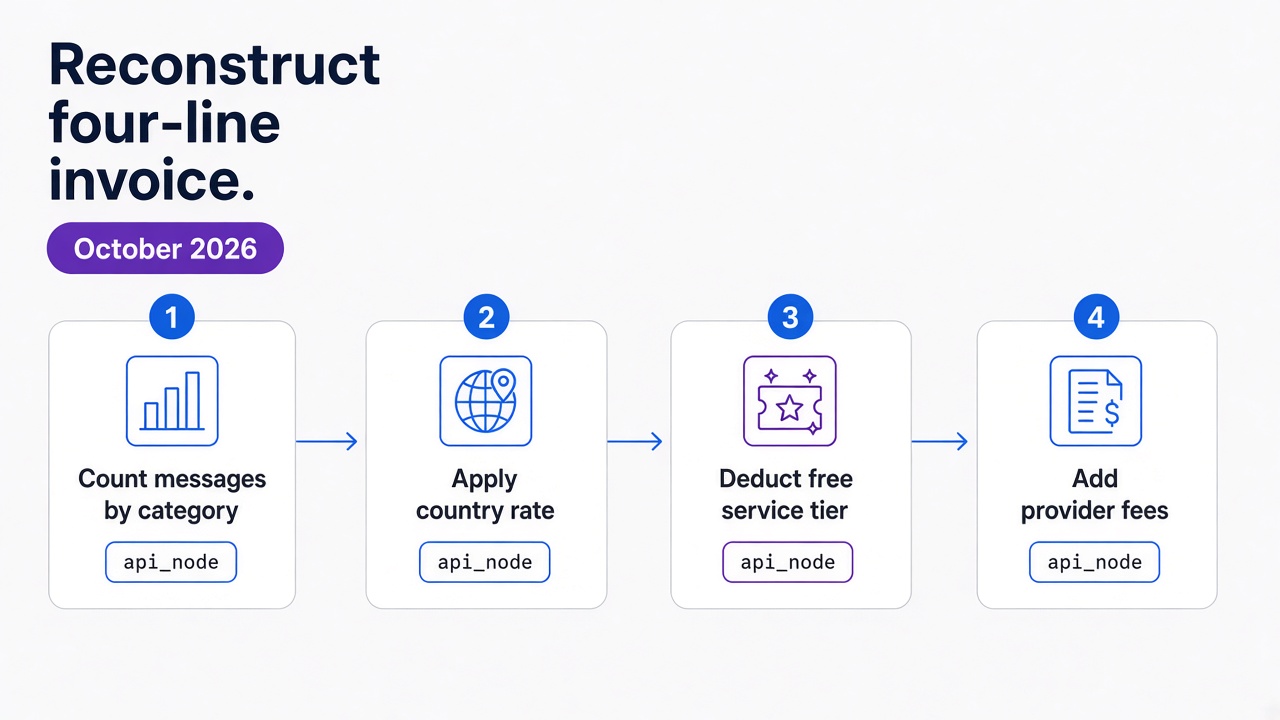
Here is a one-number October 2026 bill for Brazil. Replace the marketing rate with your own rate card; the other three lines use Meta's published 0.68 cent rate.
In the official WhatsApp Business API, Example A assumes one Brazilian business phone number under a single WABA, with traffic classified into Marketing, Utility, Authentication, and Service counters. The service line is the only one with a free allowance, and the deduction happens per business phone number, with no aggregation per WABA or portfolio. In Whapi.Cloud, the same number is one flat channel -- because pricing is a per-number subscription rather than category-plus-WABA billing.
| Counter | Volume | Rate used | Free tier | Charged messages | Subtotal |
| Marketing | 2,000 | $0.0250 (example) | 0 | 2,000 | $50.00 |
| Utility | 3,000 | $0.0068 (Brazil) | 0 | 3,000 | $20.40 |
| Authentication | 5,000 | $0.0068 (Brazil) | 0 | 5,000 | $34.00 |
| Service | 2,500 | $0.0068 (Brazil) | 1,000 | 1,500 | $10.20 |
| Meta subtotal | $114.60 | ||||
| BSP markup + platform fee | 15% example | $17.19 | |||
| Total invoice | $131.79 |
Add provider fees last. The Meta subtotal in Example A is $114.60, but the invoice your finance team pays includes the BSP or platform markup on top. The four-counter reconstruction gives you the pass-through cost; the real invoice adds the provider layer.
1,000 per number, tiers per portfolio
In the official WhatsApp Business API, the 1,000 free service messages apply only to plain non-template replies inside the 24-hour customer service window, while utility and authentication volume discounts reset monthly and aggregate across every WABA in the portfolio. Messages sent inside the 72-hour free entry point window do not count toward tiers; after October 1, charged in-window utility does count. In Whapi.Cloud, there is no free-tier counter, customer-service window, or portfolio-wide tier aggregation to track -- because the flat per-number subscription covers all messages regardless of category or market.
FAQ: Does a second number get another 1,000? Yes. The free service allowance is per business phone number. Two numbers get 2,000 free service messages in total, and the charged messages from each number then stack into the invoice at the same market rate. How this example's volumes would be pulled in production is covered in section 6.
Why in-window utility is not covered by the 1,000 free service
Quick order-confirmation messages sent inside active support threads are not service replies. Starting October 1, 2026, they bill as a separate counter.
Rule of thumb for your spreadsheet: In the official WhatsApp Business API, any message that uses a template is a template charge, and only plain non-template replies fall under the service counter and the 1,000-message free tier. In Example A, 3,000 utility messages include 500 of these sent inside an open support thread. Before October 1, those 500 were free. After October 1, they bill as utility at the market rate. In Whapi.Cloud, the same bot message is billed as one flat channel message -- because there is no template-gating layer that changes its category.
FAQ: Does the 1,000 free allowance cover utility templates? No. They are billed as utility, never as service. Do service messages have volume tiers? No. The service counter has no volume discounts; volume discounts apply only to the two template-based counters.
Multi-country mix in one reporting currency
The Brazil utility rate from Example A is country-specific. Meta charges in the invoice currency, but the rate applied to each message is determined by the recipient's country, so a single invoice can contain several market rates.
In the official WhatsApp Business API, your WABA currency is separate from the recipient-country rate, and every destination maps to a market-specific price. In Whapi.Cloud, cross-country traffic on the same number is still one flat subscription -- because web-session sockets route messages without per-country rate cards.
Imagine Example A also sends 1,000 authentication messages to the United Kingdom and 2,000 utility messages to India. Each destination maps to its own rate, and the subtotals are summed in the invoice currency using Meta's daily exchange rate on the delivery date.
Because utility and authentication tiers are market-category specific, a high-volume India authentication tier does not lower your Brazil rate. We have seen portfolios where one big market dragged the dashboard average down while a smaller market quietly ran at list rate. FAQ: What currency is the invoice in? The invoice is in the configured account currency; Brazil and India accounts can be billed in BRL or INR respectively, with local FX treatment.
When flat per-number pricing undercuts Cloud API -- and when Cloud API is still the bill you must pay
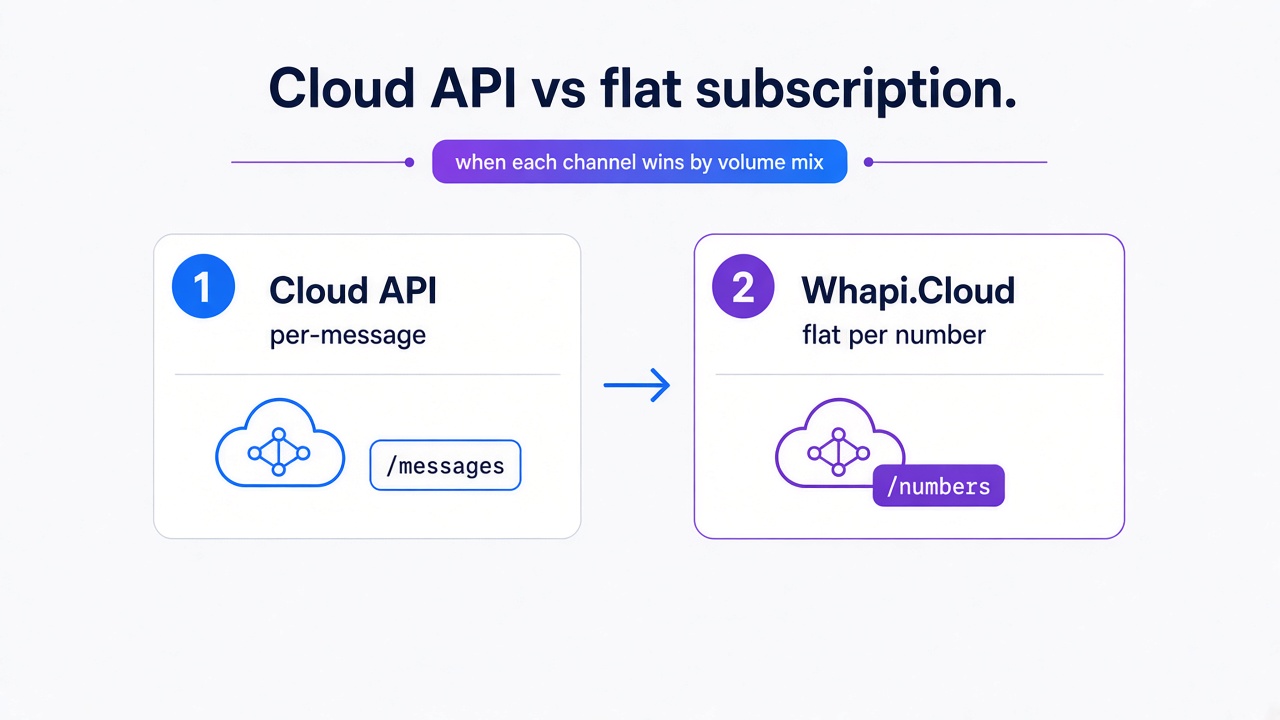
A $29 flat monthly per number beats per-message Cloud API on support-heavy or OTP-heavy workloads. Marketing-heavy campaigns still belong on Cloud API: proactive templates are the official path, and the flat channel is wrong for bulk outbound marketing.
All three comparisons below use the same Brazil rates as Example A and a 15% provider markup on Cloud API. The Whapi.Cloud side assumes one Developer Premium channel at the published monthly price.
Support-heavy: flat wins
A support desk sends 10,000 non-template replies and 1,000 utility order updates in October. With 1,000 free service messages, 9,000 service messages bill at $0.0068. Cloud API total: roughly $70.50 plus 15% markup, or $81.08. Whapi.Cloud total: $29. The flat channel is cheaper here because service messages dominate and have no volume tiers on Cloud API.
OTP-heavy: compare channels, not just labels
A fintech flow sends 20,000 one-time passcodes. On Cloud API these are authentication templates, billed per message with tiered discounts. On Whapi.Cloud they are plain messages inside a flat subscription. At list rate the Cloud API stack is roughly $136 before markup; with tiers it can fall closer to $80-$100. Whapi.Cloud stays at $29.
Honest caveat: Cloud API authentication templates carry Meta's sender-name and template compliance guarantees. Whapi.Cloud sends the same content as a regular message, without the official template framework or per-template fees. The cost comparison is real, but the implementations differ in compliance semantics. Use it when your workflow already validates numbers and handles delivery semantics itself.
Marketing-heavy: Cloud API is unavoidable
A retailer sends 50,000 promotional templates. At an illustrative $0.025 marketing rate, Cloud API costs about $1,250 plus markup. Whapi.Cloud would still charge $29 for the number, but bulk marketing over a flat channel risks account-level restrictions because WhatsApp's spam detection targets unsolicited outbound patterns. For legitimate marketing at scale, Cloud API's template approval path is the safer operational choice.
Whapi.Cloud's flat per-number subscription removes the per-message volatility that makes support and OTP budgets hard to forecast. At the same time, the absence of Meta-approved templates means the channel suits conversational workflows; broadcast campaigns fall outside its scope. Small businesses regularly discover that the official onboarding burden outweighs per-message savings; the same decision framework applies here. That trade-off is the core of the four-counter rule.
How to pull last month's volumes before you guess
Do not estimate October's volumes from your September invoice. Webhooks expose category; pricing_analytics exposes volume and tier progress; you still need the effective-dated rate card to turn category into dollars.
Use the status messages webhook to split delivered messages by pricing.category: marketing, utility, authentication, or service. Billable messages have pricing.type set to regular; free service messages show free_customer_service. Count both service row types to get total service volume, because the free tier is applied after delivery counts.
For tiered utility and authentication, query the pricing_analytics field for per-market counts and tier progress. If your portfolio spans multiple accounts, aggregate volumes at the portfolio level. We will not cover building a custom billing dashboard here. That is out of scope and better done inside your existing analytics pipeline.