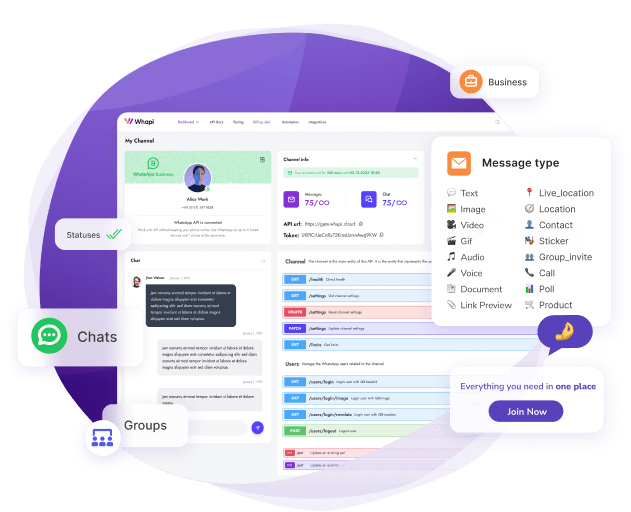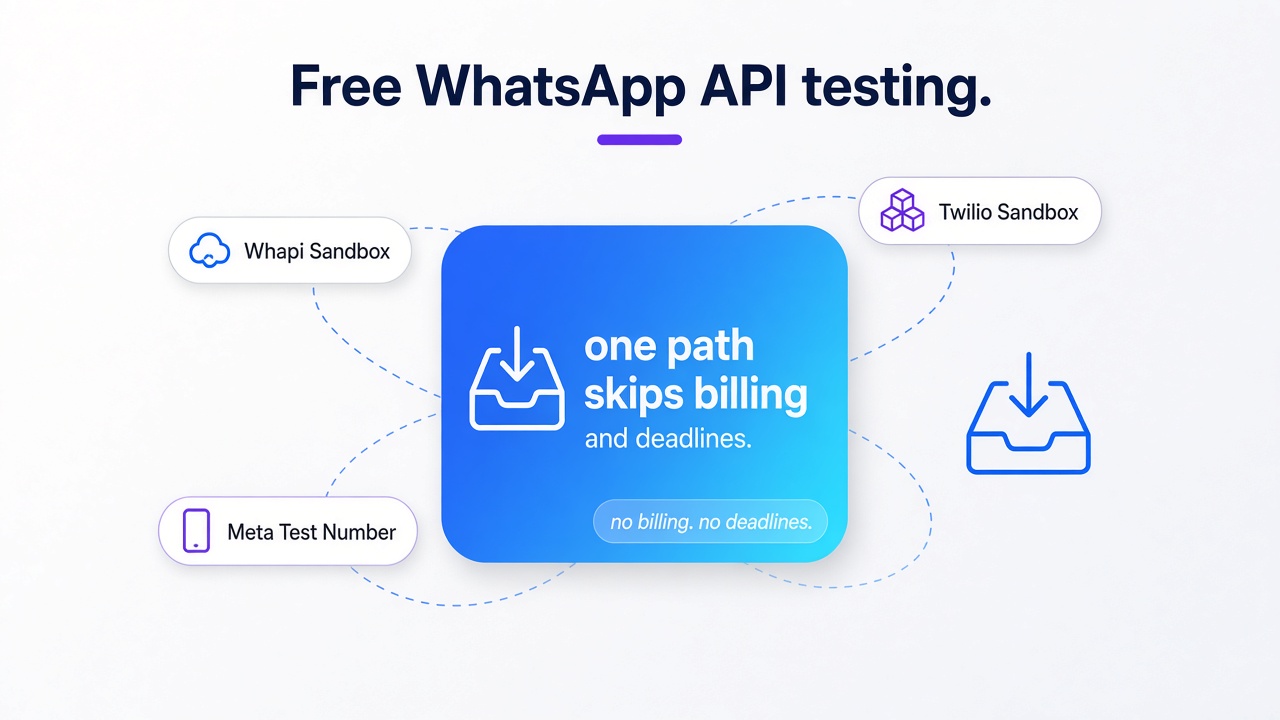
TL;DR: Three ways to test the WhatsApp API for free, and only one skips billing, deadlines, and verification. Meta's test number caps recipients and ships a token that dies within a day; Twilio bills sandbox messages at standard rates. Start with the Whapi.Cloud Sandbox instead: sign up, copy the API token, send your first message in minutes. Published caps: 150 messages a day, one channel.
Of the three realistic ways to test the WhatsApp API for free, only the Whapi.Cloud Sandbox combines unlimited time, zero message billing, and no Meta verification, which makes it the only free path where developers reliably finish a real integration. The other two look free until you read the limits page.
The official WhatsApp Business API (Cloud API) is the platform every path tests against, and Meta gives developers a free test number to try it. Twilio wraps the same official API inside its own sandbox. One SaaS founder described on Hacker News how his team spent three weeks just to send a single test message through Meta: six provisioning steps, where a missed one makes messages vanish with no error.
A finished WhatsApp integration pays off measurably: real-estate teams that answer portal leads on WhatsApp within a minute report a 42% lift in lead-to-visit conversion, and clinic networks cut appointment no-shows by 42--58% with reminder flows. Self-hosted open-source stacks like Baileys and whatsapp-web.js are out of scope: they carry ban risk and a different testing philosophy, so this comparison stays with the three hosted paths developers actually shortlist.
What a real WhatsApp API sandbox should guarantee
A real sandbox means unlimited time, unbilled messages, and no verification gate. Judge every candidate on seven criteria before writing code; trusting the "free sandbox" label first is the mistake that costs weeks.
Seven criteria separate a working test environment from a marketing banner, and the table below scores each path on all of them.
Three of them decide the outcome on their own. Call them the three disqualifiers: a testing time limit, per-message billing, and a verification gate. An option that fails even one can stall an integration before it starts. Meta caps recipients and gates them behind verification; Twilio bills sandbox messages; Whapi.Cloud does neither.
| Criterion | Meta test number | Twilio Sandbox | Whapi.Cloud Sandbox |
|---|---|---|---|
| Testing time window | Free for up to 90 days | 30-day trial; join session expires after 3 days | No time limit |
| Message billing | Free inside the test window | Standard per-message rates; 100-message trial allowance | Zero fees |
| Recipient reach | Up to 5 OTP-verified numbers | Joined users only (join code first) | Your own test numbers |
| Verification gate | Business verification + Facebook account | Trial account signup | No Meta verification |
| Token handling | Temporary token expires within 24 hours | Account SID + auth token | Static API token |
| Webhook tooling | Verify-token handshake, TLS required | Console + REST configuration | Debug URL + callback simulation |
| Message types | hello_world template at the start | Pre-approved templates only | Full API surface, template-free |
Read the table as a map of where your first week goes. Every "yes" in the wrong column is a day spent on paperwork instead of code.
Time limits and message billing: where free testing actually ends
Twilio bills every sandbox message at standard per-message rates and caps trial accounts at 100 WhatsApp messages; Meta's free test window closes after 90 days. The Whapi.Cloud sandbox runs on neither clock.
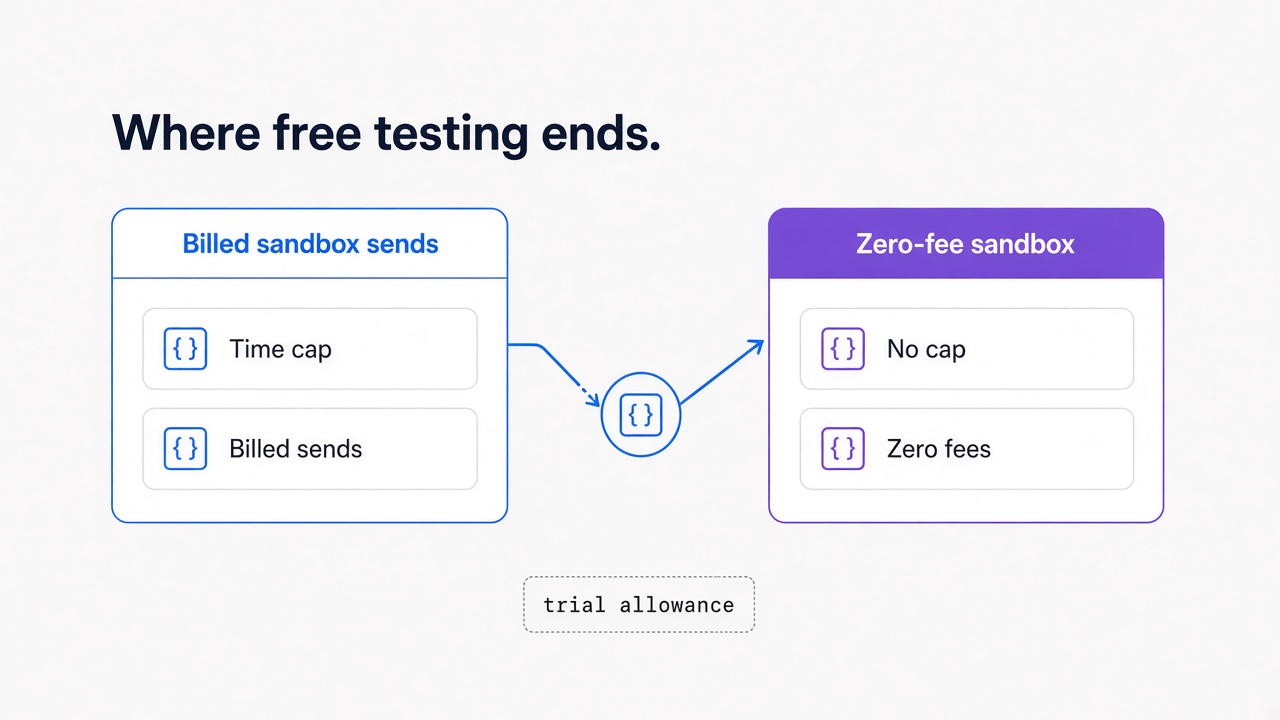
Twilio's own sandbox documentation lists the full frame: sends are billed at standard API pricing, trial accounts get a small free message allowance, throughput is one message every three seconds, and business-initiated sends are limited to pre-approved templates. The Whapi.Cloud sandbox imposes no template pre-approval on test sends. The sandbox session itself expires three days after a user joins, so the countdown resets per recipient.
We have watched teams burn a third of that trial allowance in the first debugging loop: one malformed payload, a retry while the handler panics, and twenty test sends are gone before the integration even works. Per-message billing taxes exactly the behavior testing requires: trial and error.
Meta's test number looks better on this row: sends are free inside the test window with no payment method on file. Then the window closes, and whatever you built either moves to paid production messaging or stops. Rival unofficial providers tighten the screws further. One rival's free trial ends on day three with a fifty-messages-per-day ceiling; another caps its free developer plan at three chats.
Twilio's sandbox messages are billed at standard per-message rates, so the sandbox label does not make testing free. Whapi.Cloud takes the opposite position: the sandbox carries no per-message, per-conversation, or per-request fees, and it does not expire. A test integration you wire up in March still answers webhooks in November, at zero cost.
Unbilled time only matters if someone can receive your messages.
Recipients and verification: who can receive your first test message
Whapi.Cloud starts on your own test numbers with no recipient gate. The other paths restrict who watches tests land: Meta demands OTP-verified numbers plus a Facebook account; Twilio reaches only users who texted the join code.
Meta caps the test number at five OTP-verified recipients, and once added a number cannot be removed from the list. A QA team of six is already one too many. The onboarding stack asks for a developer app, a Business Portfolio, and business verification that runs from days into weeks. One developer on Hacker News discovered the hard requirement only after paying for a number: no Facebook account, no progress.
Twilio swaps the paperwork for a ritual. Every recipient must first text a join code to the shared sandbox number (+1 415 523 8886); message a number that never joined, or whose session lapsed, and the API answers with error 63015. In an April 2026 Reddit thread, a trial user lost two days to the console's "Send a WhatsApp message" button failing with a generic "Oops! Something went wrong". The fix was bypassing the UI and calling the REST API directly, join code first.
Whapi.Cloud removes the gate rather than rerouting it: there is no Meta approval layer at all, so any WhatsApp number works and your first send lands on your own test phone.
Recipient rules decide who can watch your tests land; token rules decide whether the integration still works tomorrow morning.
Why Meta's test number fails before your first API call
The default official choice fails at provisioning: broken test numbers get re-assigned to new apps, the temporary token dies overnight, and one founder needed three weeks to send a single test message.
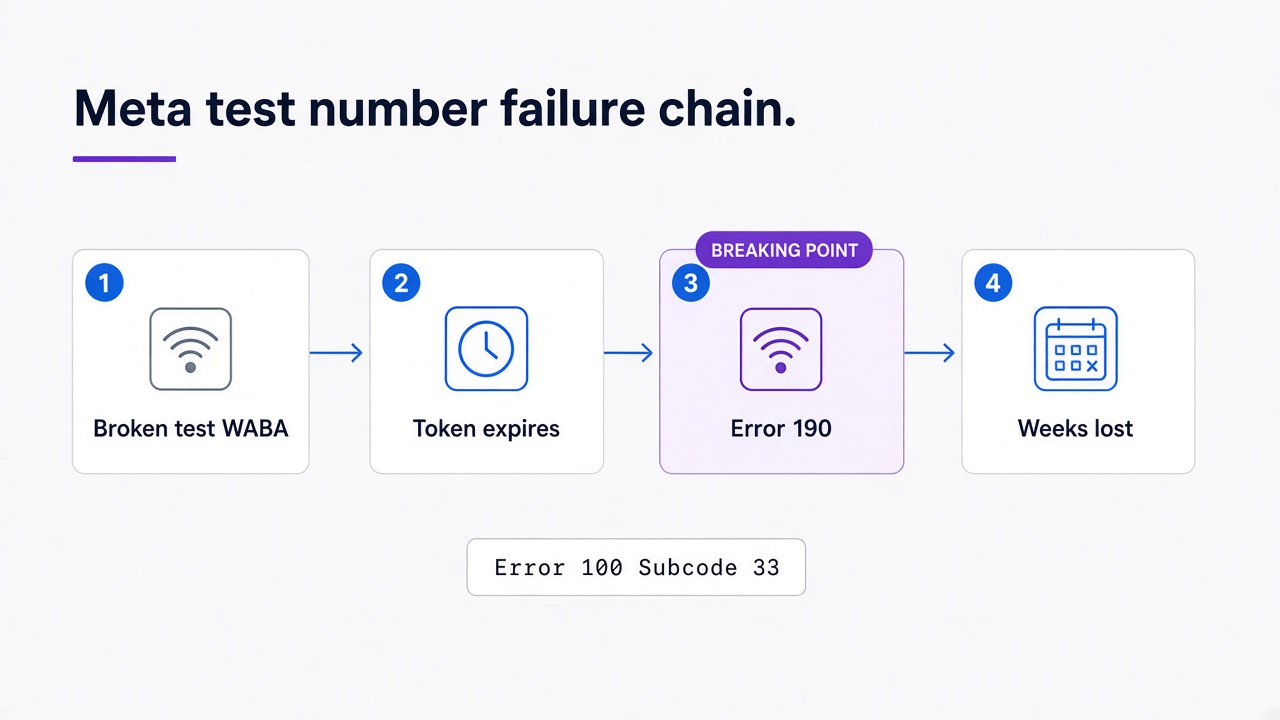
You might try Meta's test number first, since it is the official path. Here is exactly how it breaks. In an August 2026 r/WhatsappBusinessAPI thread, a company reported Error 100 with Subcode 33 when registering the auto-assigned +1 555 test number; a second app created under the same Business Portfolio received the exact same broken Test WABA and Phone Number ID, and multiple support cases were closed without reprovisioning. Error 100, Subcode 33: Meta's broken test number gets reassigned to your next app.
Assume provisioning succeeds. The API Setup page hands you a temporary access token, and Meta's own developer blog warns that it "expires quickly and is not suitable for development purposes". A token expiring in 24 hours turns yesterday's working integration into today's error 190. The Whapi.Cloud sandbox token is static, so this particular failure mode does not exist there.
The documented fix is a System User token, which lives in a different console behind its own multi-step setup. Developers on Stack Overflow describe the detour as a rabbit hole with score-70 answers. None of this is integration work; it is account maintenance that must finish before integration work can start.
The cost adds up. The SaaS founder from the introduction counted six provisioning steps before the first hello_world template went out: developer app, WABA inside Business Manager, business verification running 2--14 days, phone-number OTP, a two-step webhook subscription, and ongoing token management. Miss one step and messages vanish with no error. Every failure above has the same shape: the platform gates testing behind account paperwork.
Webhook testing without tunnel gymnastics
Meta's verify-token handshake re-fires whenever your callback URL changes, requires TLS, and retries unacknowledged POSTs for up to 7 days (duplicates included). Whapi.Cloud gives each channel a debug URL and a callback simulation tool instead.
The debug URL shows you exactly what callbacks look like without pointing Meta at your laptop; the simulation endpoint (POST /settings/webhook_test) fires a test webhook at your handler so it processes a realistic payload on demand. The webhook testing guide in the knowledge base covers both. No tunnel required. Outbound solved and inbound verified; the only thing left is launching the sandbox itself.
Launching and using the Whapi.Cloud Sandbox
No credit card, no verification, no countdown: the Whapi.Cloud Sandbox opens with an API token, and the walkthrough below goes from signup to first send in four steps.
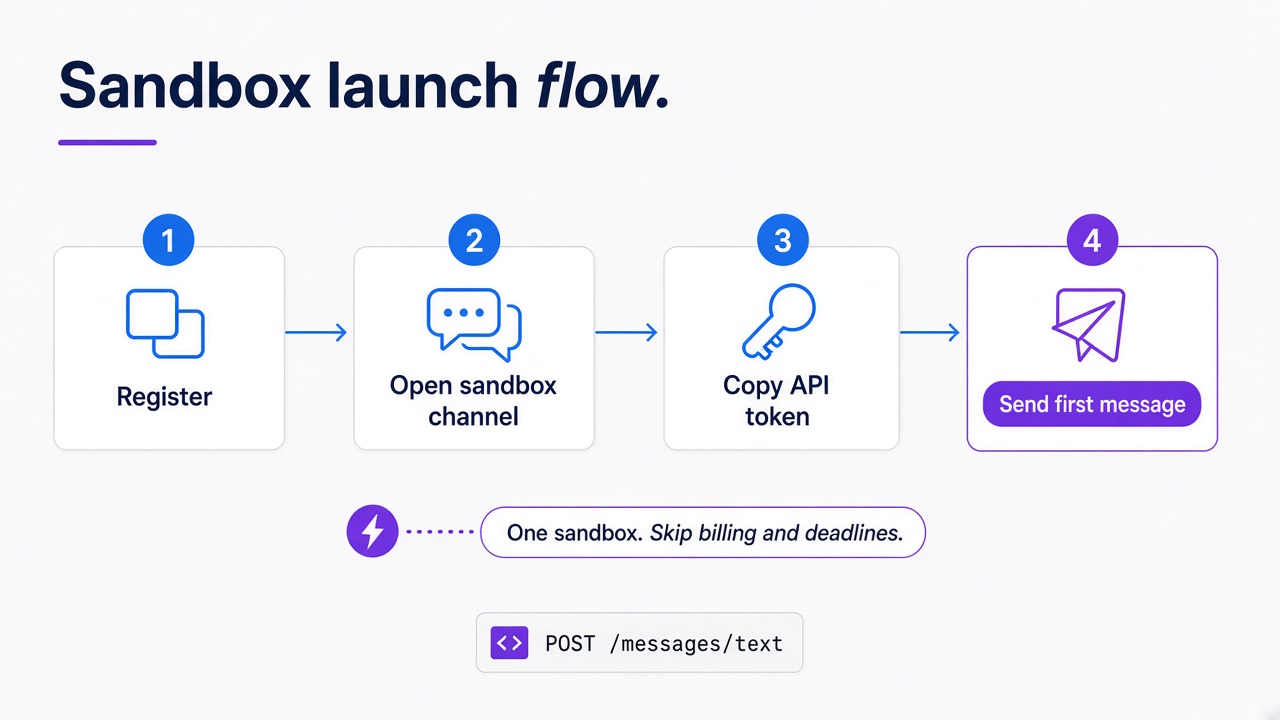
Launch sequence:
- Register at panel.whapi.cloud; the account arrives with a free sandbox channel attached and no card asked.
- Open the sandbox channel in the dashboard. It is already connected, so there is nothing to provision.
- Copy the API token from the channel page. One static token authenticates every call, with no overnight expiry to babysit.
- Send the first message with a single POST request:
curl -X POST https://gate.whapi.cloud/messages/text \
  -H "Authorization: Bearer $WHAPI_TOKEN" \
  -H "Content-Type: application/json" \
  -d '{"to": "15551234567", "body": "Sandbox hello from my integration"}'
# without the Bearer header the gateway returns 401 before your payload is even read
Everything in the API documentation works in the sandbox: text, media, groups, polls, contacts, presence checks. No template pre-approval stands between you and a send, so the message you test is the message you ship. On the official path, first business-initiated sends must fit one pre-approved hello_world template; in the Whapi.Cloud Sandbox the full API surface answers from the first call.
If you prefer watching to reading, the companion video tutorial below walks through the same launch on screen, from account creation to the first delivered message.
The published caps: 150 messages per day, 5 active conversations per month, 30 number checks per day, 1,000 API requests per month, one channel. In practice, teams notice the daily message cap only when they load-test their own integration in a tight loop; ordinary debugging stays far below it. The limits are printed on the pricing page, so you design around numbers you knew in advance, the opposite of discovering a limit mid-integration.
From sandbox to production without starting over
A sandbox build carries over when the API surface stays identical. On Whapi.Cloud the same endpoints, token pattern, and webhook format serve live traffic; what changes is the connected number and the plan, not your code.
Production pricing is a separate decision we do not unpack here. Free testing is neither unlimited nor free when the sandbox bills standard message rates. Most "free sandbox" labels hide at least one of the three disqualifiers. Test where the limits are published, not discovered mid-integration at 2 a.m. Of the three paths compared here, only one gives developers unlimited testing time, zero message billing, and no Meta verification, and that is why finished integrations start in the Whapi.Cloud Sandbox.
Start your first WhatsApp API test in the next five minutes. Launch the free sandbox, copy your token, and send the message your integration has been waiting to send.