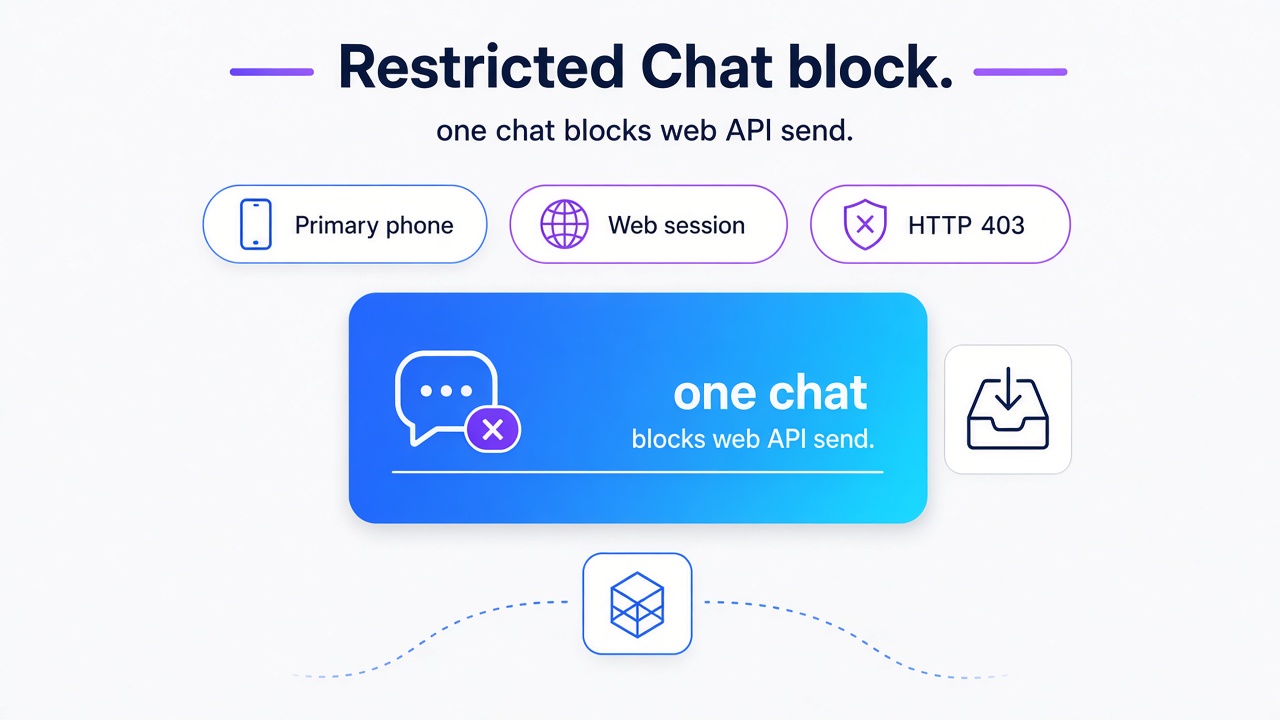
TL;DR: Restricted Chat blocks a Web-based API send in one chat or group until the primary phone turns the setting off. When one send fails and the channel is still up, check that chat on the phone and do not retry it. Whapi.Cloud is introducing limit_companion_sharing_enabled and HTTP 403 before the send, so the handler names the cause instead of an unexplained failure.
A Node.js or Python backend on a live channel sees one chat or one group reject a send while the session stays connected and every other chat still goes out. Turn Restricted Chat off on the primary phone, then send again.
What is WhatsApp Restricted Chat, and who can enable it?
Only the primary phone can turn Restricted Chat on or off. An API retry leaves that switch where it is.
As of November 4, 2026, WhatsApp's official documentation says that on the latest app, Advanced chat privacy is being replaced by Restricted chat. The replacement adds a control that keeps that chat off linked devices, which the Help Center describes as a way to prevent unofficial clients or AI agents. A chat with Advanced chat privacy already on does not move over by itself. Turn that older setting off and the control appears as Restricted chat going forward. October 2026 beta posts described one-to-one chats. As of that check, the official documentation also includes groups.
Either participant can enable the setting in a 1:1 chat. A group admin enables it for every message in that group.
With Restricted Chat on, automatic media save, chat export, Meta AI, and linked devices are unavailable in that chat. End-to-end encryption stays on personal messages. Meta AI only sees messages people choose to send it. The setting does not appear in chats with businesses that use Meta to store messages and respond to customers.
Why Restricted Chat can break WhatsApp Web-based APIs
Whapi's testing shows WhatsApp Web marking the outbound message failed before the network request leaves.
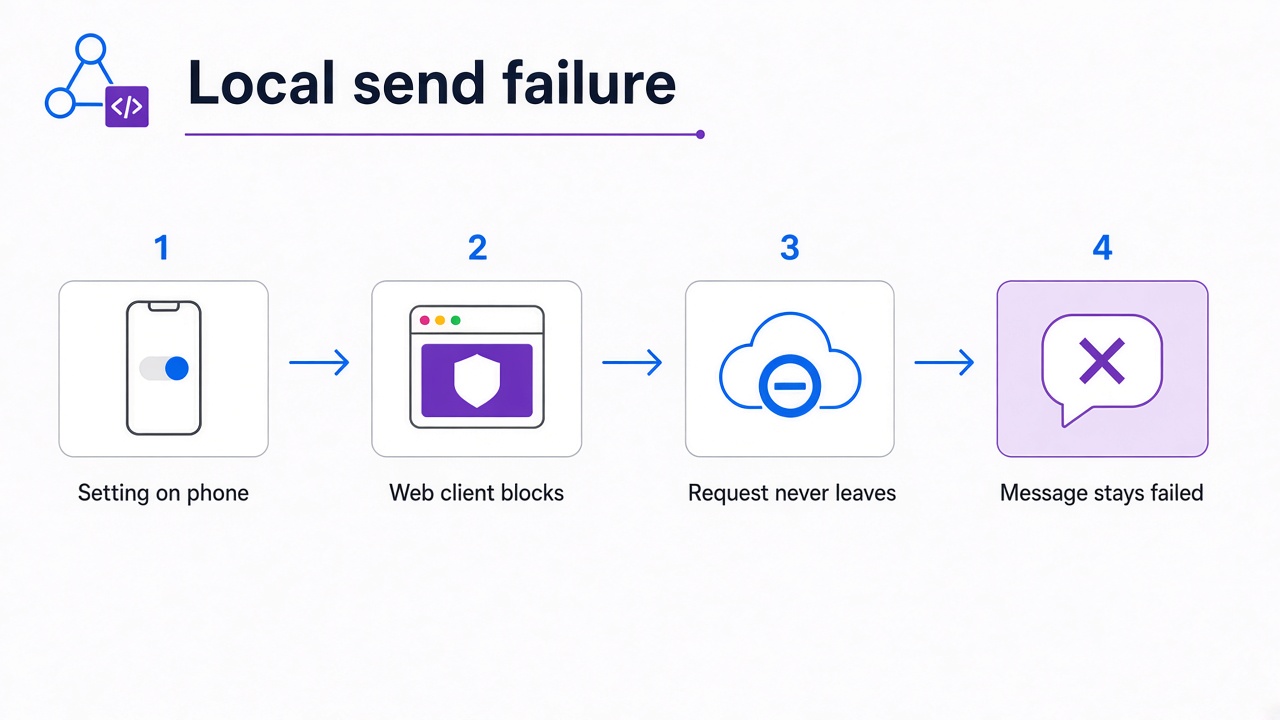
The Help Center confirms the linked-device block. Someone enables Restricted Chat on the primary phone. WhatsApp Web then refuses sending in that chat. A text send uses that linked-device session, so the message does not go out. A retry leaves the setting on.
In Whapi's testing, the in-app notice said the chat cannot be used on linked devices, and WhatsApp Web marked the message failed with no network request sent. That pre-request failed state comes from Whapi's testing. The Help Center does not describe that mechanism.
Why this failure can be difficult for API integrations to detect
Channel status stays up. Other chats on the same channel keep sending messages while one chat or one group does not.
The first fix most teams reach for is a retry, a reconnect, or a wait on a generic network error. Restricted Chat is still on, so the next attempt fails the same way. The session stays connected the whole time.
Whapi's review of publicly available WhatsApp Web libraries and API implementations did not find explicit handling for this restriction. An affected integration may report a generic send failure, or it may fail to name the cause. Which outcome you see depends on that provider's own error handling.
How Whapi handles Restricted Chat
Whapi.Cloud is introducing HTTP 403 before a Restricted Chat send. The JSON below is the intended contract, and limit_companion_sharing_enabled is not in the public schema as of November 4, 2026.
Whapi.Cloud leaves the privacy setting in force. The gateway is being updated to record the block and answer with a predictable result. The name for that check is explicit restriction handling.
Whapi.Cloud is adding the flag on the chat object and on the group object. limit_companion_sharing_enabled is true when companion devices are blocked and false when they are not. Direct sends, forwards, and copies are meant to receive HTTP 403 with a stated reason before the attempt. Incoming webhook events stay for whatever the chat still delivers. This article does not promise that inbound messages from a Restricted Chat will arrive.
If you cache the flag, treat the value as the last known state. An update can lag, so the next send may run before the app sees the change. Read chat metadata with GET /chats/{ChatID}. Read group metadata with GET /groups/{GroupID}.
// Intended contract, not a live response. A retry while the flag is true hits the same Restricted Chat block.
const chat = {
  "id": "chat_identifier",
  "limit_companion_sharing_enabled": true
};

const refused = {
  "error": {
    "code": 403,
    "message": "This chat has Restricted Chat enabled. Messaging from linked devices is unavailable. Disable Restricted Chat on the primary phone to send messages."
  }
};
WhatsApp changed linked-device access on a per-chat basis. Whapi.Cloud is absorbing that change in the gateway, so the customer-facing API is being updated to return the flag and HTTP 403 instead of a local web-client failure.
If the flag and the 403 are not on your channel yet, ask the Whapi.Cloud support team through the chat widget on whapi.cloud.
How to restore messaging to a Restricted Chat
Open the chat or group on the primary phone, turn Restricted Chat off, then send again. Web and the API cannot flip that switch.
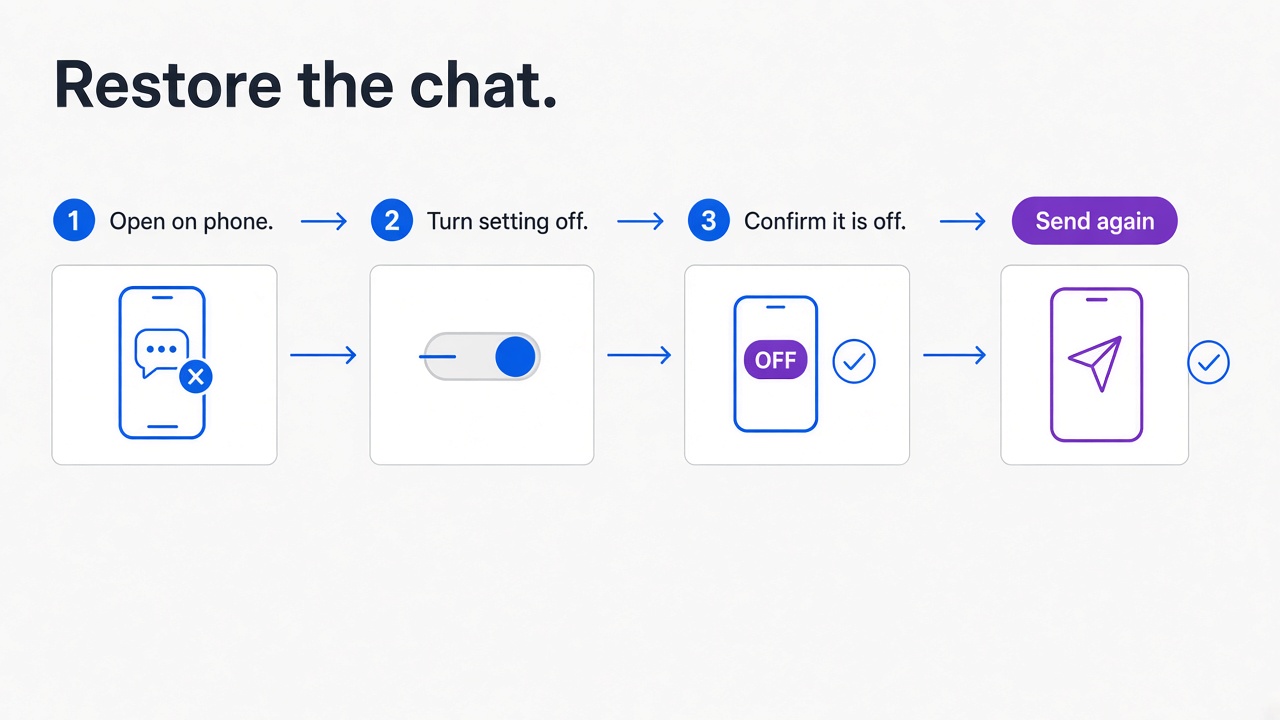
After a group admin turns the setting off, you can send to that group again. In a 1:1 chat, confirm the restriction is off on the primary phone before the next send.
What developers should do next
Treat the block as one chat. Stop retrying that send, handle HTTP 403, and read limit_companion_sharing_enabled before the next attempt.
Handle that check under the name explicit restriction handling. Whapi.Cloud is introducing the flag and HTTP 403 so the Web-based API send names the cause instead of failing with no explanation. Whapi.Cloud is adapting the API to this WhatsApp change.