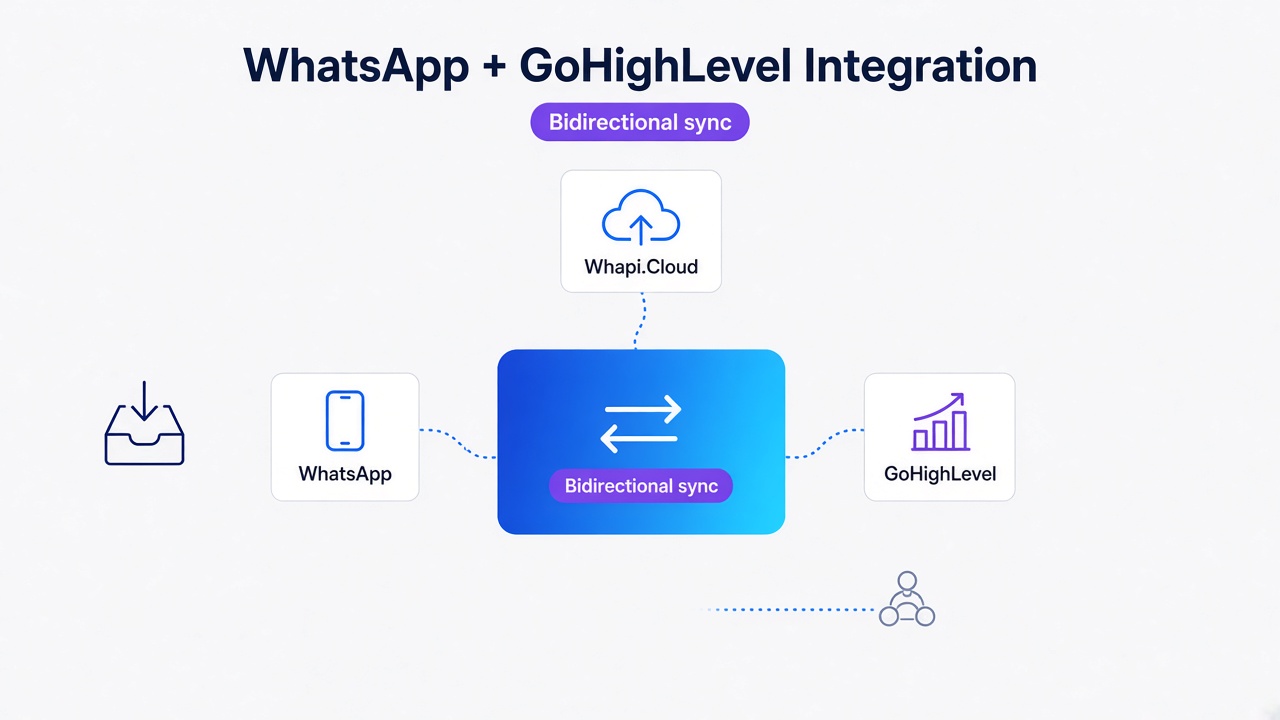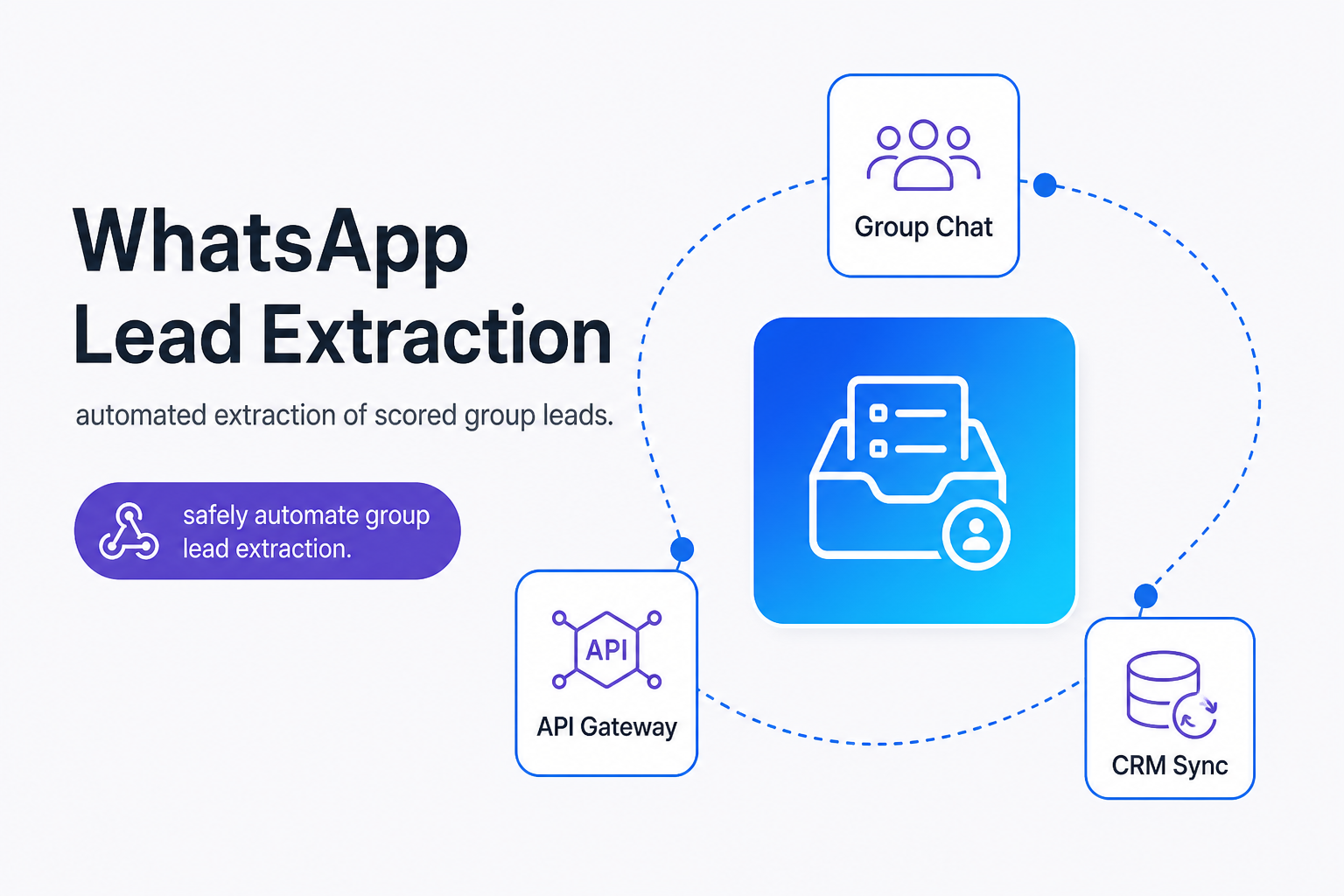
TL;DR: Browser scraping extensions trigger irreversible WhatsApp bans; Whapi.cloud bypasses official group limits, delivering structured participant data without complex coding. Do not scrape browser DOM elements; instead, deploy stable API webhooks, apply a Linked Identifier (LID) translation filter, and stream qualified participants directly to n8n or Make to score and sync leads to your CRM under 60 seconds.
The Traditional Scraping Trap: Why Chrome Extensions Will Get You Banned
We've run extensive tests on browser-emulated scraper scripts, and in every case, accounts running them were permanently restricted by Meta within 48 hours. Chrome extensions and Puppeteer bots mimic human scrolling, which triggers instant Meta ban heuristics.
The core issue is WhatsApp Web's DOM virtualization, which recycles screen elements to keep only sixteen participants visible at once. Simulating manual scrolling to bypass this limit triggers immediate, permanent bans because Meta's client-side telemetry instantly detects artificial coordinate sweeps and unnatural scroll velocities.
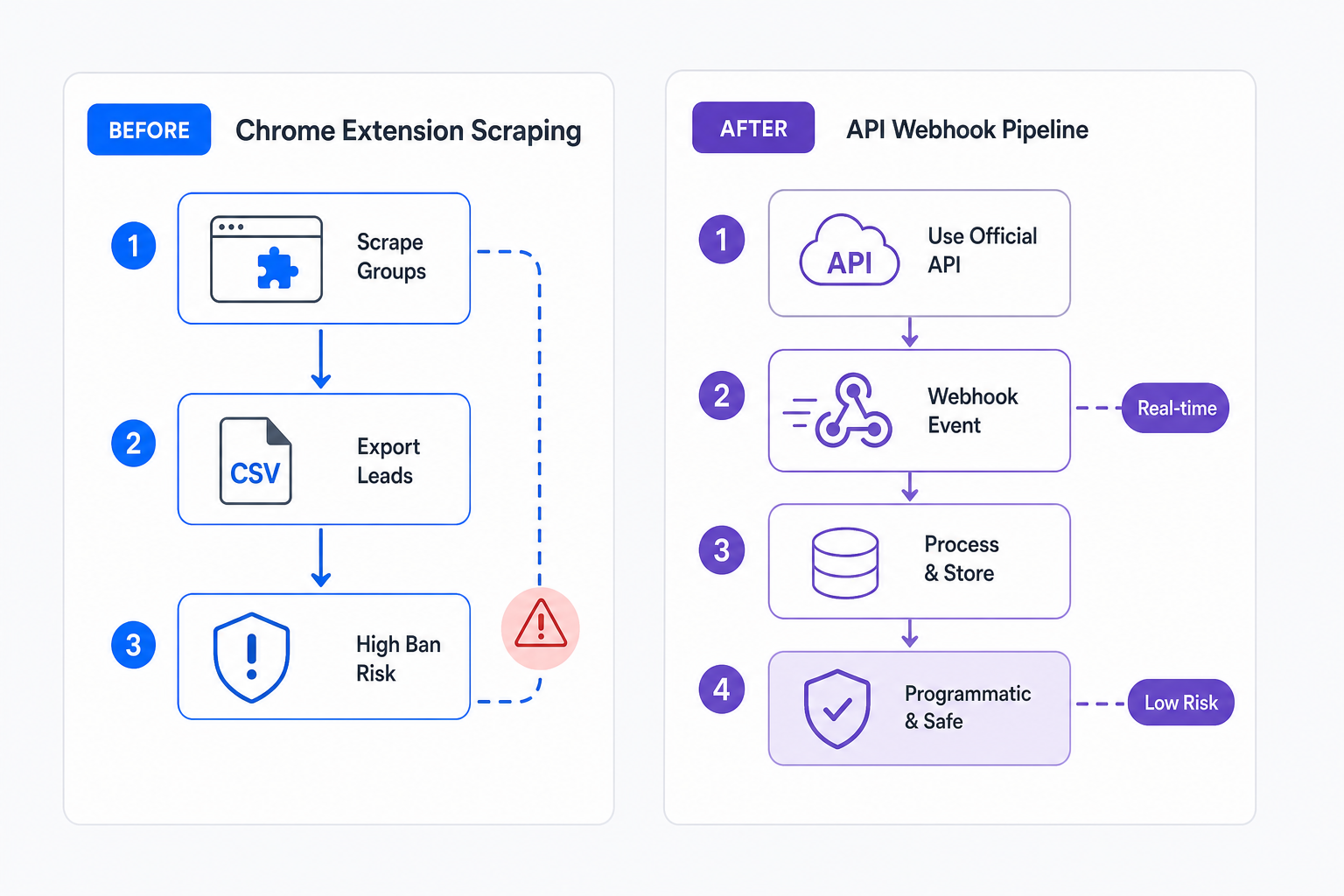
When the browser recycles elements, scraping scripts must wait for decrypted data to load in memory. Moving too fast drops the connection; moving too slow causes timeouts. Browser automation operates directly on the user interface, violating Meta's terms of service and triggering server-side heuristics designed to terminate sessions permanently.
Why Direct Browser Database Extraction Fails
IndexedDB database queries return privacy-masked Linked Identifiers ending in @lid instead of actual phone numbers. This browser database contains local messages and group metadata, but reading it directly hits strict cryptographic privacy barriers.
Linked Identifiers (LIDs) are random, internal keys ending in @lid. WhatsApp uses LIDs to protect user privacy. Phone numbers never sync locally unless you have already messaged the user or saved them in your device address book. To safely resolve these masked keys into standard, dialable telephone numbers, B2B teams must implement resolve WhatsApp LIDs to phone numbers via a programmatic filter called the LID Resolution Gate.
Below is a production implementation of the LID Resolution Gate using standard Node.js fetch syntax to query the Whapi.Cloud directory. The helper translates a masked @lid string into a dialable phone number JID.
// GET https://gate.whapi.cloud/contacts/ids/{ContactLID}
const WHAPI_TOKEN = process.env.WHAPI_TOKEN;

async function resolveLidToPhoneNumber(lid) {
  const url = `https://gate.whapi.cloud/contacts/ids/${lid}`;

  try {
    const response = await fetch(url, {
      method: "GET",
      headers: {
        "Authorization": `Bearer ${WHAPI_TOKEN}`,
        "Content-Type": "application/json"
      }
    });

    if (!response.ok) {
      throw new Error(`API returned HTTP status ${response.status}`);
    }

    const data = await response.json();
    return data.id; // Returns standard phone-number JID format: "[email protected]"
  } catch (error) {
    console.error("LID resolution failed:", error.message);
    return null;
  }
}
By routing all extracted group participants through this resolution filter, your backend ensures that every payload delivered to your database is structured, validated, and ready for compliant outreach routing.
Why Group Lead Extraction Requires an Unofficial API
Meta's official Groups API caps size at eight participants, requiring OBA verification for access. This strict limit is documented in Meta's official docs, making official channels useless for organic community lead generation.
To bypass these structural limits, B2B teams use Whapi.Cloud. Because Whapi.Cloud connects via web-session sockets--the same protocol path WhatsApp Web uses--it inherits the full capability of a standard WhatsApp account. This architecture provides unlimited access to groups, communities, channels, and statuses, allowing you to WhatsApp Groups API overview and get lists of group members programmatically from groups containing up to 1,024 active members in a single API call.
Additionally, the official setup binds your number to highly structured template requirements and charges per-message utility or marketing fees. Using the Whapi.Cloud API, you operate on a flat subscription model. This eliminates unpredictable message fees entirely, giving developers a stable and predictable budget for high-volume community operations.
Comparing Manual Scrapes, Extensions, and API Pipelines
Choosing the correct extraction stack depends on your volume, compliance posture, and automation requirements. Hand-copying contacts fits small-scale tests, but automated lead operations demand programmatic stability.
| Metric | Manual Scrapes | Browser Extensions | Whapi.Cloud API |
|---|---|---|---|
| Scale Limit | Capped at 16 visible contacts | Recycled DOM slows scrolling | Unlimited (full group metadata) |
| Account Ban Risk | Zero risk | Extremely high (ToS violation) | Protected via socket architecture |
| Automation Potential | None (requires manual labor) | Brittle (breaks on UI updates) | Fully automated via Webhooks |
| Lead Scoring Integration | Manual entry | Static CSV exports only | Real-time CRM sync (Make/n8n) |
The Lead-Operations Playbook: Capture, Score, and Sync
Engaging inbound WhatsApp leads within one minute prevents lead decay and boosts conversions. To achieve this speed, you must transform raw group chats into structured, webhook-fed sales funnels divided into capture, resolve, score, and sync.
First, configure a webhook in your Whapi.Cloud dashboard to listen to group participant update events. The moment a new member joins your community, Whapi.Cloud triggers a real-time event payload containing the Group ID (ending in @g.us) and the joiner's ID. Next, run the payload through the LID Resolution Gate to extract the standard JID telephone number.
Once resolved, route the participant payload to your scoring engine. By matching the user's country code, public profile name, member rank (admin or regular member), and message frequency against your ideal customer criteria, you assign a qualification score to the contact. High-priority leads are routed directly to HubSpot or Monday.com for instant agent notification.
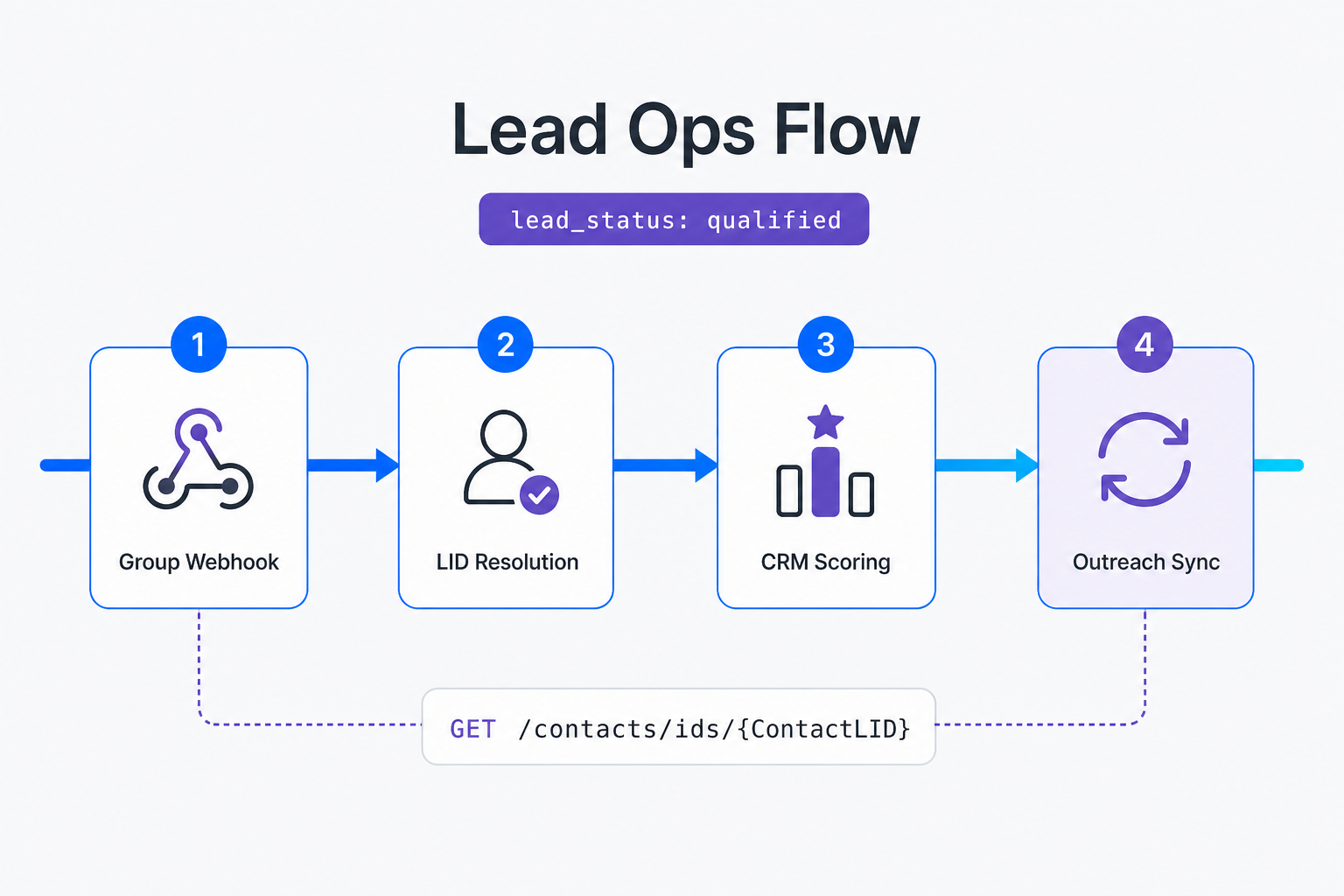
The final and most critical stage is compliant outreach. Cold WhatsApp outreach violates Meta policies; conversational opt-in bots ensure B2B engagement. In the official WhatsApp Business API, sending any outreach requires pre-approved templates and triggers per-conversation fees. In Whapi.Cloud, you can deploy flexible, conversational opt-in bots immediately without template verification, running on a flat subscription. Learn how to avoid WhatsApp bans to maintain high deliverability rates.
Instead of cold, automated pitches, use an automated qualifying bot to initiate soft, conversational outreach. Introduce your brand, mention the shared group context, and ask an open-ended question to secure explicit opt-in consent before delivering a sales offer.
| Participant Type | Recommended Action | Outreach Priority |
|---|---|---|
| Local Match (Target Market) | Route to sales team; trigger instant qualifying bot | High Priority (Under 1 minute) |
| International Match (Secondary Market) | Add to email newsletter list; trigger soft opt-in survey | Medium Priority (Same day) |
| Competitor or Low-Score Profile | Log in database; suppress automated outreach triggers | No Outreach (Suppressed) |
Wire Extracted Leads into Your CRM (No-Code Path)
Stream group participant updates directly to n8n webhooks to automate real-time lead qualification. If you want to bypass writing custom server code, Whapi.Cloud's native n8n and Make nodes let you build pipelines in under 15 minutes.
Start by dragging the Whapi.Cloud trigger node into your n8n canvas and selecting the group participant event. Connect this trigger to a standard HTTP request node that resolves LIDs, then wire the output to a routing filter. Refer to the Whapi.Cloud n8n node setup for step-by-step credentials configuration.
This no-code pathway eliminates the overhead of managing local Node.js servers, error retry queues, and SSL certificates, making robust multi-channel automation accessible to marketing teams and database administrators alike.
The Minimum Viable Extraction Stack
Testing complex webhook integrations often requires significant financial and time commitments. Whapi.Cloud addresses this by offering a permanent, fully functional sandbox environment. This Sandbox remains forever free, supporting up to 5 active conversations and 150 daily messages.
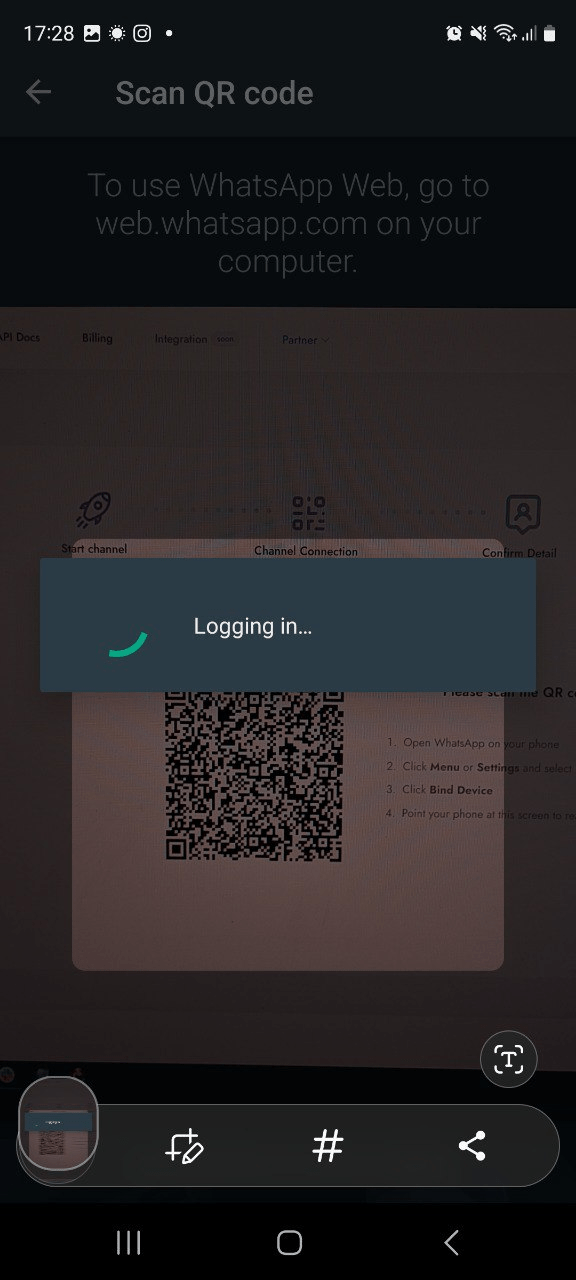
This free sandbox allows developers and community managers to fully prototype, configure, and debug their LID Resolution Gate and n8n CRM sync flows without paying a single dollar. You can register your account on the Whapi.Cloud Registration Portal and scan the QR code to connect your test number in under two minutes.
What We Are Deliberately Leaving Out
We are deliberately leaving out custom browser-automation code blocks, such as Puppeteer scripts or Chrome extension manifest templates, because these approaches fail to maintain connection stability under daily UI changes.
Instead, teams seeking long-term operational success should focus exclusively on stable, backend-driven REST APIs. If you hit unexpected integration challenges, reach out to the Whapi.Cloud support team via the chat widget on the main portal; they actively help customers resolve production issues.
Conclusion: Turning Group Chat Noise into Structured Pipeline
Convert chaotic community chat events into scored, webhook-fed CRM leads using automated workflows. Traditional DOM-scraping introduces critical ban risks and privacy masks. Moving to an API-driven architecture preserves your reputation while securing reliable customer data.
In our experience, migrating from unstable browser-scraping scripts to structured Webhook-fed pipelines reduces lead capture response latency to under 60 seconds. Take control of your WhatsApp communities by connecting your number to the Whapi.Cloud REST API today, and build a scalable, compliant pipeline that converts discussion noise into real, measurable sales volume.
Ready to automate your WhatsApp lead operations?
Get started with our forever-free Sandbox and set up your group webhook integration in under five minutes.