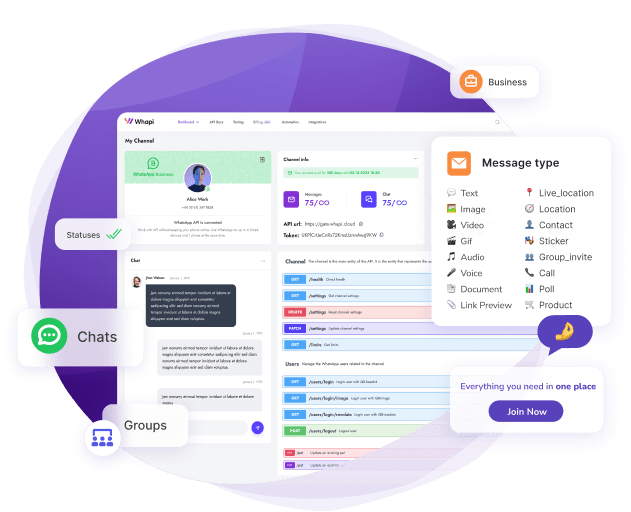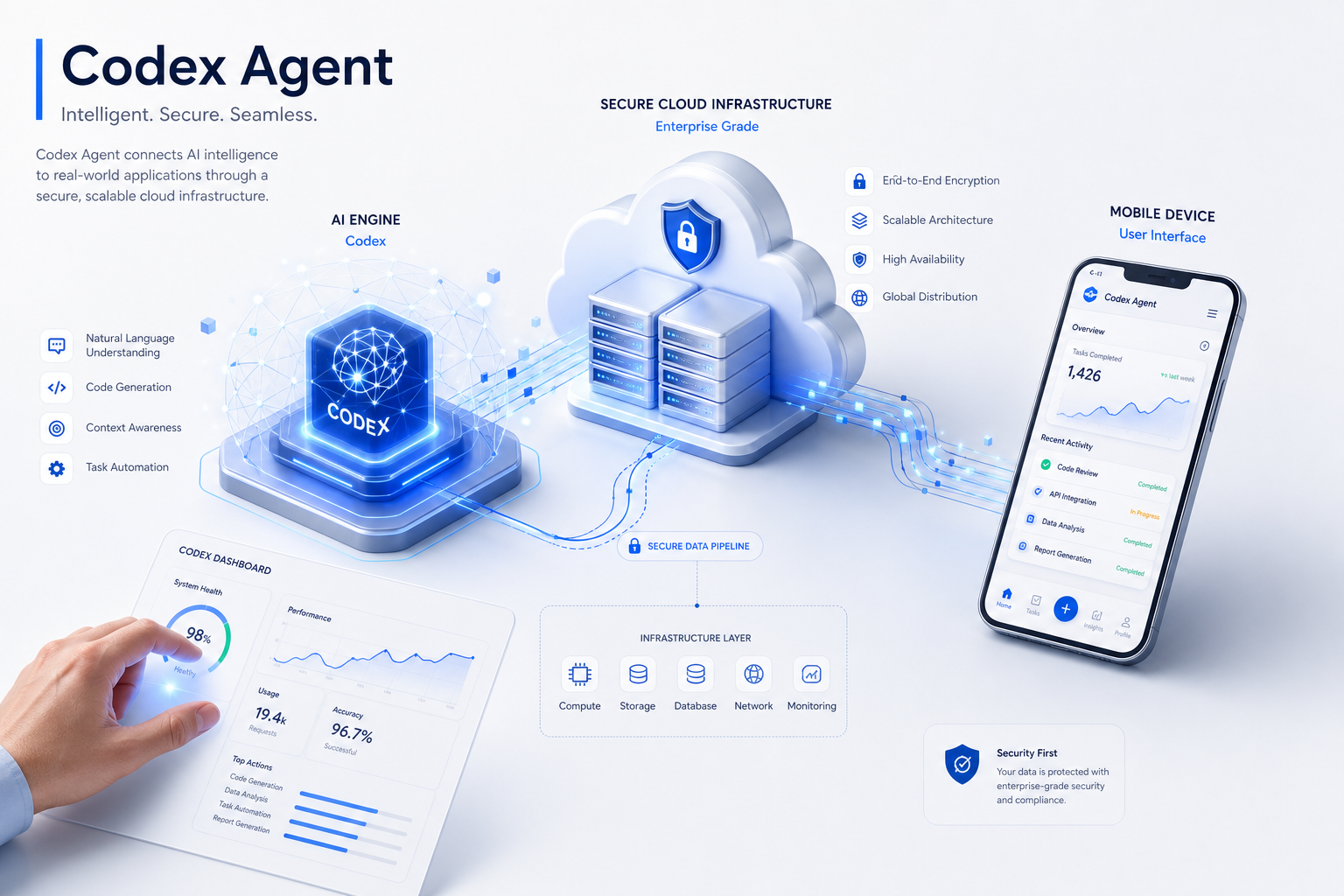
TL;DR: Prompt engineering is useless if your underlying WhatsApp connection drops after 24 hours. To run Codex autonomously 24/7, abandon local QR-bridges and SQLite session files. Use Whapi.Cloud's MCP server for persistent cloud infrastructure, separate your AI interpretation from application logic using webhooks, and install the Whapi Agent Skill to prevent common LLM hallucinations like incorrect Chat ID formats.
Building a 24/7 autonomous Codex WhatsApp agent requires replacing brittle local QR-bridges with production cloud infrastructure and separating AI interpretation from application logic via webhooks. We've seen teams struggle with session stability when deploying their first autonomous agents. The initial prototype works flawlessly in the terminal, but the moment it moves to a server, the WhatsApp connection drops.
Why local QR-bridges fail in production
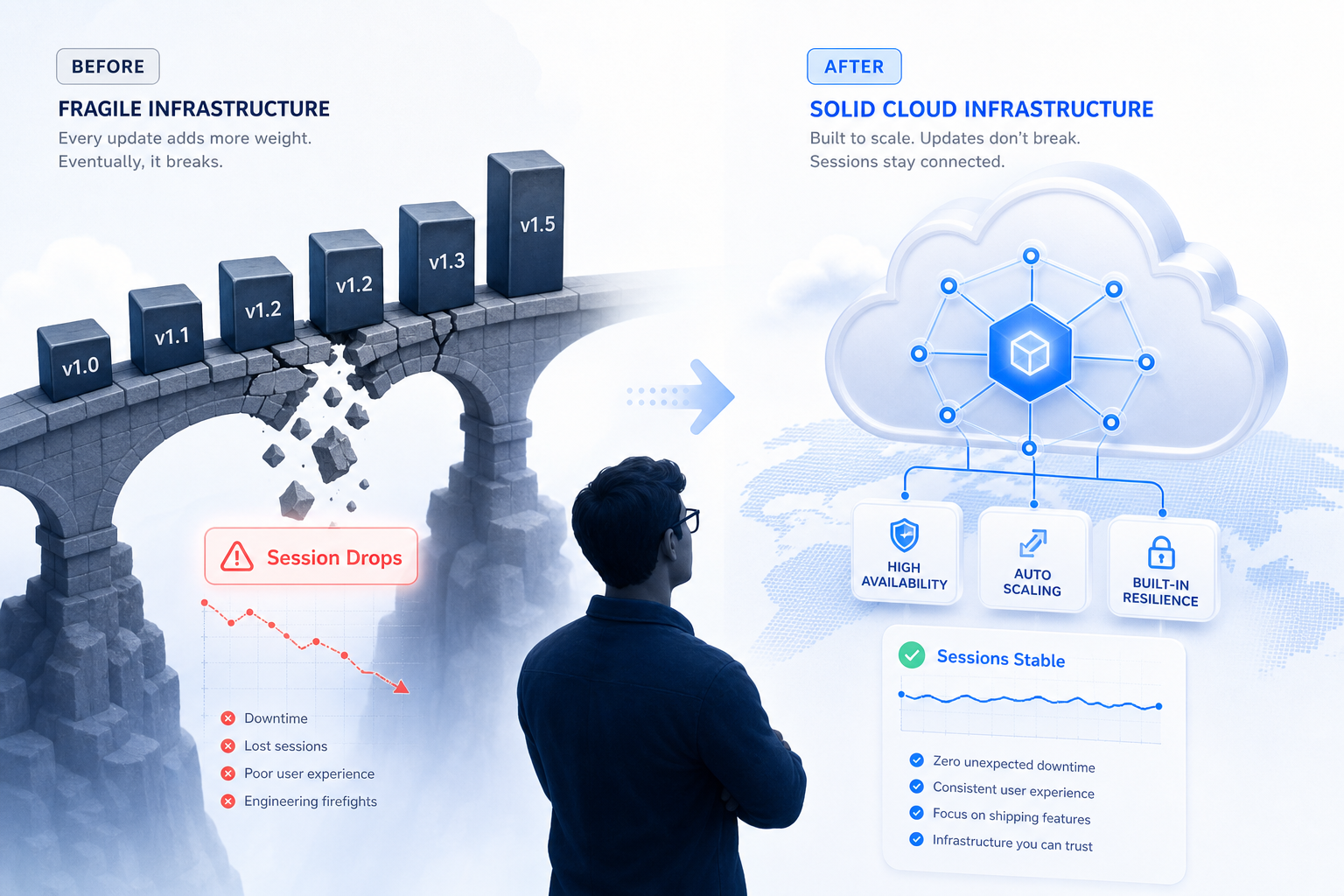
Open-source scraping libraries work for local testing but fail in production. WhatsApp Web revision changes cause unpredictable session drops, and zombie sockets drain memory when listeners fail to disconnect properly.
Developers consistently report that sessions drop after ~24 hours with status code 428 errors, even with keep-alive mechanisms in place. This happens because open-source libraries rely on reverse-engineering WhatsApp Web. WhatsApp Web revision changes—specifically the `client_revision` and `server_revision` in `sw.js`—cause sessions created with one revision to be rejected when WhatsApp switches versions. This leads to unpredictable disconnects.
When these disconnects occur, the underlying headless browser (often Puppeteer) does not always shut down cleanly. Furthermore, zombie sockets are abandoned connections that drain memory when WhatsApp listeners fail to disconnect properly. When the connection drops, the Node.js process holds onto the socket, eventually leading to an out-of-memory crash. You will see your server's RAM usage slowly climb in `htop` until the process is killed by the operating system.
Local SQLite databases and local QR-code bridges work for testing but fail in 24/7 autonomous server deployments. If you want 24/7 uptime, you cannot rely on a local browser instance running in Puppeteer. The operational overhead of constantly monitoring and restarting these instances defeats the purpose of building an autonomous agent.
Store session state in the cloud, not local SQLite
Production agents cannot rely on local file systems. Cloud infrastructure eliminates session file corruption and reconnection issues.
Consider the standard Docker container lifecycle. When you deploy a new version of your agent's code, the container restarts. If your WhatsApp session data is stored in a local SQLite database inside that container, the database is wiped on every deployment. When a Docker container restarts, local SQLite databases corrupt or lose the active session token. If you do not persist conversation history and connection state outside of the local container, your WhatsApp bot will feel broken within the first day of real users.
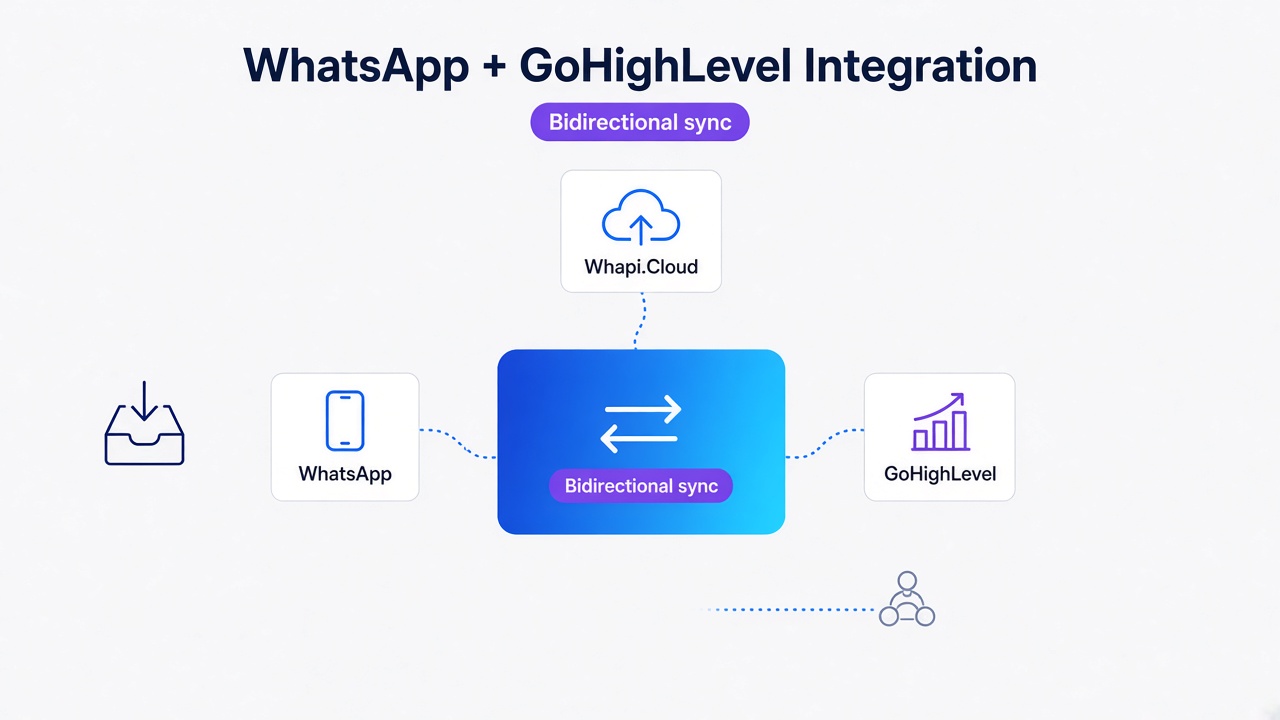
Whapi.Cloud's official MCP server connects through production cloud infrastructure, eliminating local session files and reconnection issues associated with QR-based bridges. The connection is maintained on redundant cloud servers, so your local agent only needs to authenticate via an API token. This means you can deploy new code, restart your servers, or scale your worker nodes horizontally without ever dropping the WhatsApp connection.
In practice, projects that skip externalizing their state tend to require manual intervention every morning to re-scan QR codes. By moving the connection layer to Whapi.Cloud, you offload the session management entirely. This ensures that your Codex agent remains connected and responsive, regardless of what happens to your local server environment.
Separate AI interpretation from application logic
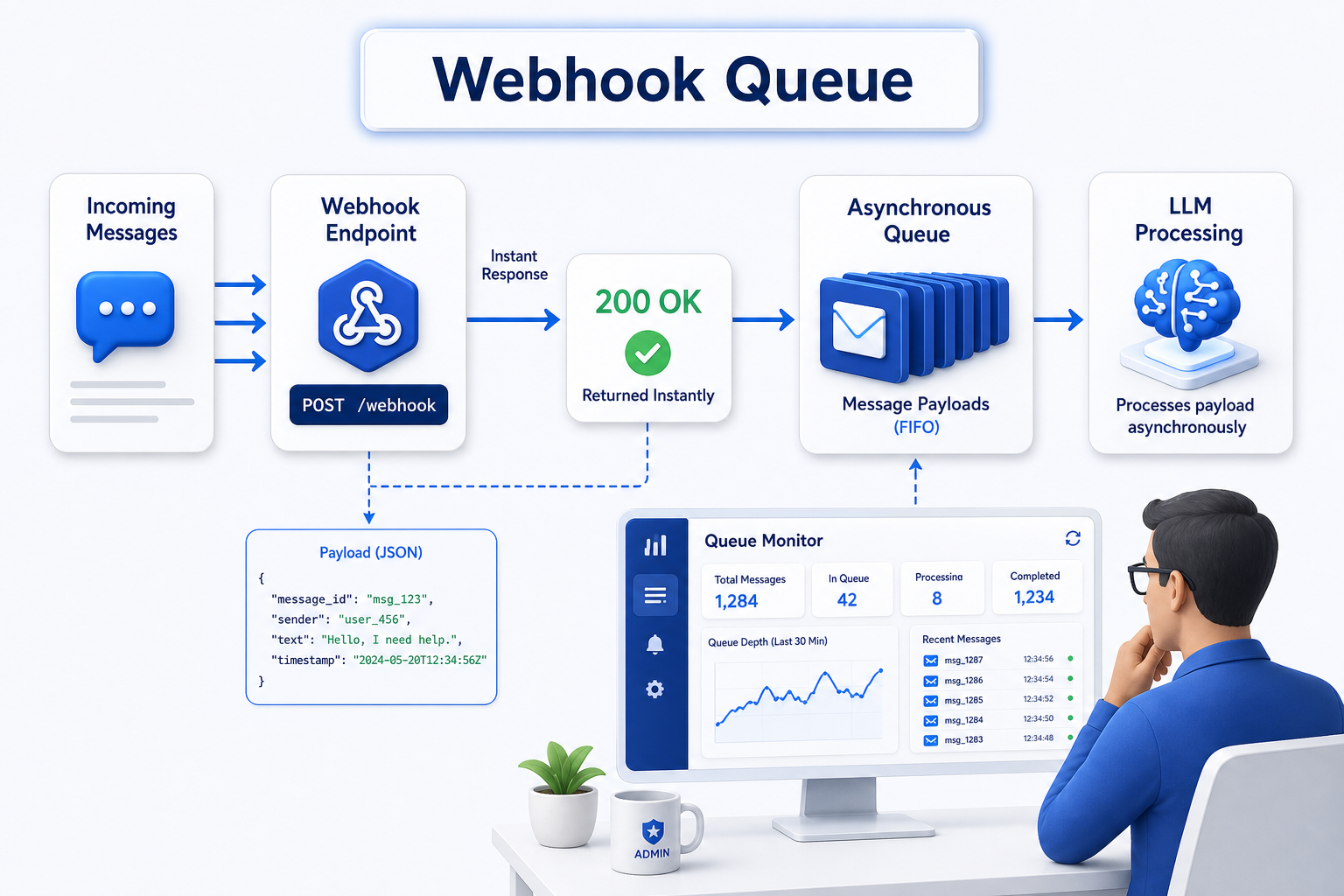
Connecting Codex to WhatsApp requires separating AI interpretation from application logic via webhooks. Do not put your LLM call inside your message listener.
A Twilio WhatsApp Agent Demo architecture demonstrates that building a production-ready WhatsApp AI agent requires separating AI interpretation from application logic using session state management and webhooks. If your agent receives a message, blocks the thread to call Codex, and waits for the response, a sudden influx of 10 messages will crash the process. The LLM API calls often take several seconds to complete, which exceeds standard HTTP timeout windows.
Instead, use webhooks to receive real-time WhatsApp messages, place them in a queue, and let a separate worker handle the LLM interaction. We call this the async webhook queue pattern. This pattern acts as an idempotency gate, ensuring that each message is processed exactly once, even if WhatsApp retries the webhook delivery.
// without returning 200 OK immediately, WhatsApp will retry the webhook delivery
app.post('/webhook', async (req, res) => {
  const payload = req.body;
  // Acknowledge receipt immediately
  res.status(200).send('OK');

  // Process asynchronously in the async webhook queue
  await queue.add('process-message', payload);
});
By implementing the async webhook queue, you ensure that WhatsApp's servers register the message as delivered immediately. The LLM can then take its time to process the intent, query your database, and formulate a response without triggering timeout errors. This separation of concerns is critical for scaling your agent to handle hundreds of concurrent conversations.
How to connect Codex to WhatsApp via Whapi.Cloud MCP
Deploy Whapi.Cloud MCP to replace brittle local scripts with a persistent, production-ready WhatsApp connection.
The Model Context Protocol (MCP) provides a standardized interface for LLMs to discover and interact with external tools. You can connect your agent to the Whapi.Cloud MCP server using a simple configuration file. To connect Codex, you configure your MCP client to point to the Whapi.Cloud MCP server. This exposes the full WhatsApp API as tools the LLM can call.
{
  "mcpServers": {
    "whapi": {
      "command": "npx",
      "args": ["-y", "@whapi/mcp-server"],
      "env": {
        "WHAPI_TOKEN": "your_api_token_here"
      }
    }
  }
}
With this configuration, Codex can autonomously call endpoints to send replies, without you having to write the wrapper code. For example, when the LLM decides to send a message, it formulates an HTTP REST call to `https://gate.whapi.cloud/messages/text`. The MCP server translates the LLM's intent into the correct API payload.
// The LLM autonomously generates this payload based on the MCP schema
const res = await fetch(`https://gate.whapi.cloud/messages/text`, {
  method: 'POST',
  headers: {
    'Authorization': `Bearer ${process.env.WHAPI_TOKEN}`,
    'Content-Type': 'application/json'
  },
  body: JSON.stringify({
    to: "[email protected]",
    body: "Hello from Codex!"
  })
});
const result = await res.json();
Prevent AI hallucinations with the Whapi Agent Skill
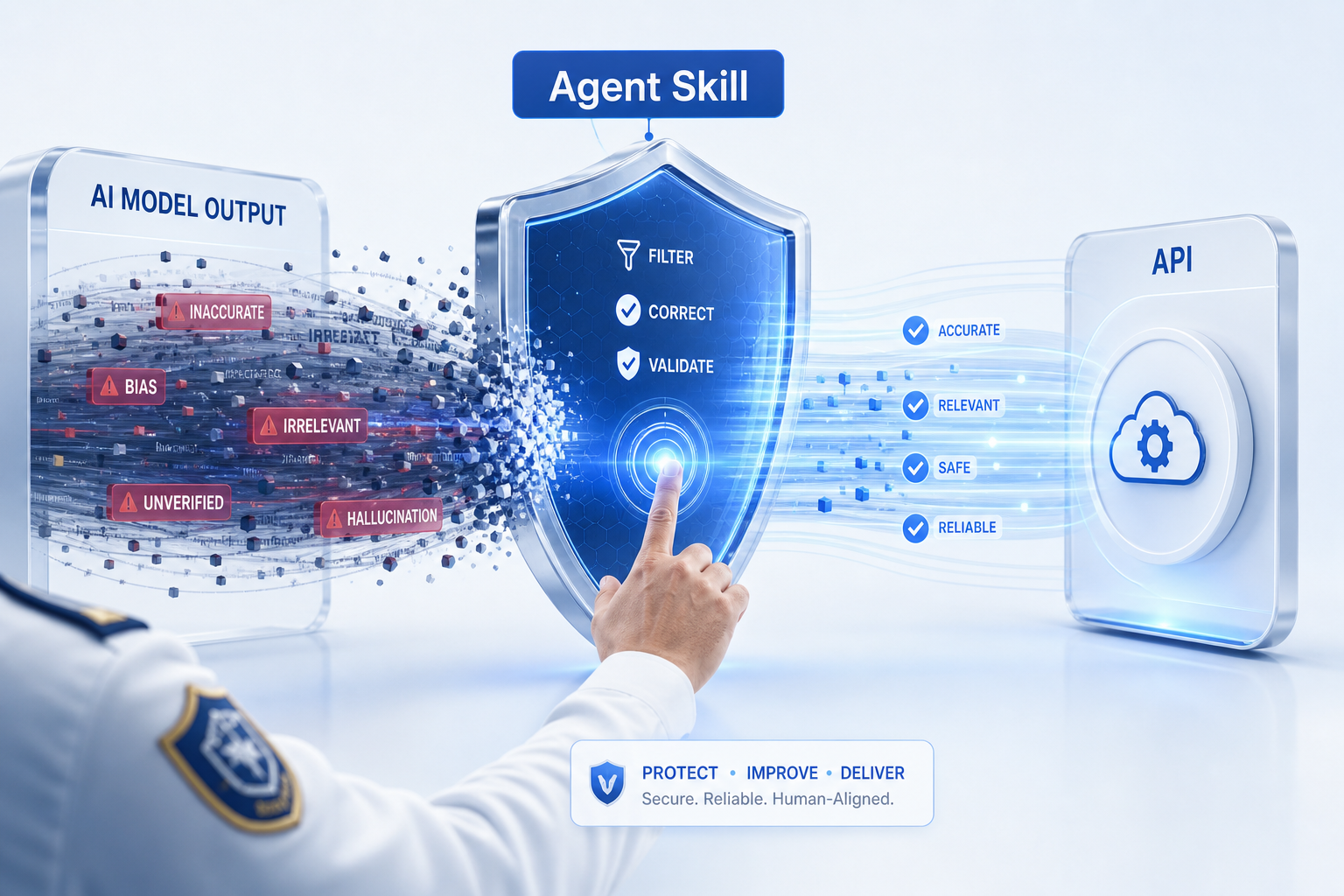
Whapi Agent Skill prevents LLM hallucinations like incorrect Chat ID formats and wrong field names.
LLMs frequently hallucinate parameter names, sending `message` instead of `body`, or formatting Chat IDs incorrectly (missing `@s.whatsapp.net`). When an LLM guesses the payload structure based on its training data, it often defaults to generic variable names that do not match the specific API requirements. The Whapi Agent Skill equips Codex with the correct API knowledge. It prevents common LLM hallucinations like wrong field names and polling instead of webhooks.
Install via a single command: `npx skills add Whapi-Cloud/whapi-whatsapp-api-skill`. The skill corrects hallucinated parameters, wrong field names, and non-existent tool names. It provides the LLM with the exact constraints of the Whapi.Cloud API, ensuring that every generated request is valid. This drastically reduces the time spent debugging failed API calls and allows the agent to operate autonomously with high reliability.
Real-world ROI in E-commerce and Real Estate
Automated lead qualification via WhatsApp agents increases booking rates by 1.8x and reduces no-shows.
In Real Estate, response times improved from 2-4 hours to 10 seconds, leading to a 1.8x increase in booking rates and a 70% reduction in no-shows via automated reminders. This is the direct result of having an agent that never sleeps and never drops its connection. When the infrastructure is stable, the AI can focus on qualifying leads by budget, timeline, and purchase intent, directly integrating with calendar scheduling.
Maintaining cart state in working memory enables E-commerce bots to handle complex order management autonomously. Complete WhatsApp ordering bots are built with Supabase for menu/order storage and LLMs for natural language processing. These systems rely on the 24/7 uptime provided by cloud MCP servers to ensure that no customer order is lost due to a zombie socket.
Building a 24/7 autonomous Codex WhatsApp agent requires replacing brittle local QR-bridges with production cloud infrastructure and separating AI interpretation from application logic via webhooks. Focus on the operational infrastructure, and the AI will handle the rest.