TL;DR: For Shopify stores shipping 1,000+ orders monthly, n8n + Whapi.Cloud replaces a $100+/month WhatsApp app at a flat per-number rate. Three workflows: abandoned cart recovery (26--33% conversion vs email's 7%), automated order updates that eliminate WISMO tickets, and COD confirmation buttons that cut failed deliveries by 35--40%. Start with the abandoned cart workflow. It typically recovers the setup cost within the first week.
Why WhatsApp Opens Where Email Doesn't
WhatsApp messages reach 98% of recipients. Email reaches 20--40% at best. For Shopify abandoned cart campaigns, that gap changes the ROI of every automation dollar you spend on customer recovery.
Abandoned cart recovery via WhatsApp returns 26--33% of potential lost sales; the same message by email recovers 7--11%. For order notifications, WhatsApp messages are read before the customer opens their inbox, which cuts WISMO tickets before your support team starts the day. In MENA, 85% of consumers expect to contact businesses via WhatsApp. In Brazil, 78% of businesses actively sell through it. In India, it is the primary messaging channel for most online shoppers.
When Shopify WhatsApp Apps Cost More Than They Save
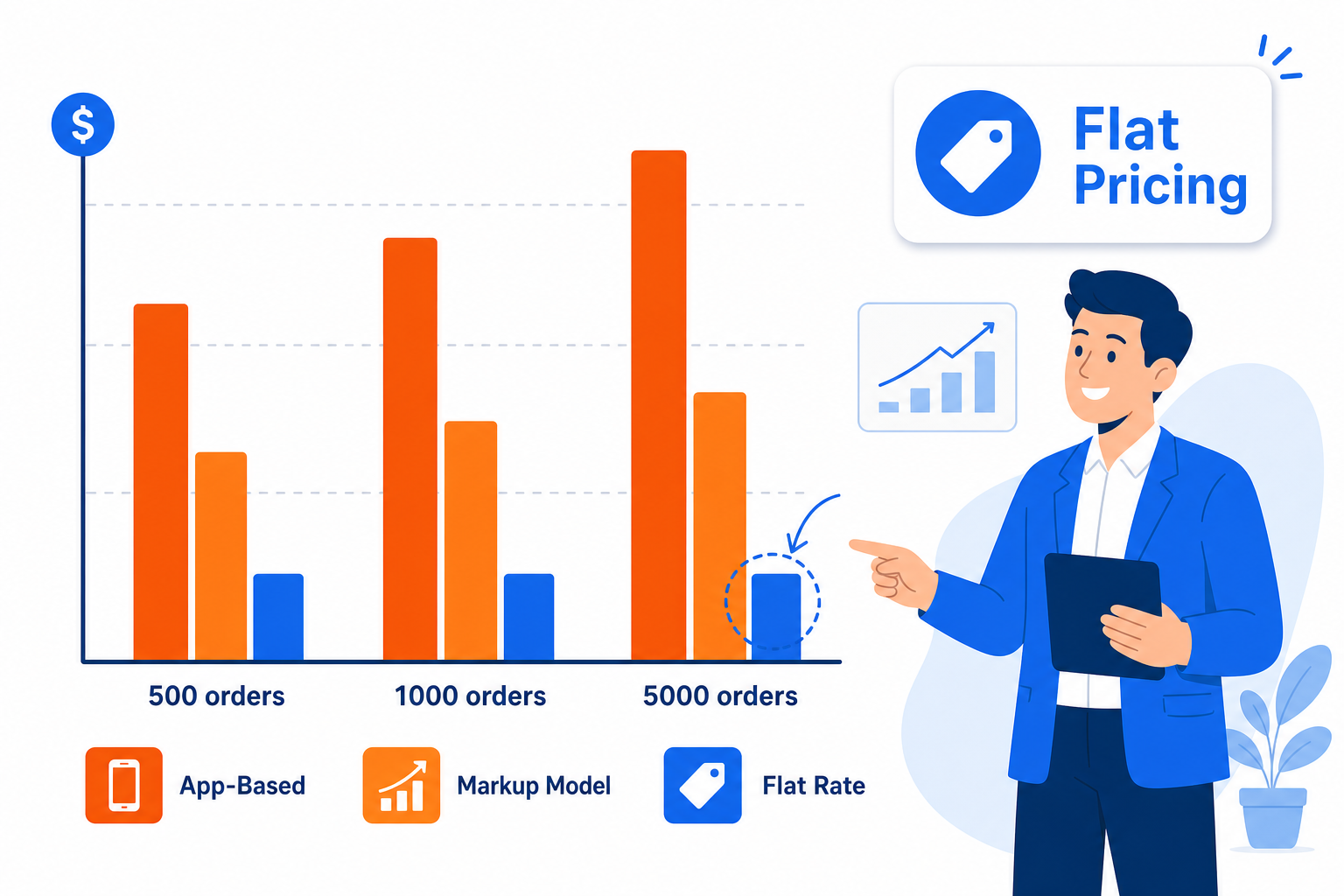
WATI starts at $59/month, before Meta fees. Add the 20% markup and one merchant hit a $2,000 bill in a month they expected to pay $25. Usage-based Meta API charges are not capped by the base plan.
Respond.io's MAC (Monthly Active Contacts) model creates a direct success penalty: every customer who replies to a campaign counts as a MAC, at $12 per 100 MACs overage. A campaign that performs well raises the bill proportionally. Better results mean higher costs.
Interakt applied new pricing retroactively to existing annual prepaid subscriptions in February 2026, charging merchants under terms they had not agreed to at purchase. That is a category-level risk across apps that resell official WhatsApp Business Platform access.
These apps resell the official WhatsApp Business Platform: Meta's per-conversation fees pass through with markups, and the ceiling is impossible to project from base plan pricing alone.
| Provider | Base Plan | Per-Message / Volume Fees | Pricing Risk at Scale |
|---|---|---|---|
| WATI | $59--$279/month | Yes: +20% markup on Meta conversation fees | Bill spikes unpredictably on high-volume months; $2,000 reported vs $25 expected |
| Respond.io | $99+/month | MAC overage: $12 per 100 extra Monthly Active Contacts | Successful campaigns that generate replies trigger overage charges automatically |
| Interakt | Varies by plan | Yes | Pricing applied retroactively to prepaid annual plans mid-cycle (Feb 2026) |
| Whapi.Cloud | Flat per number/month (no credit card at signup) | None | Fixed regardless of message volume or campaign reply rate |
At the order volumes where app costs become painful, pricing structure matters as much as feature set. Whapi.Cloud charges a flat per-number monthly rate: a campaign sending 50,000 messages in one month costs the same to operate as one sending 5,000 -- no Meta markup flowing through, no per-conversation tiers to project into quarterly budgets. For stores crossing the 1,000-orders-per-month threshold, that predictability is where the financial case for switching from app to API becomes clear.
Scenario 1: Abandoned Cart Recovery via WhatsApp and n8n
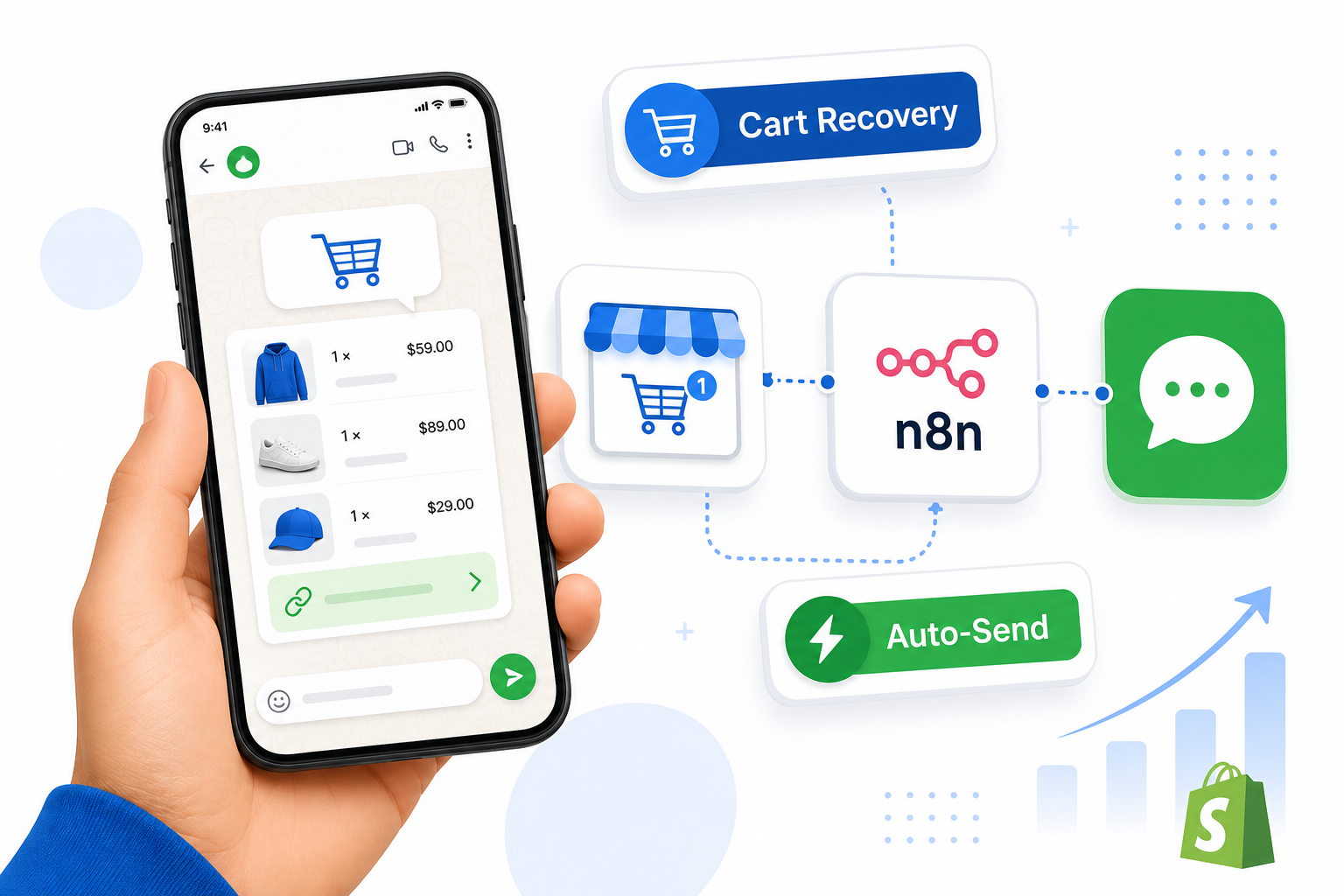
WhatsApp returns 26--33% of abandoned carts vs email's 7--11%; the delta is the automation's job. In n8n, this workflow requires four nodes and takes under an hour to configure.
The trigger fires when Shopify detects an abandoned checkout: a cart where the customer entered contact details but did not complete payment. That webhook event carries the customer phone number, the cart line items, and a direct checkout recovery URL.
n8n workflow: abandoned cart recovery (4 nodes):
- Shopify Trigger node: select event
checkouts/create, which fires when Shopify registers an abandoned checkout. The payload includescustomer.first_name,shipping_address.phone,line_items, andabandoned_checkout_url. - Wait node: set a 60-minute delay. Sending immediately reduces recovery rates; a short delay gives the customer time to complete the purchase on their own and filters accidental abandonment.
- Shopify node (lookup by email): verify the checkout was not completed during the wait. If an order exists for that email, stop the workflow. Sending a recovery message to someone who already paid is the fastest way to lose a subscriber.
- HTTP Request node: POST to the Whapi.Cloud
sendMessageTextendpoint with a personalized message body. Authorization header:Bearer YOUR_WHAPI_TOKEN.
The request body for the HTTP Request node uses n8n expressions to pull customer and cart data from the Shopify trigger output. The endpoint URL is https://gate.whapi.cloud/messages/text. Both to and body are required fields, verified against the Whapi.Cloud API schema.
{
  "to": "{{ $json.shipping_address.phone }}",
  "body": "Hi {{ $json.customer.first_name }}, you left something in your cart!\n\n{{ $json.line_items[0].title }} is still available.\n\nComplete your order here:\n{{ $json.abandoned_checkout_url }}\n\nReply STOP to opt out."
}
Strip the + prefix Shopify stores in the phone field; use {{ $json.shipping_address.phone.replace('+', '') }} in n8n before setting the to parameter (example: 919876543210 for an Indian number). Test the endpoint against your own number in the Whapi.Cloud sandbox before running on customer data.
Scenario 2: Automated Order Updates That Eliminate WISMO Tickets
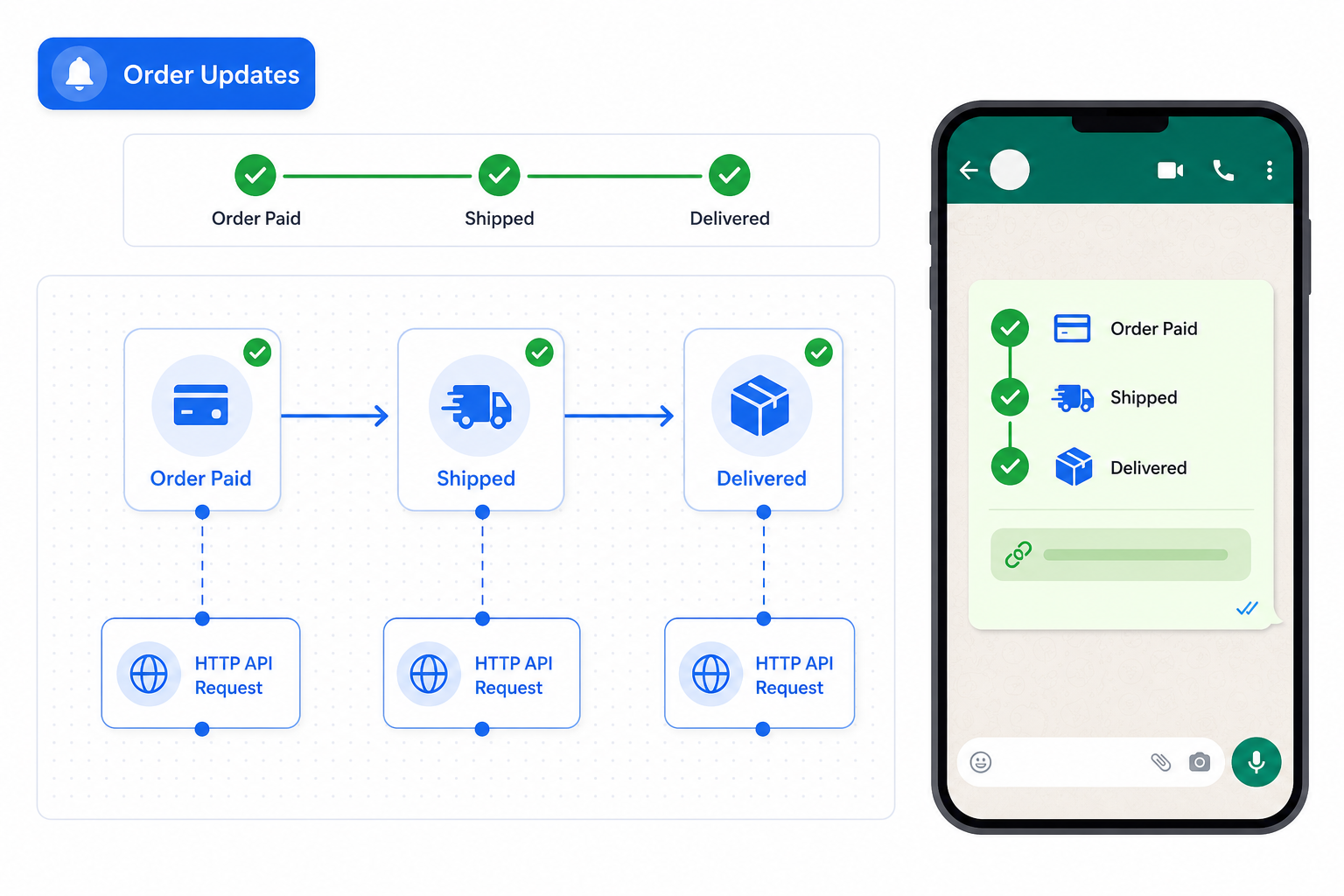
WISMO queries ("Where is my order?") account for 30--60% of all e-commerce support tickets. An automated WhatsApp update at each order status change eliminates most of that volume before it reaches your inbox.
For a store processing 5,000 orders a month, that volume can represent $10,000--$40,000 in monthly support cost for entirely preventable questions.
Three Shopify webhook events cover the complete post-purchase journey: orders/paid (order confirmed), orders/fulfilled (shipped with tracking), and orders/delivered. Each fires with the full order object, including customer phone, order number, and fulfillment tracking information.
n8n workflow: order status notifications (3 nodes):
- Shopify Trigger node: use a single trigger on
orders/updatedwith a Switch node routing byfulfillment_status, or create three separate triggers fororders/paid,orders/fulfilled, andorders/delivered. The three-trigger approach is easier to read and debug individually. - Switch node: route each status to its own message branch: "Order confirmed, being prepared" on payment; "Your order is on the way. Tracking: {{ tracking_url }}" on fulfillment; "Your order has been delivered" on delivery.
- HTTP Request node: call
sendMessageTextwith the branch-appropriate message body. Settofrom{{ $json.shipping_address.phone }}and include the order number for customer reference:#{{ $json.order_number }}.
Unlike apps built on the official WhatsApp Business Platform, Whapi.Cloud requires no pre-approved message templates for these notifications. In the official API, every outbound message must use a Meta-approved template with locked variable slots; change the wording and you restart the approval process. With Whapi.Cloud, you write the message body as plain text in the n8n node and update it any time without any external approval cycle.
Scenario 3: COD Order Confirmation That Cuts Returns by 35--40%
In India, 25--30% of COD orders fail before delivery. A WhatsApp button sent immediately after order creation, asking Confirm or Cancel before dispatch, cuts that failure rate by 35--40% within 30 days.
Each failed COD delivery costs ₹150--300 in return logistics. For a store processing 1,000 COD orders monthly, that is ₹150,000--300,000 per month in avoidable loss. The confirmation workflow intercepts that loss at the messaging layer, before the shipment is ever dispatched.
The confirmation uses an interactive button message with two quick-reply buttons, "Confirm Order" and "Cancel Order," sent via Whapi.Cloud's sendMessageInteractive endpoint before the order moves to warehouse picking.
n8n workflow: COD confirmation (4 nodes):
- Shopify Trigger node: event
orders/created. Add an IF node immediately after and check{{ $json.payment_gateway }}equalscash_on_delivery(or the exact identifier your Shopify payment setup uses). Non-COD orders exit here without sending anything. - HTTP Request node: POST to the Whapi.Cloud
sendMessageInteractiveendpoint. The customer receives two quick-reply buttons in WhatsApp. Required fields per API schema:toandaction. Include"type": "button"in the payload to select quick-reply mode -- recommended for correct button rendering. - Whapi Webhook to n8n Webhook node: configure a Whapi.Cloud webhook to forward incoming messages to your n8n Webhook trigger URL. When the customer taps a button, the webhook payload includes the button ID:
confirmorcancel. - Switch node on button ID: if
confirm, pass the order to fulfillment or tag it as confirmed in Shopify. Ifcancel, cancel the order via the Shopify node and notify your operations team via a separate WhatsApp message or internal alert.
The interactive button payload below uses verified fields from the Whapi.Cloud API schema: to and action are the required parameters. The type: "button" value selects quick-reply mode and should always be included for reliable rendering.
{
  "to": "{{ $json.shipping_address.phone.replace('+', '') }}",
  "type": "button",
  "body": {
    "text": "Hi {{ $json.shipping_address.first_name }}, please confirm your cash-on-delivery order #{{ $json.order_number }} for ₹{{ $json.total_price }}. Tap below before we dispatch your package."
  },
  "action": {
    "buttons": [
      { "type": "quick_reply", "title": "Confirm Order", "id": "confirm" },
      { "type": "quick_reply", "title": "Cancel Order",  "id": "cancel"  }
    ]
  }
}
Important note on button availability: WhatsApp interactive buttons can render inconsistently across older app versions. Build a fallback in your n8n workflow: if no button reply arrives within 12 hours, send a plain sendMessageText follow-up asking the customer to reply YES or NO. That plain-text path handles cases where the button UI does not render on the customer's device, without leaving the order in an unconfirmed state.
How to Connect Whapi.Cloud to n8n in Five Steps
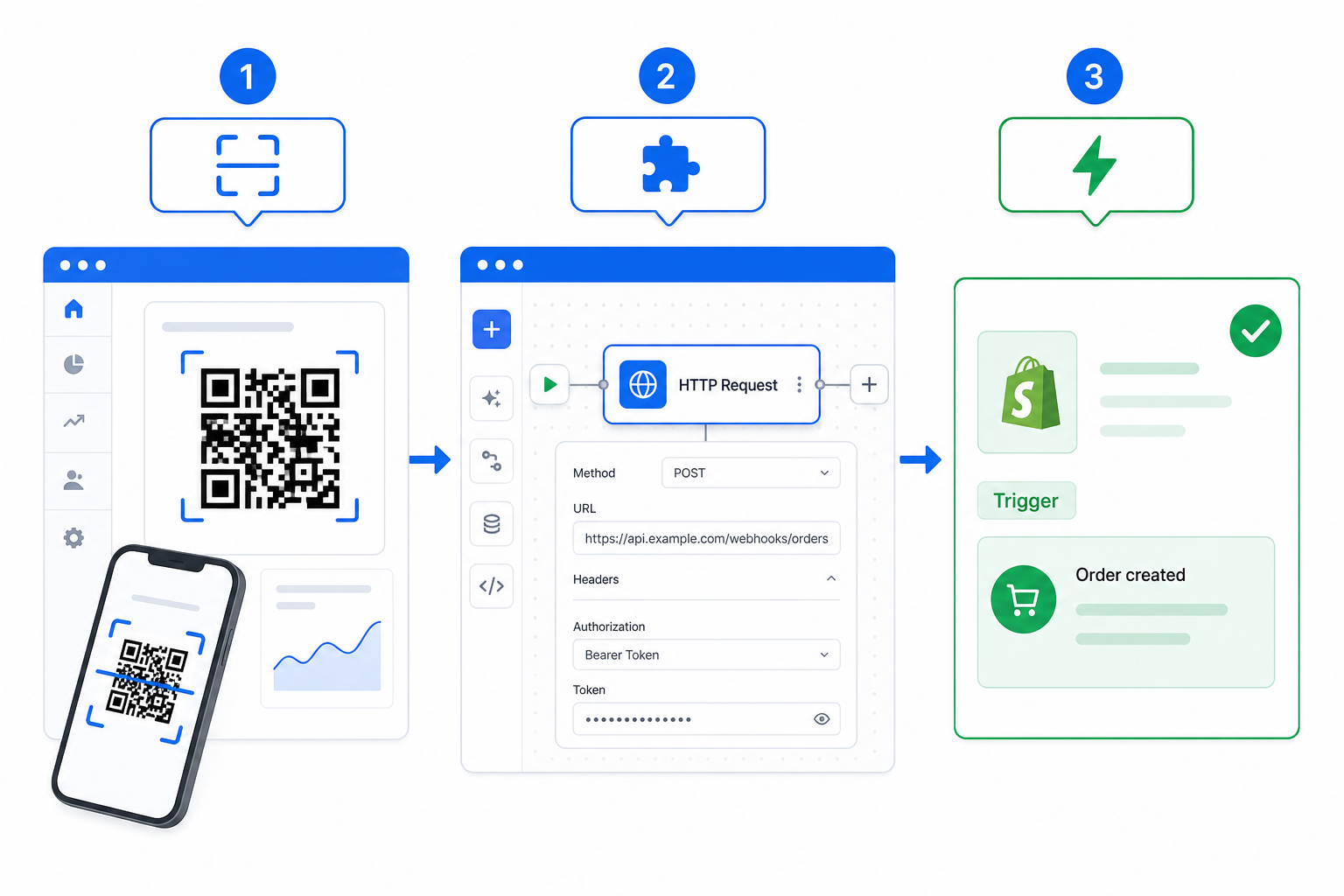
The full stack -- Shopify, n8n, and Whapi.Cloud -- connects without writing application code. The n8n integration guide covers advanced credential setup and webhook configuration beyond these five steps.
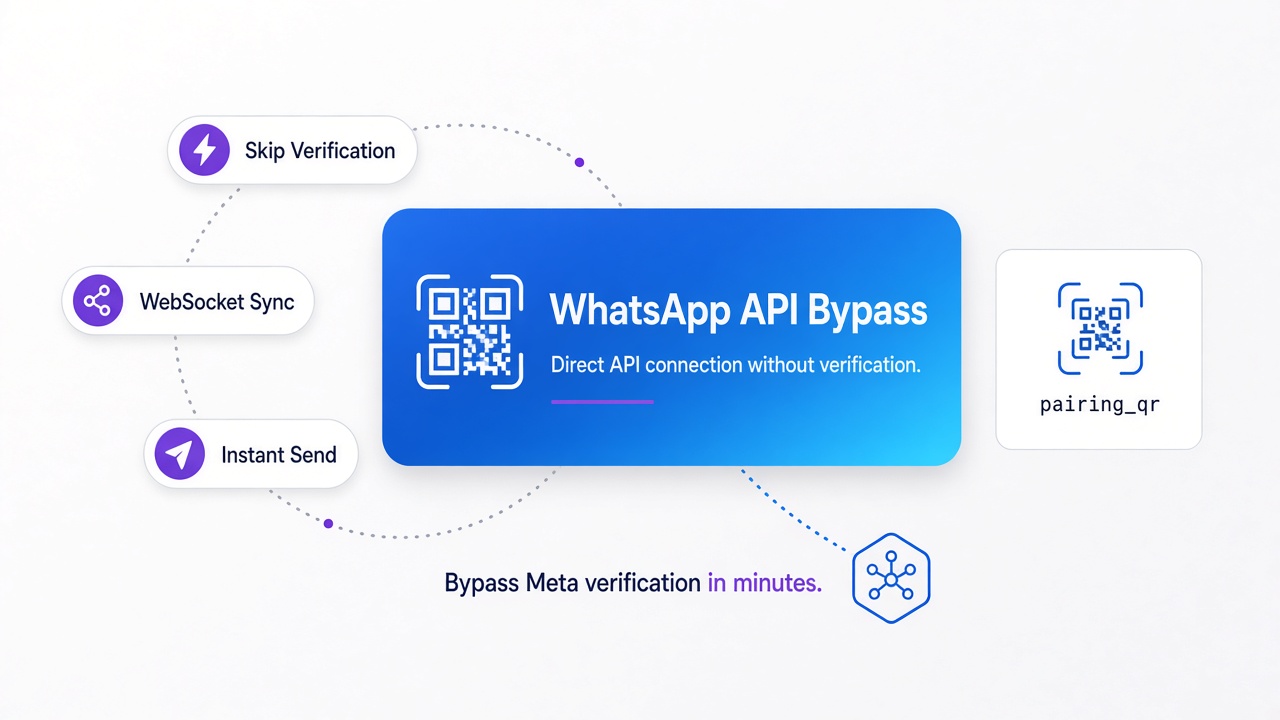
No credit card is required at Whapi.Cloud signup. The number is active for API calls within seconds of the QR scan: no Meta verification step, no BSP onboarding queue, no approval wait.
- Register at Whapi.Cloud. No credit card required at signup. After creating an account, create a channel in the dashboard and scan the QR code with your WhatsApp number. The number is active for API calls within seconds. No Meta business verification, no template approval. The QR scan is the entire setup.
-
Copy your API token from the Whapi.Cloud channel dashboard. This is the Bearer token for every HTTP Request you make from n8n. Store it in n8n's
Credentialssection as a Generic Credential (HTTP Header Auth, Header Name:Authorization, Value:Bearer YOUR_TOKEN), not hardcoded inside node configuration. -
Install the n8n-nodes-whapi community node (optional, recommended for faster setup). Find it at Whapi-Cloud/n8n-nodes-whapi on GitHub and install via
Settings → Community Nodes → Install. This adds a pre-configured Whapi node with action dropdowns, reducing manual HTTP Request configuration. Skip this step if you prefer to use the JSON payloads above directly. -
Add a Shopify Trigger node in n8n. Enter your Shopify store URL and Admin API credentials. Select the matching event topic (e.g.,
checkouts/createfor abandoned cart). n8n generates a webhook URL -- register it in Shopify underSettings → Notifications → Webhooks → Create webhook. Select the same event topic, paste the n8n URL, set format to JSON. -
Test with a real order. Place a test order or use Shopify's built-in webhook test tool to send a sample payload to n8n. Confirm the Shopify trigger node receives the data, the HTTP Request node returns a
200 OKfrom Whapi.Cloud, and the WhatsApp message arrives on your test phone. Activate the workflow only after that end-to-end test passes.
n8n runs self-hosted for free (MIT license, Docker images available, under 30 minutes to set up on any Linux VPS). Cloud managed tiers are available for stores that prefer not to manage infrastructure. The only recurring cost for the full automation stack is your Whapi.Cloud per-number subscription.
Where This Automation Performs Best
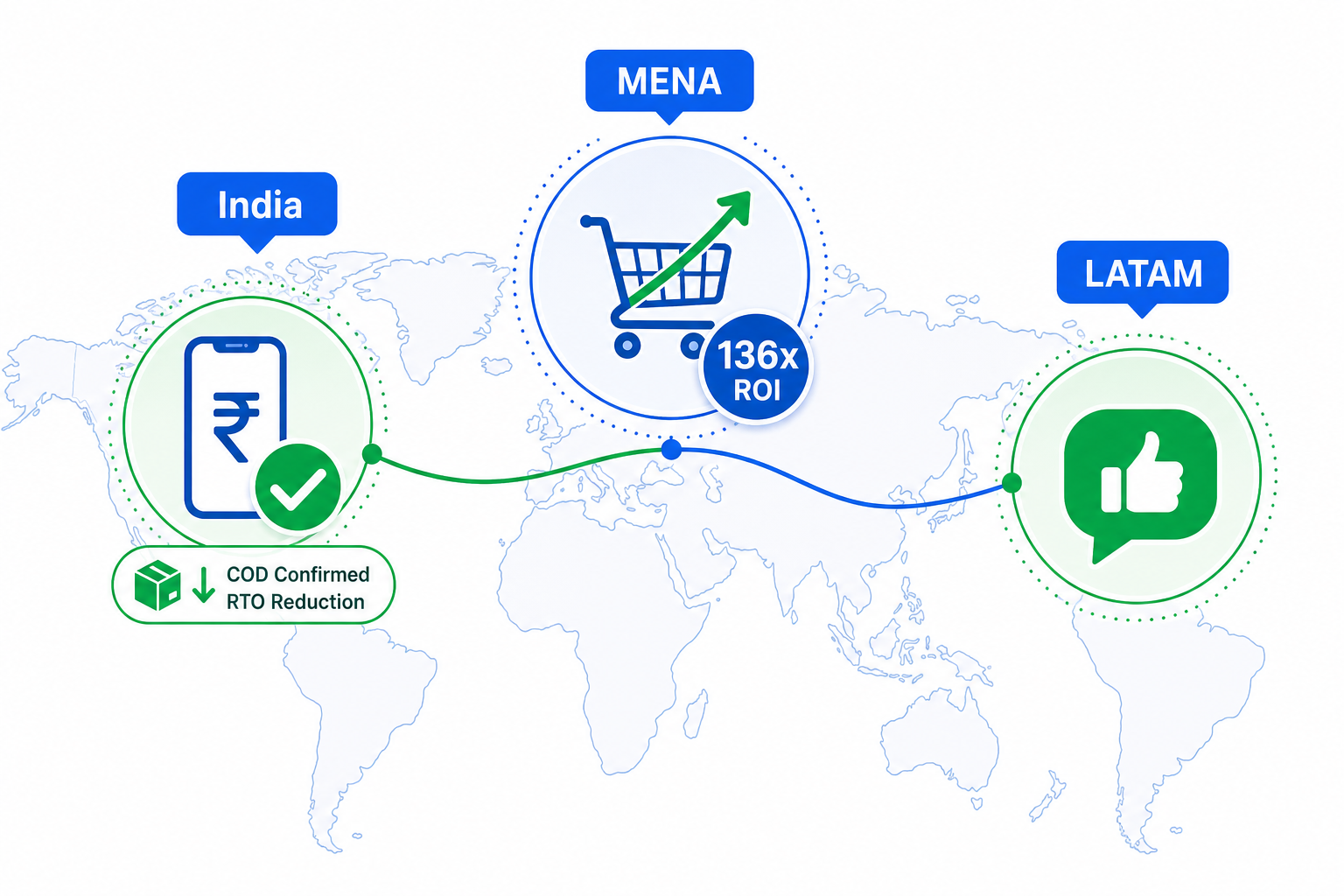
India, MENA, and LATAM are the strongest markets for this stack, with merchant-reported returns, not projections.
In India, the COD confirmation workflow saves approximately ₹75,000 per month per 1,000 orders. In MENA, one merchant reported $136 in revenue per $1 spent on WhatsApp cart recovery. GCC cart abandonment hits 80%. In LATAM, 78% of Brazilian businesses already sell via WhatsApp in a $18.2B conversational commerce market.
Shopify apps offer speed to launch. That value is real at low order volumes. Past 1,000 monthly orders, the one-time n8n setup cost and a flat Whapi.Cloud subscription beat variable-fee app pricing at any volume beyond that threshold.
Whapi.Cloud's free sandbox covers all three workflows: connect a number, run the automations against it, and verify the recovery rates on your own order data before committing to a plan.