TL;DR: Official APIs charge per template message and block out-of-window alerts; flat-rate subscriptions ensure predictable high-volume billing. By switching to Whapi.Cloud's template-free, socket-based connection, developers can deploy vertical-specific automations in under two minutes without Meta verification. This guide provides the complete database schemas, Node.js code for secure HIPAA-compliant PDF delivery, and Python scrapers for real-time price monitoring.
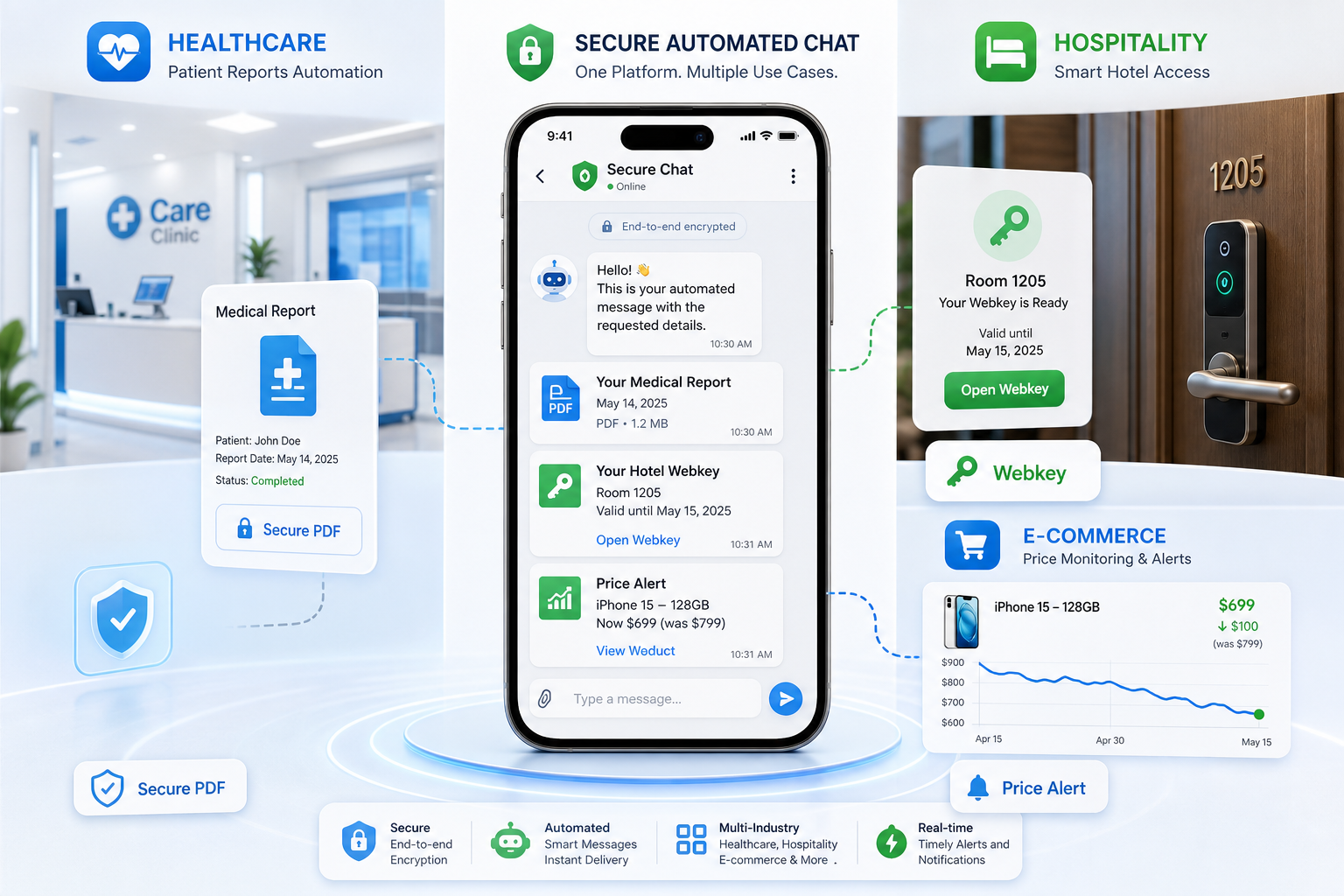
This technical guide from Whapi.Cloud, a socket-based WhatsApp API gateway provider, explains how developers and system integrators can automate vertical workflows for healthcare secure PDF delivery, hotel Webkeys, and retail price alerts. In practice, connecting via web-session sockets allows teams to bypass Meta's 24-hour conversation window and template approval bottlenecks, achieving a 2-minute setup without official business verification.
The Architectural Gap: Why Standard WhatsApp Automation Fails in Production
Building production-ready WhatsApp integrations often starts with a simple prototype using Meta's official API, only to hit severe operational roadblocks. In practice, teams struggle with rigid session limits, template fees, and bureaucratic verification delays that stall deployments for weeks.
The 24-Hour Session Trap (Error 131049)
The most common failure mode in official WhatsApp API integrations is the strict 24-hour conversation window. When your backend attempts to send an automated alert to a user who has not messaged your number in the last 24 hours, Meta blocks the message and returns the dreaded Error 131049.
To deliver this out-of-window message, you are forced to use a pre-approved, highly structured message template. For dynamic, real-time systems like patient lab updates, guest check-in codes, or retail price alerts, this restriction breaks the user experience entirely. The system cannot send spontaneous, personalized updates unless the customer initiates the thread first.
Meta blocks out-of-window alerts; Whapi.Cloud streams daily updates without session limits. In the official WhatsApp Business API, sending out-of-window messages triggers Error 131049 and forces developers to use pre-approved message templates. In Whapi.Cloud, you can send spontaneous, personalized updates at any time without session limits or template pre-approvals, as Whapi.Cloud connects via web-session sockets that mimic a standard WhatsApp Web connection.
The Template Approval Bottleneck
Even if you accept the session limits, every single outbound message template must be submitted to Meta for manual pre-approval. If your template is rejected or reclassified into a more expensive billing category (such as utility being treated as marketing), your operational costs multiply with little warning.
Rigid template pre-approvals stifle dynamic content; template-free sending enables instant personalized messaging. In the official WhatsApp Business API, every outbound message template must be submitted to Meta for manual pre-approval, risking rejection or expensive category reclassification. In Whapi.Cloud, developers can send any dynamic, personalized text or media instantly without pre-approval or template fees. This is because Whapi.Cloud operates as a template-free socket gateway.
Socket-Based Gateway vs. Official BSP CPaaS
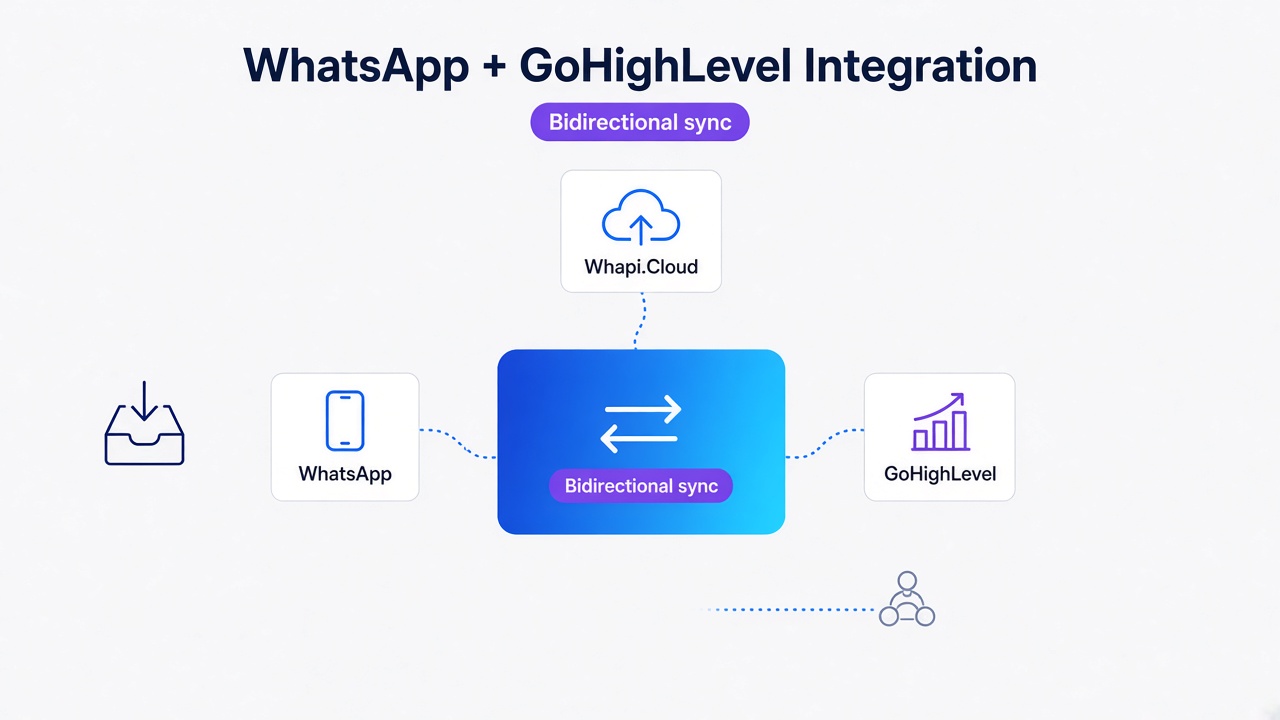
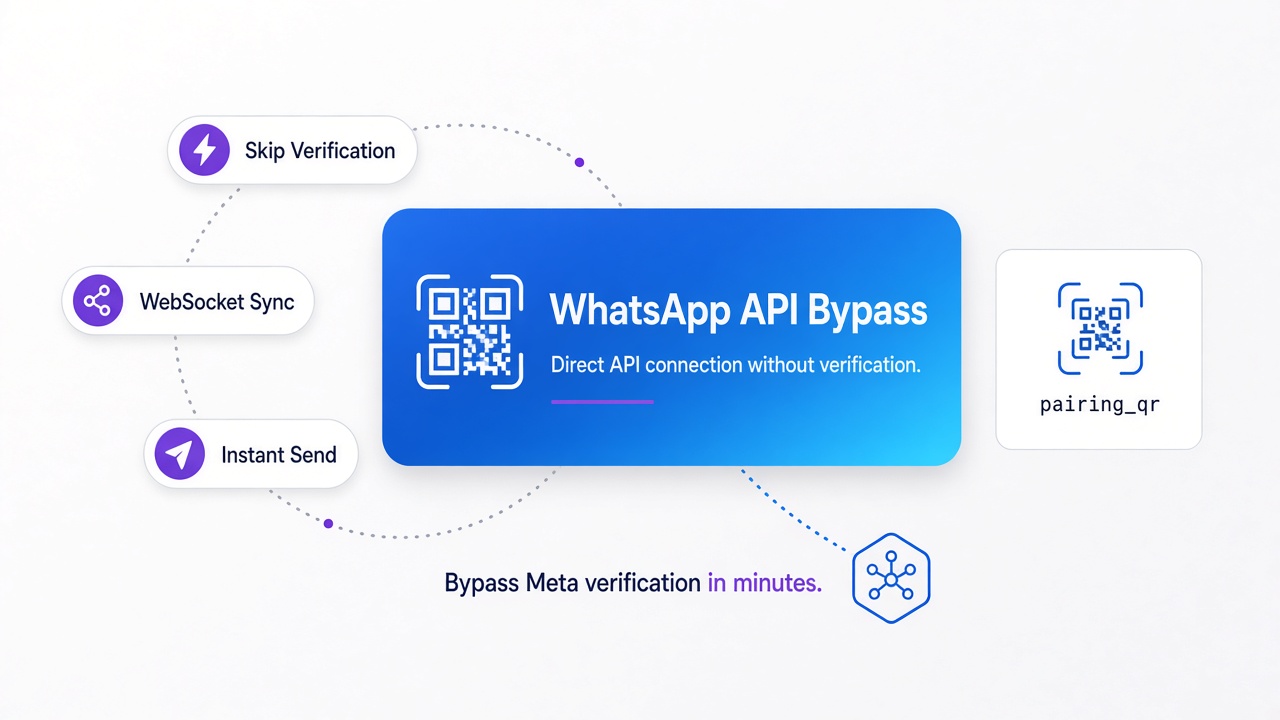
Whapi.Cloud resolves these bottlenecks by operating as a socket-based gateway. Instead of routing messages through Meta's complex Cloud API infrastructure, Whapi.Cloud establishes a direct connection via web-session sockets--the exact same mechanism that powers WhatsApp Web. This architectural shift provides complete operational freedom for developers.
| Operational Metric | Official Meta Cloud API / BSP | Whapi.Cloud Gateway |
|---|---|---|
| Onboarding & Setup | Weeks of Meta Business Verification | 2-minute QR code scan |
| 24-Hour Session Limits | Strictly enforced (Error 131049) | None (Session-free sending) |
| Message Templates | Mandatory pre-approval required | Not required (Send any text/media) |
| Pricing Structure | Metered per-message fees + BSP markups | Flat-rate monthly subscription |
| Advanced Features | Restricted to basic business chats | Full access to Groups, Channels, and Statuses |
Database triggers automate webhook routing; socket-based gateways execute real-time transactional messaging. By using web-session sockets, Whapi.Cloud bypasses the 24-hour session limit entirely. Your servers can send a text, document, or image to any WhatsApp user at any time, with zero template restrictions and zero per-message fees.
How Delhi Clinic Saved 30+ Staff Hours/Week and Secured Patient Lab Results
Healthcare clinics run on tight schedules, where manual patient outreach consumes hundreds of front-desk hours. We've observed that teams attempting to automate this communication using official APIs hit a major bottleneck: delivering confidential PDF lab results securely and legally.
The Challenge: Manual Patient Outreach and HIPAA Compliance
A multi-specialty clinic in Karachi was losing dozens of staff hours per week to manual appointment confirmations and patient follow-ups. Their patient no-show rate hovered at a costly 22%. While automating reminders was straightforward, delivering PDF medical reports presented a severe data privacy risk.
Public URLs leak patient records; direct binary streaming secures HIPAA-compliant PDF delivery. In the official WhatsApp Business API, sending a PDF requires hosting the file on a public HTTPS URL or pre-uploading it to Meta's servers to get a temporary media ID, which creates severe HIPAA compliance and data privacy risks. In Whapi.Cloud, developers can stream dynamic files directly as Base64-encoded binary data over secure SSL/TLS sockets, since Whapi.Cloud's API supports direct binary uploads without public URL exposure or Meta server caching.
The Architecture: Database Triggers and Direct Binary PDF Streaming
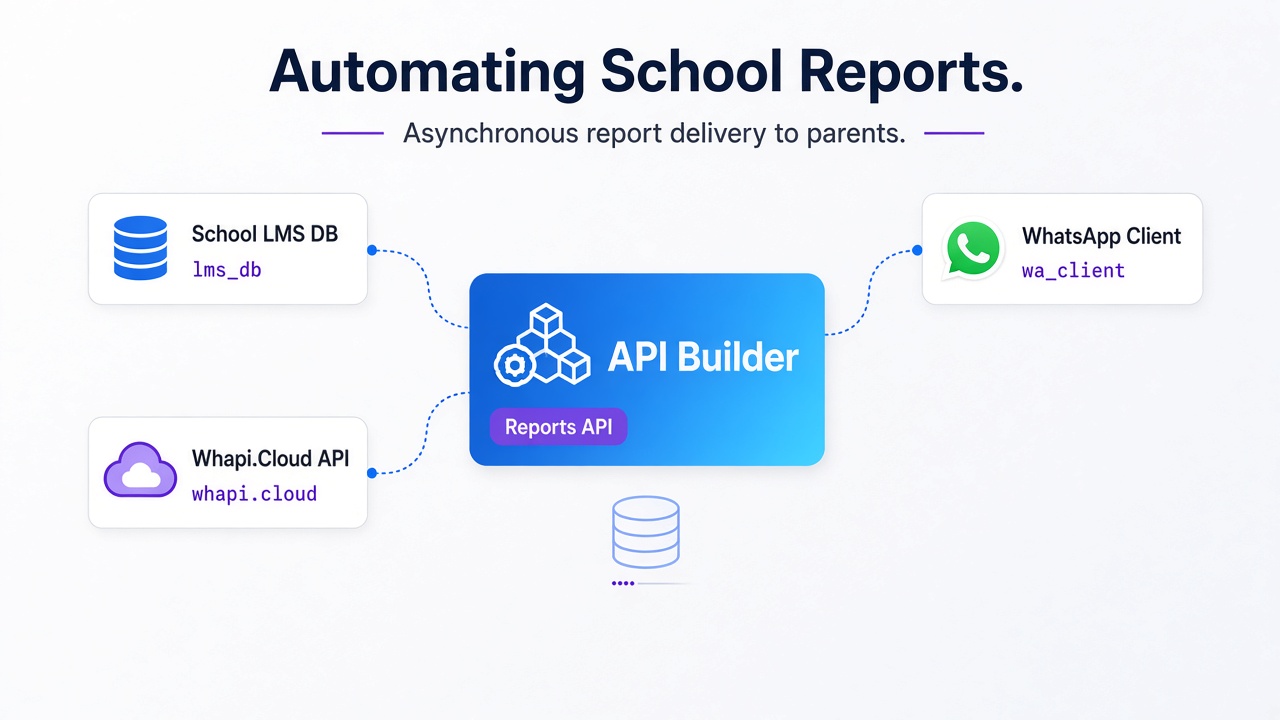
The solution was built around the direct-stream delivery pattern. Instead of exposing files on public buckets, the Node.js backend retrieves the PDF directly from a secure, encrypted local storage volume and streams it as a Base64-encoded binary string directly to Whapi.Cloud's /messages/document endpoint. Because Whapi.Cloud processes the binary stream instantly over secure SSL sockets, the file is transmitted directly to the device without ever being cached on a public web server.
To manage the notification pipeline, the clinic deployed a relational database table to track appointment states and notification dispatches. This structure ensures that reminders are sent exactly 24 hours and 2 hours before the scheduled appointment, with automatic retry limits in case of network failures.
| Column Name | Data Type | Description |
|---|---|---|
id |
UUID (PK) | Unique identifier for the appointment record. |
patient_phone |
VARCHAR(20) | Recipient's phone number in E.164 format. |
appointment_time |
TIMESTAMP | Scheduled date and time of the medical consultation. |
notification_state |
VARCHAR(15) | State: pending, sent_24h, sent_2h, failed. |
last_attempt |
TIMESTAMP | Timestamp of the last API dispatch attempt. |
pdf_path |
VARCHAR(255) | Secure, internal file path to the generated lab report PDF. |
Node.js Implementation: Sending Secure PDF Reports via Whapi.Cloud
The following script, which you can expand using our Node.js WhatsApp bot tutorial, demonstrates how to implement the direct-stream delivery pattern. It reads a local PDF file, encodes it to Base64, and dispatches it securely using Whapi.Cloud's REST API.
const fs = require('fs');
const path = require('path');

async function sendSecurePatientReport(patientPhone, localFilePath, appointmentId) {
  try {
    // Verify the file exists locally on our secure storage volume
    if (!fs.existsSync(localFilePath)) {
      throw new Error(`File not found at path: ${localFilePath}`);
    }

    // Read and convert the PDF directly to a Base64 data URI
    // This avoids hosting the file on a public URL, preventing HIPAA leaks
    const fileBuffer = fs.readFileSync(localFilePath);
    const base64Data = fileBuffer.toString('base64');
    const dataUri = `data:application/pdf;base64,${base64Data}`;

    const payload = {
      to: patientPhone, // Recipient's WhatsApp ID or phone number
      media: dataUri,
      filename: `report_${appointmentId}.pdf`,
      caption: 'Your secure medical lab results are attached. Thank you for choosing Delhi Clinic.'
    };

    // Dispatching directly to Whapi.Cloud's document endpoint
    const response = await fetch('https://gate.whapi.cloud/messages/document', {
      method: 'POST',
      headers: {
        'Authorization': `Bearer ${process.env.WHAPI_TOKEN}`,
        'Content-Type': 'application/json'
      },
      body: JSON.stringify(payload)
    });

    const result = await response.json();

    // Without checking response.ok here, silent network timeouts or invalid
    // tokens will result in unhandled promise rejections, leaving the clinic
    // database in a false 'sent' state while the patient receives nothing.
    if (!response.ok) {
      throw new Error(`Whapi API Error: ${result.message || response.statusText}`);
    }

    console.log(`Report sent successfully to ${patientPhone}. Message ID: ${result.message?.id}`);
    return true;
  } catch (error) {
    console.error(`Failed to send secure report for appointment ${appointmentId}:`, error.message);
    // Trigger internal alert to front-desk operators for manual follow-up
    return false;
  }
}
By deploying this automated workflow, the clinic achieved a 7:1 ROI within the first month. Clinic staff waste hours on manual calls; automated WhatsApp reminders cut no-shows by seventy percent. They successfully reduced patient no-shows from 22% to 14.3% (a 35% reduction), while saving 30.8 staff hours per week by eliminating manual phone outreach. Similarly, Delhi Clinic saved over ₹8 Lakhs/year in front-desk administrative costs and cut no-shows from 40% to 12% after deploying automated WhatsApp reminders.
Delivering App-Free Smart Lock Webkeys Directly to Guest WhatsApp Threads
Contactless check-in is a standard expectation in modern hospitality, yet traditional digital key systems suffer from low adoption. The pattern we encounter most often is that guests refuse to download proprietary mobile apps just to unlock their hotel room door.
The Challenge: Low Guest Adoption of Proprietary Hotel Apps
A boutique hotel group integrating smart locks discovered that less than 15% of guests downloaded their custom mobile app prior to arrival. Front-desk staff still had to manually issue physical RFID keycards, defeating the purpose of their expensive digital lock upgrade. The hotel group needed a frictionless, app-free method to deliver digital room keys directly to the guest's preferred messaging app.
The Architecture: PMS Integration and FLEXIPASS Webkey Generation
Proprietary hotel apps increase friction; WhatsApp Webkeys deliver instant contactless room access. The hotel group bypassed the app download barrier by integrating their Property Management System (PMS) with the FLEXIPASS API and Whapi.Cloud. Instead of a native app, the system generates a browser-based "Webkey"--a secure, temporary cryptographic link that communicates with the lock over Bluetooth directly from a standard mobile browser.
When a guest's booking status changes to "Checked In" inside the PMS, a webhook triggers a backend service. This service calls the FLEXIPASS API to generate the Webkey URL for the specific room and duration, then dispatches the secure link to the guest's WhatsApp number via Whapi.Cloud.
The Workflow: Automated Check-in and Digital Key Delivery
We won't cover the physical installation and hardware configuration of smart locks (such as ASSA ABLOY or TTLock) here--this is handled by certified hardware installers. From a software perspective, the automated key delivery workflow operates in three distinct steps:
-
Booking Validation: The PMS detects check-in readiness and verifies that the guest's phone number is active on WhatsApp.
-
Webkey Provisioning: The backend calls the lock provider's API to generate a temporary, secure URL bound to the guest's room. This request passes the room ID and a Unix timestamp for validity.
-
Frictionless Dispatch: Whapi.Cloud sends a personalized welcome message containing the Webkey link directly to the guest's WhatsApp thread. The message is dispatched via a simple HTTP POST request to the
/messages/textendpoint.
By delivering Webkeys directly via WhatsApp, guest adoption of digital keys skyrocketed from 15% to over 85%. The hotel group completely eliminated front-desk check-in queues during peak hours, allowing staff to focus on guest hospitality rather than administrative keycard handovers.
Beating Amazon's Dynamic Pricing with Python Scrapers and Scheduled Alerts
Small e-commerce retailers and physical shop owners struggle to compete with massive online marketplaces that employ real-time dynamic pricing algorithms. To protect their margins, small businesses must monitor competitor pricing constantly and react instantly to sudden market shifts.
The Challenge: Losing Sales to Dynamic Retail Algorithms
Dynamic pricing algorithms drain retail margins; scheduled WhatsApp alerts enable instant price matching. When online marketplaces drop prices on popular electronics or accessories, local retail shop owners often remain unaware of the change for days. Customers walk into physical stores, compare prices on their phones, and walk out. Traditional monitoring tools are either too expensive or fail to deliver alerts to the channels where business owners actually spend their time.
The Architecture: Python Scraper, Kestra Orchestration, and Whapi.Cloud Alerts
To solve this, developers built a price intelligence system combining a Python-based scraper, Kestra orchestrator, and Whapi.Cloud. The Python script uses BeautifulSoup to scrape Google Shopping and target marketplace listings daily. Kestra orchestrates the workflow, running the scraper on a schedule, analyzing price trends, and triggering a WhatsApp alert whenever a competitor's price drops below a specific threshold.
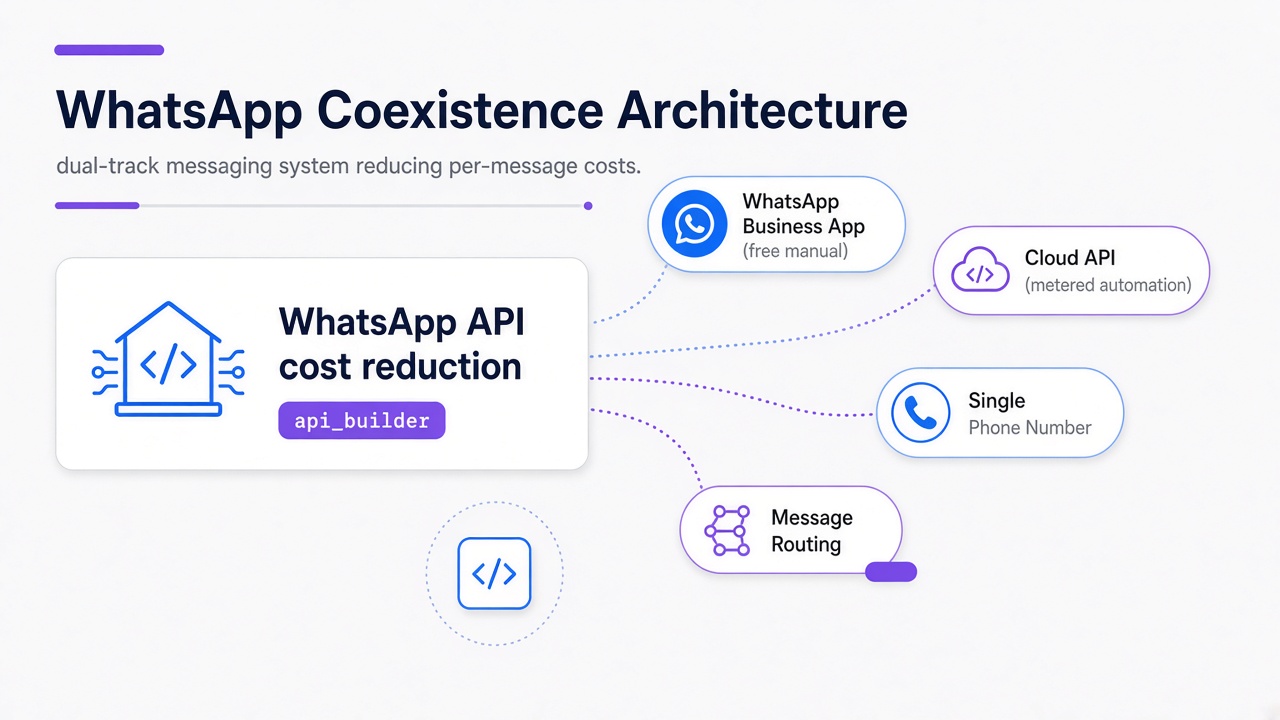
Official APIs charge per template message; flat-rate subscriptions ensure predictable high-volume billing. In the official WhatsApp Business API, businesses are charged per-conversation fees based on marketing, utility, or authentication categories, making high-volume price alerts financially unpredictable. In Whapi.Cloud, you pay a flat-rate monthly subscription with zero per-message fees, as Whapi.Cloud does not route messages through Meta's metered billing infrastructure.
Python Implementation: Scraping and Alerting via WhatsApp
Scrapers detect marketplace price drops; Kestra orchestrates immediate WhatsApp alerts to owners. The following script, built on the core principles of our Python WhatsApp bot tutorial, demonstrates how to scrape a product page and send an instant price alert with an image directly to a WhatsApp group using Whapi.Cloud.
import requests
import os
from bs4 import BeautifulSoup

def check_price_and_alert(product_url, target_price, group_chat_id):
    # Set headers to avoid basic bot detection blocks
    headers = {
        "User-Agent": "Mozilla/5.0 (Windows NT 10.0; Win64; x64) AppleWebKit/537.36"
    }

    response = requests.get(product_url, headers=headers)
    if response.status_code != 200:
        print(f"Failed to fetch product page. Status: {response.status_code}")
        return False

    soup = BeautifulSoup(response.content, "html.parser")

    # Extract product details (selectors adapted to target marketplace)
    title_element = soup.find("span", {"id": "productTitle"})
    price_element = soup.find("span", {"class": "a-price-whole"})
    image_element = soup.find("img", {"id": "landingImage"})

    if not price_element or not title_element:
        print("Could not parse product details. Selectors may have changed.")
        return False

    product_title = title_element.get_text().strip()
    current_price = float(price_element.get_text().replace(",", "").strip())
    image_url = image_element["src"] if image_element else None

    # Trigger alert if the competitor price drops below our target threshold
    if current_price <= target_price:
        payload = {
            "to": group_chat_id, # Target WhatsApp Group ID (e.g., [email protected])
            "media": image_url,
            "caption": f"🚨 COMPETITOR PRICE DROP ALERT!\n\nProduct: {product_title}\nCompetitor Price: ₹{current_price}\nTarget Price: ₹{target_price}\n\nAction Required: Match the price on our store immediately."
        }

        # Dispatch the alert with the product image to the store owner's WhatsApp group
        api_response = requests.post(
            "https://gate.whapi.cloud/messages/image",
            headers={
                "Authorization": f"Bearer {os.getenv('WHAPI_TOKEN')}",
                "Content-Type": "application/json"
            },
            json=payload
        )

        # If the API token expires or the channel goes offline, this request fails.
        # Without handling the response status here, the scraper will silently fail
        # to alert the owner, leaving them selling at uncompetitive rates.
        if api_response.status_code != 200:
            print(f"Failed to send Whapi alert. Response: {api_response.text}")
            return False

        print("Price drop alert sent successfully!")
        return True

    print(f"Price is stable at ₹{current_price}. No alert needed.")
    return False
We won't cover the details of setting up a Python scraper on a production cloud VM, or the details of configuring FLEXIPASS hardware locks. However, by orchestrating this scraper with Kestra, retail owners receive real-time market intelligence reports directly on their phones. This allows them to adjust their pricing dynamically, reclaiming lost sales and staying competitive against marketplace giants.
Why Developers Choose Whapi.Cloud Over the Official Meta API
Choosing the right integration path depends entirely on your project's operational scale, compliance requirements, and budget constraints. While official APIs are necessary for highly regulated enterprises, Whapi.Cloud offers unparalleled speed and flexibility for developers and fast-growing SaaS startups.
Onboarding Friction: 2-Minute QR Scan vs. Weeks of Meta Verification
Weeks of Meta business verification delay deployment; two-minute QR scans launch instant automation. In the official WhatsApp Business API, onboarding requires a Facebook Business Manager account, extensive legal documentation, and a rigorous business verification process that can take weeks. If your business category is restricted, you may be blocked from the platform entirely.
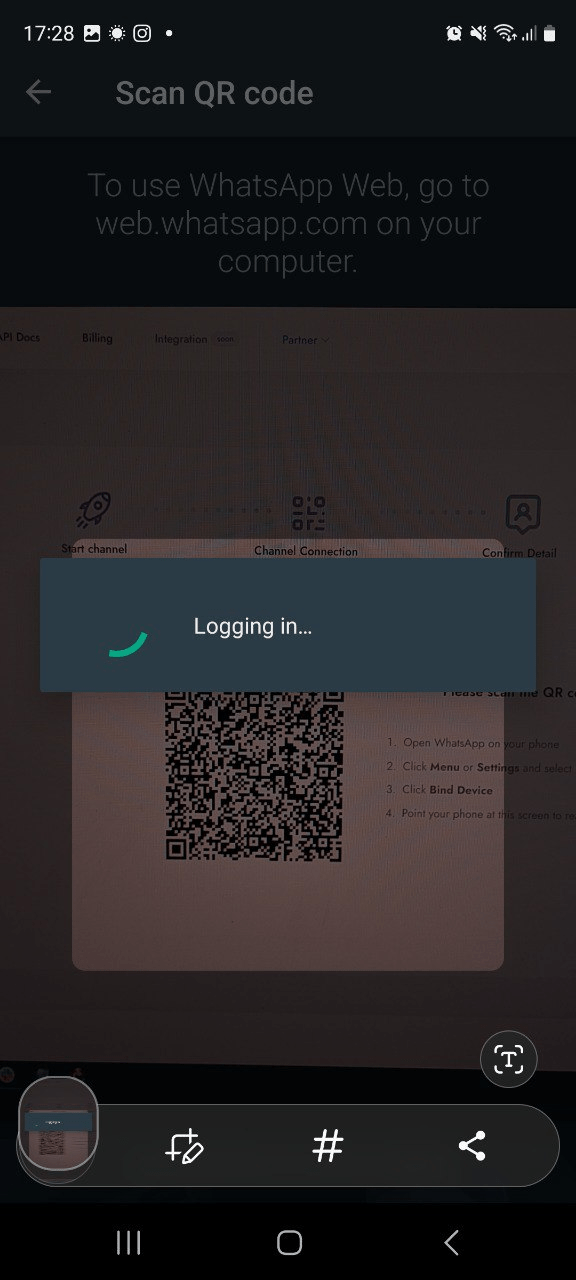
With Whapi.Cloud, onboarding is reduced to a simple QR code scan. You can connect any existing WhatsApp number--including standard business or personal numbers--and start sending API requests almost immediately. This rapid setup makes Whapi.Cloud the ideal solution for rapid prototyping, vertical software integrations, and immediate production deployments.
Cost Predictability: Flat Subscription vs. Metered Template Fees
Official APIs charge per template message; flat-rate subscriptions ensure predictable high-volume billing. In the official WhatsApp Business API, pricing is metered per conversation and categorized into utility, marketing, or authentication, leading to unpredictable monthly bills. In Whapi.Cloud, you pay a flat monthly subscription per connected number with unlimited messaging, since Whapi.Cloud's subscription model eliminates per-message fees entirely.
This predictable billing allows developers and finance teams to scale their WhatsApp automation workflows with complete confidence, knowing their monthly invoice will remain exactly the same regardless of message volume.
For teams that require both paths, a hybrid architecture is highly effective. You can use the official API for compliant, user-initiated customer support, while routing high-volume group notifications, secure document delivery, and automated alerts through Whapi.Cloud's socket-based gateway. This approach combines enterprise compliance with developer-first flexibility.
If you are ready to build your own high-utility WhatsApp automation, you can register for a free account on the Whapi.Cloud Portal. Explore our comprehensive API Documentation and download our open-source boilerplates on GitHub to launch your integration in minutes.