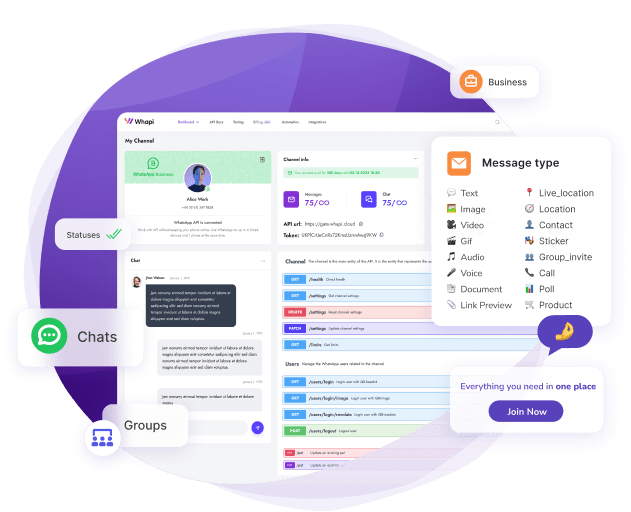
Most WhatsApp MCP tutorials stop at Claude Desktop. This Whapi.Cloud guide is written for developers using Cursor, VS Code, and GitHub Copilot -- with copy-paste JSON configs and a working verification step for each.
WhatsApp automation once required custom code -- REST clients, webhook handlers, session management, and token refresh logic. whapi-mcp replaces all of that with a natural language command to your AI agent. Install the MCP server once, paste a JSON config, and the full WhatsApp tool library is available to any MCP-compatible client you already use.
What MCP Actually Is
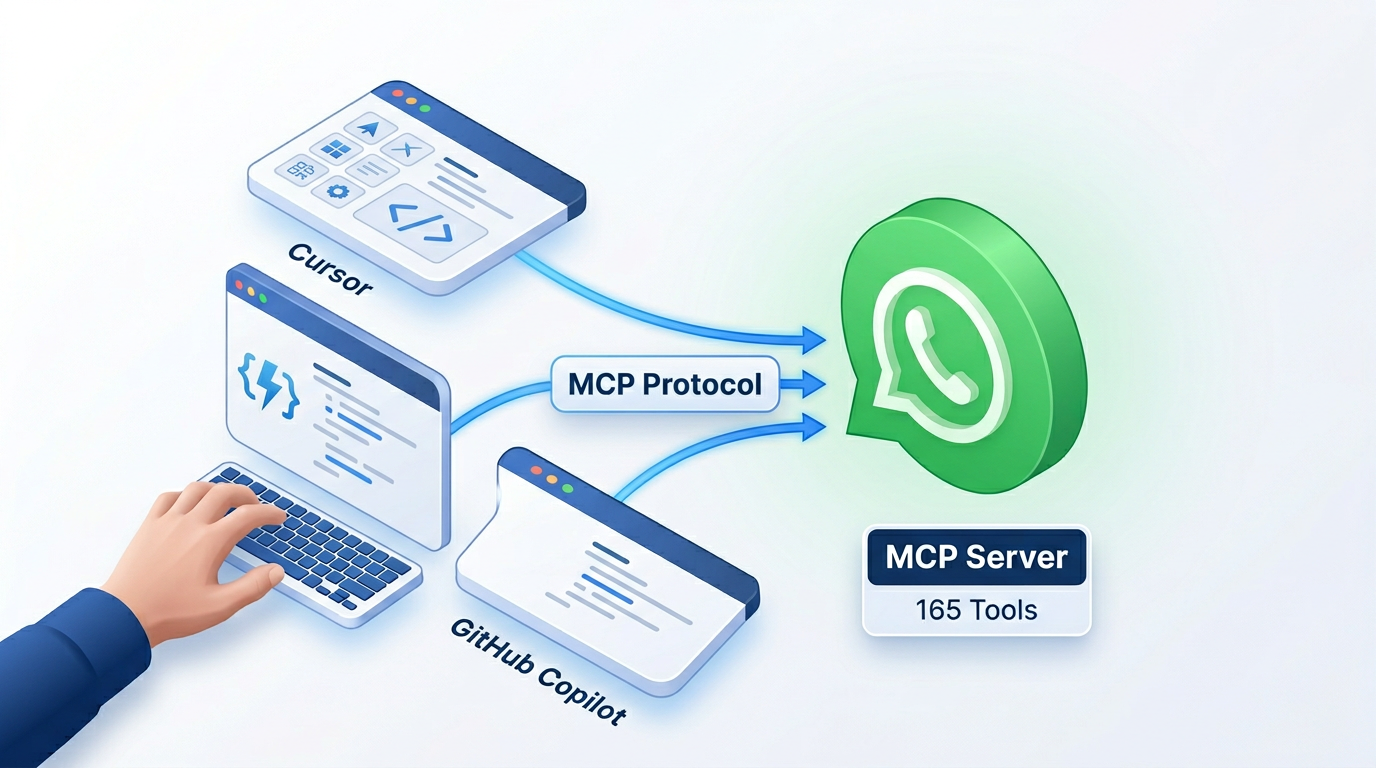
MCP -- Model Context Protocol -- is a plugin system for AI agents to call real external tools. One interface, many compatible clients: run one MCP server and every connected agent can use its tools without separate integrations per client.
Without MCP, your agent can only suggest actions. With MCP, it executes them -- calls an API, reads a message thread, sends a reply, confirms delivery. The gap between suggestion and automation is tool access.
What whapi-mcp Gives You
whapi-mcp is an MCP server built by Whapi.Cloud that wraps the Whapi REST API and exposes it as structured tools to any MCP-compatible AI agent. Auto-generated from the Whapi OpenAPI spec, the tools cover messages, groups, channels, contacts, media, labels, and more -- 165 in total.
It works in Cursor, VS Code Agent Mode, GitHub Copilot Chat, Windsurf, and Claude Desktop. All five clients use the same @whapi-cloud/whapi-mcp npm package. Only the config file path differs between them.
Unlike QR-based bridges, whapi-mcp connects through Whapi's production infrastructure -- no local session files, no re-scans after network drops, no midnight reconnects. Stability is managed in the cloud, not on your dev machine.
| Feature | whapi-mcp (Whapi.Cloud) | QR Bridge (local session) |
|---|---|---|
| Session stability | Production-stable, cloud-managed | Drops on network interruption; requires QR re-scan |
| Setup time | Under 10 minutes (one npx command) | 30 -- 60 min (local server + QR scan + port config) |
| Multi-number support | Yes -- multiple channels per account | Typically one number per server instance |
| MCP tool coverage | 165 structured tools from OpenAPI spec | Varies; often requires custom wrappers |
| Groups and Channels API | Full access | Partial or unreliable |
Before You Start
Check these prerequisites before running any install command:
-
Node.js 18 or later -- required to run
npx. Verify withnode -vin your terminal. -
Whapi API token -- register at whapi.cloud, connect a WhatsApp number, and copy the token from your channel settings in the Whapi dashboard.
-
MCP-compatible IDE -- Cursor (any recent version), VS Code with Agent Mode enabled, or GitHub Copilot Chat in VS Code 1.99+ with an eligible Copilot plan.
Connect WhatsApp MCP in 10 Minutes
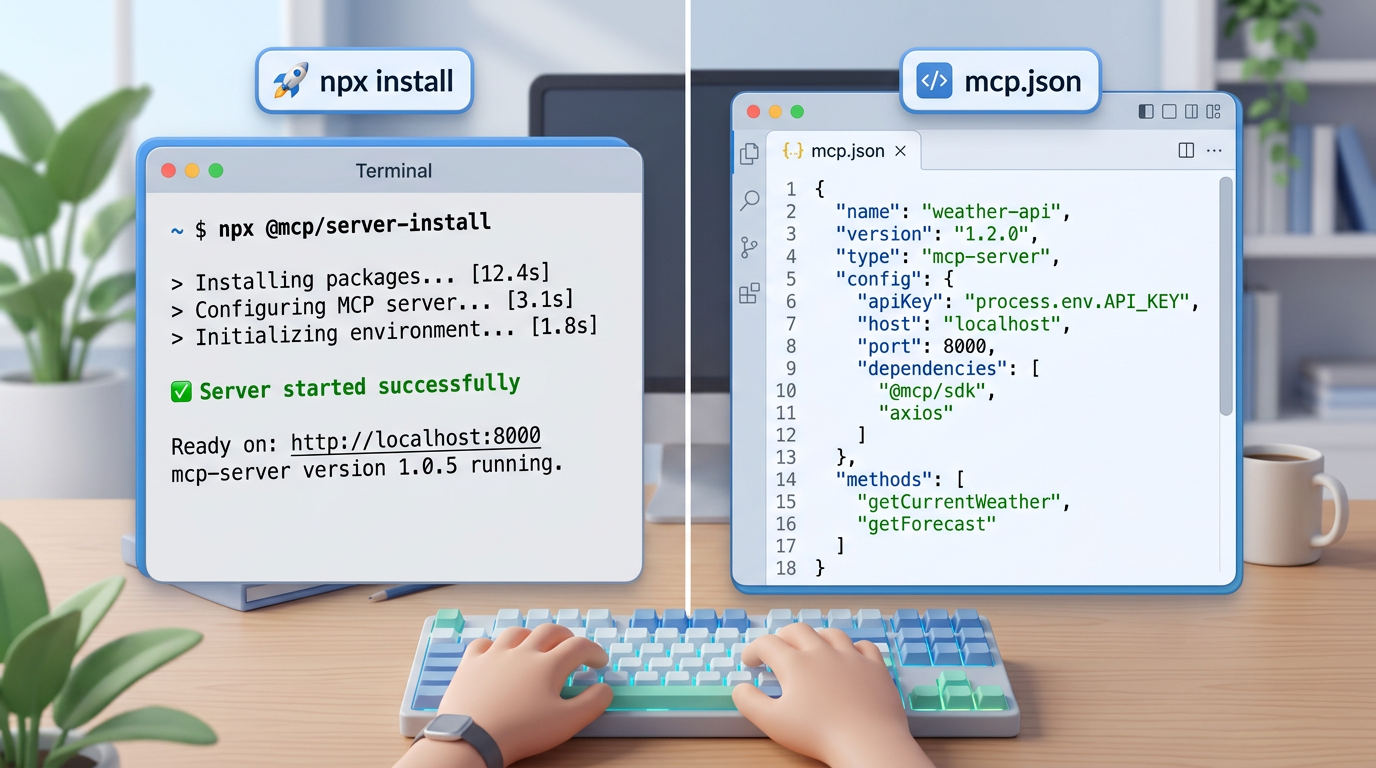
Cursor, VS Code, and GitHub Copilot all use the same @whapi-cloud/whapi-mcp package -- only the config file path differs. Install the package once via npx; configure it once per IDE.
Step 1 -- Run the Server Once to Verify
Before configuring any IDE, run this in your terminal to confirm the package resolves and the token is valid:
npx -y @whapi-cloud/whapi-mcp --api-token YOUR_WHAPI_TOKENReplace YOUR_WHAPI_TOKEN with your actual token. If the MCP server starts without errors -- the token works. No global npm install needed; the IDE config runs npx automatically on startup.
Step 2 -- Configure Your IDE
Each IDE reads MCP server configuration from a specific JSON file. The inner structure is nearly identical across all three clients -- only the outer key and the file location differ.
Cursor
Create or edit ~/.cursor/mcp.json for a global config (applies to all projects), or .cursor/mcp.json inside your project root for a project-scoped config:
{
  "mcpServers": {
    "whapi": {
      "command": "npx",
      "args": ["-y", "@whapi-cloud/whapi-mcp", "--api-token", "YOUR_WHAPI_TOKEN"]
    }
  }
}
Save, restart Cursor, and open the agent panel -- the whapi tools appear in the available tool list.
VS Code (Agent Mode)
Create .vscode/mcp.json in your workspace root. VS Code Agent Mode reads this file automatically. Note the "type": "stdio" key -- required by VS Code's MCP config schema:
{
  "servers": {
    "whapi": {
      "type": "stdio",
      "command": "npx",
      "args": ["-y", "@whapi-cloud/whapi-mcp", "--api-token", "YOUR_WHAPI_TOKEN"]
    }
  }
}
Enable Agent Mode in VS Code settings if it is not already active. The whapi server will start when you open the agent panel.
GitHub Copilot (VS Code)
For GitHub Copilot Chat in VS Code, add the MCP entry to your user-level settings.json, or create .github/copilot/mcp.json in the project root. MCP support requires VS Code 1.99+ and an eligible Copilot plan:
{
  "mcpServers": {
    "whapi": {
      "command": "npx",
      "args": ["-y", "@whapi-cloud/whapi-mcp", "--api-token", "YOUR_WHAPI_TOKEN"]
    }
  }
}
Open Copilot Chat in Agent mode after saving -- whapi tools appear in the tool picker.
Claude Desktop
If you also use Claude Desktop, the config goes into claude_desktop_config.json. The structure is identical to the Cursor config:
{
  "mcpServers": {
    "whapi": {
      "command": "npx",
      "args": ["-y", "@whapi-cloud/whapi-mcp", "--api-token", "YOUR_WHAPI_TOKEN"]
    }
  }
}
Step 3 -- Secure Your Token
Never paste the Whapi API token into a config file you commit to version control. Reference an environment variable instead -- most MCP clients support an "env" key in the server config:
{
  "mcpServers": {
    "whapi": {
      "command": "npx",
      "args": ["-y", "@whapi-cloud/whapi-mcp", "--api-token", "${WHAPI_TOKEN}"]
    }
  }
}
Set WHAPI_TOKEN in your system environment or a .env excluded from git. Add the config file to .gitignore if it holds a raw token. Full examples are in the Whapi MCP setup guide.
Verify Your Connection
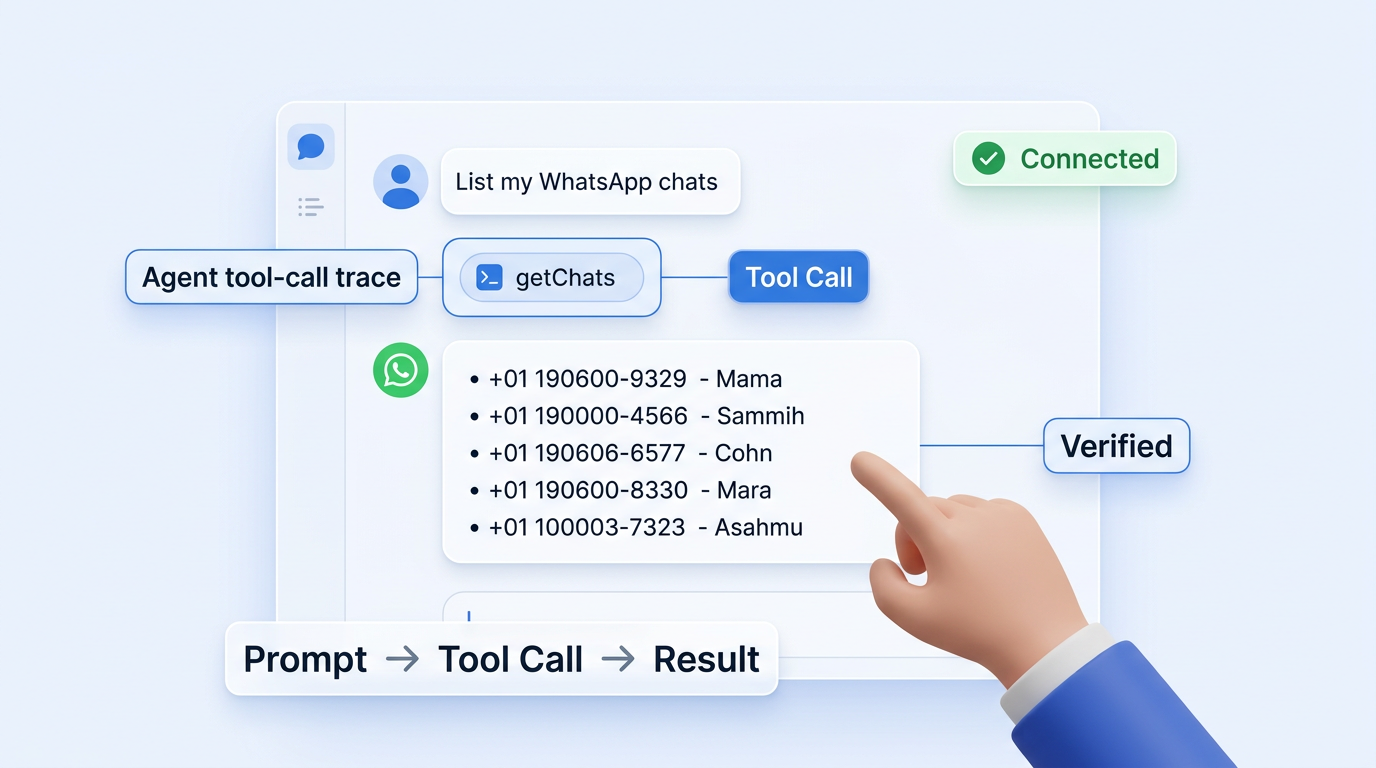
After restarting the IDE, open your AI agent and run:
List my WhatsApp chatsA working connection returns your recent chats with their Chat IDs. If they appear -- setup is done. Your AI agent now has direct WhatsApp access.
MCP server errors almost always trace to two mistakes: wrong config file path, or trailing commas in the JSON. Both cause silent parse failures.
What You Can Do -- 6 Real Use Cases
Connect MCP once; your AI agent sends messages, manages groups, and reads chats via a plain English prompt. Six operations that work out of the box after setup:
-
"Send a message to John saying his order is ready" -- the agent calls
sendMessageTextwith John's Chat ID and the message body. -
"Create a WhatsApp group called Sprint Team and add these 5 numbers" -- calls
createGroupto create the group, thenaddGroupParticipantwith the participant array. -
"Read the last 20 messages from the support chat" -- calls
getMessageswith the chat ID and count. Returns the full thread. -
"Send the invoice.pdf to the client on WhatsApp" -- calls
sendMessageDocumentwith the file reference and recipient Chat ID. -
"List all unread chats and summarize their topics" -- calls
getChatsfor the chat list, thengetMessagesper chat -- the AI surfaces and summarizes context. -
"Post a product update to our WhatsApp channel" -- calls
sendMessageTextwith the channel'sCHANNELID@newsletterChat ID as the recipient.
Each prompt maps to one tool call. The agent selects the tool, fills the parameters, and returns the result -- no integration code to write or maintain.
Whapi Agent Skill -- Eliminate Format Errors
AI agents hallucinate WhatsApp Chat IDs. Without explicit format knowledge, the model invents structurally wrong identifiers -- and the tool call fails even when the agent selects the right tool.
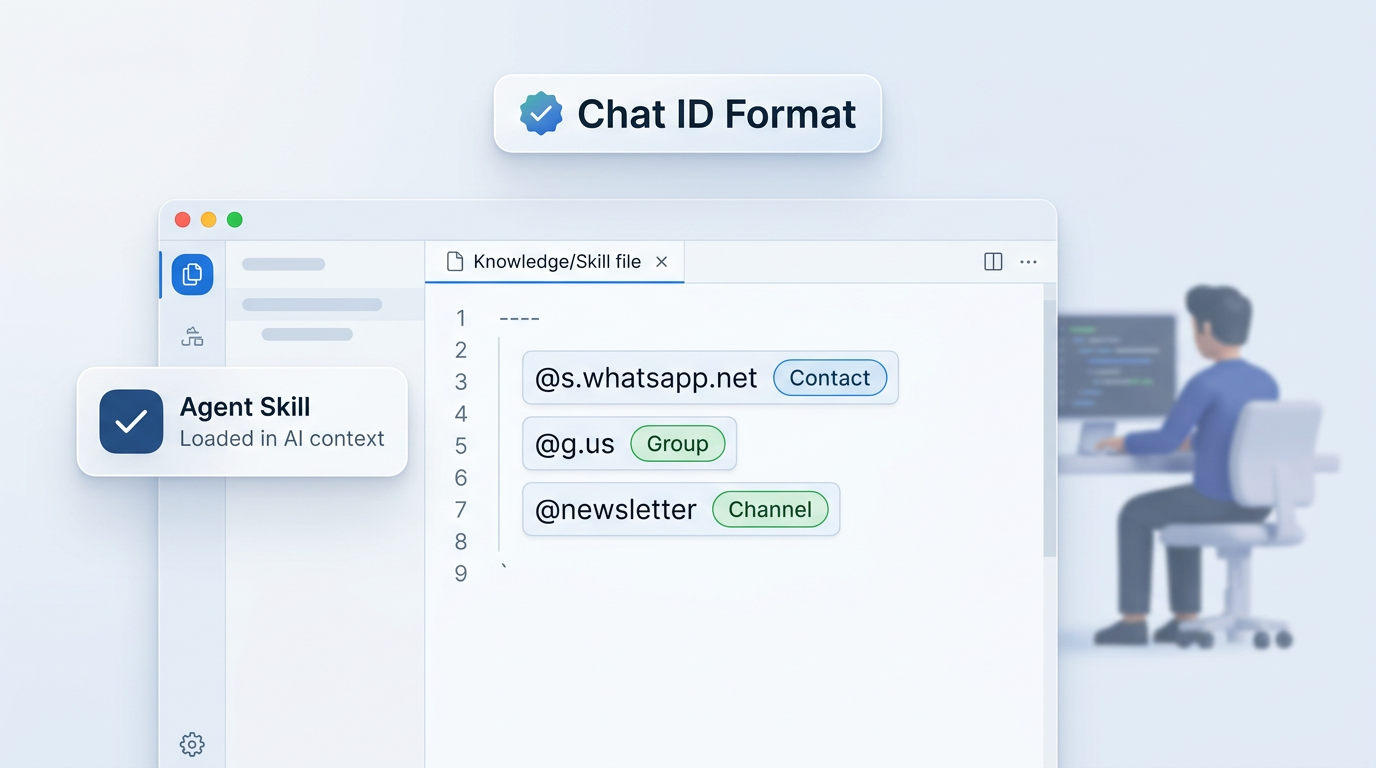
WhatsApp uses three distinct Chat ID formats that must be used exactly:
-
[email protected]-- individual contacts (e.g.,[email protected]) -
[email protected]-- group chats (e.g.,[email protected]) -
CHANNELID@newsletter-- WhatsApp Channels (e.g.,120363123456789012@newsletter)
The Whapi Agent Skill is a downloadable knowledge file for Cursor and VS Code. Install it once -- the agent loads Chat ID format rules and usage patterns into its context before every session. First-attempt success rate improves; Chat ID debugging drops to near zero.
Install instructions are in the Whapi Agent Skills guide. Use whapi-mcp and the Agent Skill together -- they're built for it.
Quick Troubleshooting
Three issues that account for most failed setups:
-
MCP server not found after IDE restart -- the config file is in the wrong path or has a JSON syntax error. Cursor global config lives at
~/.cursor/mcp.json. VS Code reads.vscode/mcp.jsonfrom the workspace root. Validate your JSON with a linter -- trailing commas cause silent parse failures. -
Authentication error or 401 response -- the API token is invalid, expired, or was pasted with extra whitespace. Re-copy it directly from your Whapi dashboard channel settings and replace the value in your config.
-
npx fails to resolve the package -- confirm Node.js 18+ is installed (
node -v). On corporate or VPN networks, check that npm registry access is not blocked. Trynpm install -g @whapi-cloud/whapi-mcpas a fallback and update the config to use"command": "whapi-mcp".
For edge cases and additional config patterns, see the Whapi MCP setup guide. The source code and open issues are on GitHub (Whapi-Cloud/whapi-mcp).
Get your API token and run your first WhatsApp agent command in under 10 minutes. If you hit an edge case not covered here, open the support chat on this page -- the Whapi team responds quickly.