TL;DR: WhatsApp now shares status updates with contacts you've recently messaged, even if they haven't saved your number. Your organic status audience just expanded automatically. Whapi.Cloud's Status API already supports this -- publish a status with one POST call, receive view events via webhook, and pull viewer analytics by message ID.
WhatsApp Just Expanded Who Sees Your Status
Until now, WhatsApp status updates were only visible to contacts who had saved each other's numbers. That changed in April 2026.
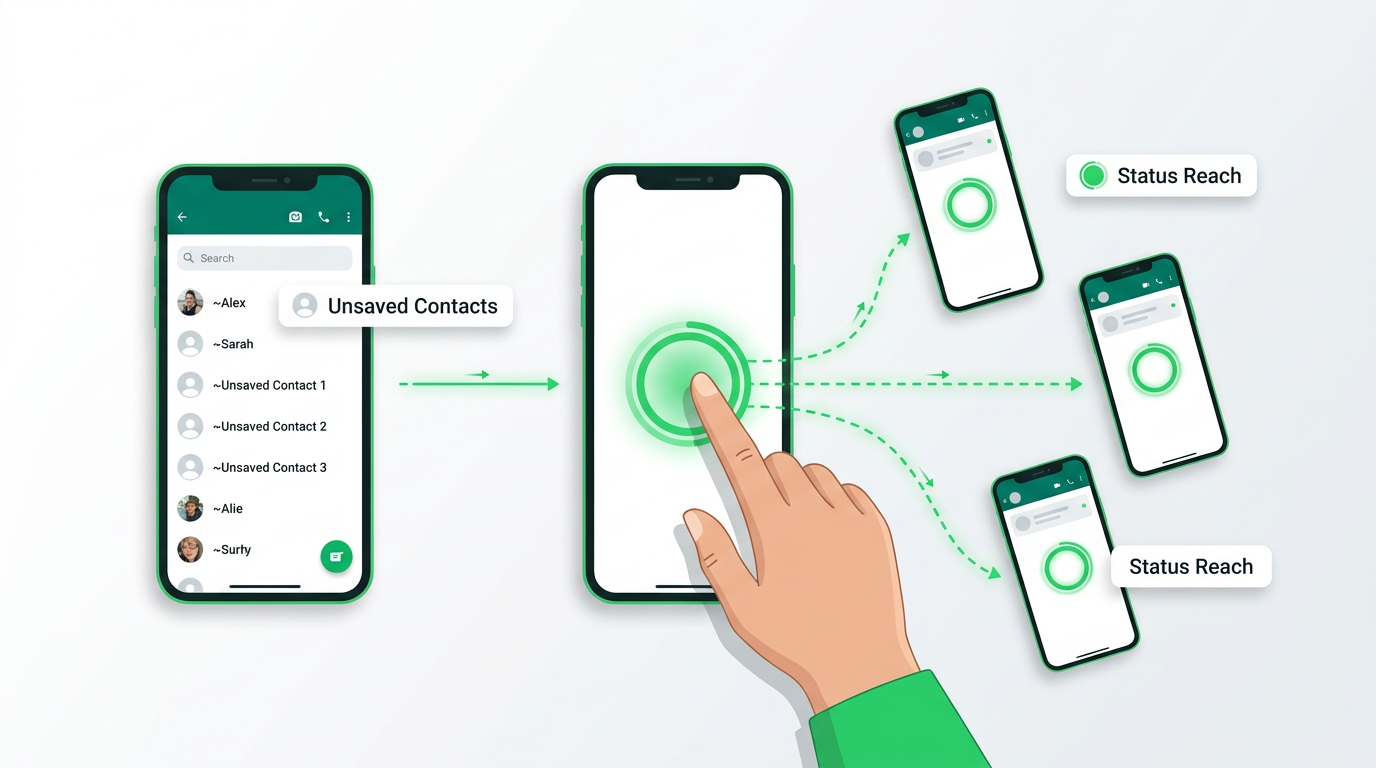
According to a WABetaInfo report from April 2026, WhatsApp is rolling out a feature that allows recently-interacted contacts (people you've messaged or called) to see your status updates, even if your number isn't saved in their phone. The rollout is currently active in select regions on the latest WhatsApp for Android, iOS, and Web.
Before this update, status visibility required both users to save each other's numbers. Now a recent conversation is enough. One exchange establishes the connection; the status audience follows automatically.
How the New Visibility Works
The mechanism is built on on-device interaction history, not server-side data. WhatsApp checks your local message and call logs to identify recent contacts. No interaction data leaves the device.
Unsaved senders appear with a tilde (~) prefix before their push name, so recipients always know who they are. There is no ambiguity: the tilde is a deliberate UI signal that this contact is not in the address book.
The anti-spam logic is structural: eligibility requires actual recent interactions. Cold contacts and unsolicited connections don't qualify. Users retain full control; they can hide or report status updates from non-contacts at any time through standard privacy settings.
What This Means for Business Reach
For any business using WhatsApp to communicate with customers, the effect is direct and immediate.
Every conversation thread now adds that contact to your status audience automatically. A customer who sent one message last week and never saved your number can now see your latest announcement, offer, or update. Status reach grows in proportion to the volume of conversations you're already having.
Automate the Opportunity with Whapi.Cloud Status API
The Whapi.Cloud WhatsApp Status API gives you full programmatic control over WhatsApp statuses: publish, receive, and analyze them through a single REST integration.
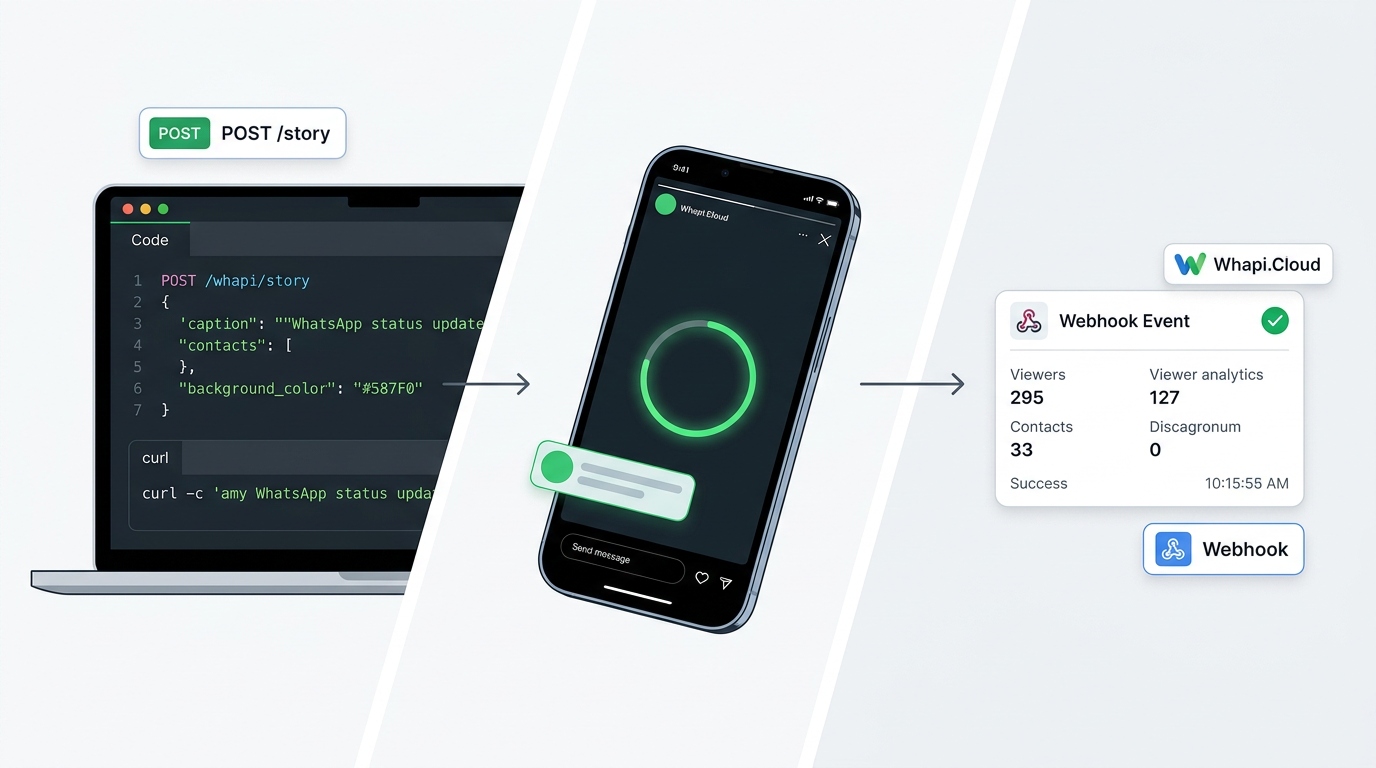
Sending a status takes one POST call. The createStoryText endpoint publishes a text status to all contacts or a defined audience in real time. Pass a contacts array to target specific recipients; omit it to broadcast to all:
curl -X POST "https://gate.whapi.cloud/story/text" \
  -H "Authorization: Bearer YOUR_TOKEN" \
  -H "Content-Type: application/json" \
  -d '{
    "caption": "New update just dropped -- see what changed.",
    "contacts": ["[email protected]"],
    "background_color": "FF075E54"
  }'
Receiving status view events requires no polling. Whapi.Cloud sends a webhook event the moment someone views your status -- your app is notified instantly, the same push-based pattern used across all Whapi.Cloud event types.
To pull view analytics, call getMessageViewStatuses with the status message ID. You get a structured list of who viewed your status and when. The data is ready for reach analysis or timing experiments.
What Comes Next: WhatsApp Usernames
Today's status expansion is a preview of a larger platform shift. When WhatsApp usernames launch (expected in 2026), status will reach contacts by username alone, with no phone number required.
Whapi.Cloud ships API support for new WhatsApp capabilities as they roll out. When status sharing extends to username-based connections, the Whapi.Cloud Status API will cover that without requiring changes to your existing integration.
Want to start automating WhatsApp statuses today? See the full API documentation at whapi.cloud/docs or register to get your API token in seconds.